
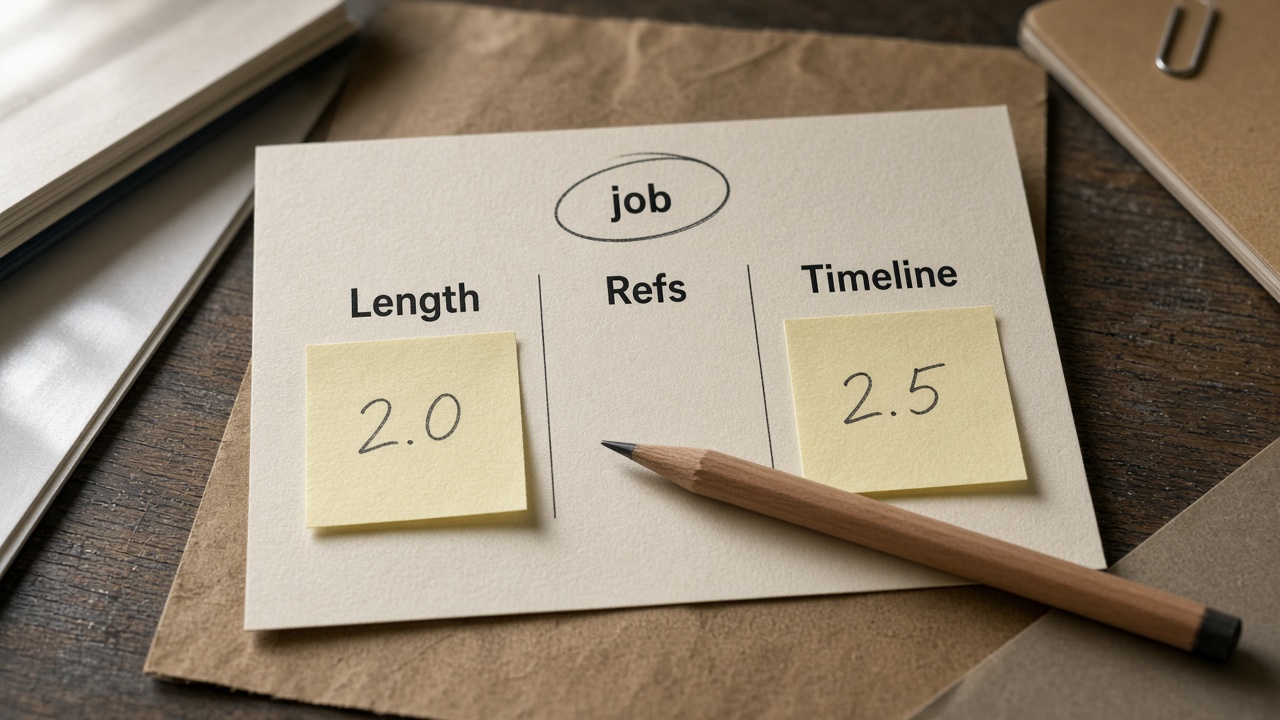
Quick answer: Pick by job—clip length, reference load, and timeline edits—not by “newer wins.” Short 4–15s hooks with a lean board often stay on 2.0; longer single-pass stories, heavy multimodal packs, or mid-clip timed edits belong on 2.5. Start the Seedance 2.5 vs 2.0 choice from the model pages on this site, then confirm duration and credit estimates in the live UI.
You searched seedance 2.5 vs 2.0 because a slogan duel does not ship a deliverable. You need a production split: which model fits this brief. Public Seedance 2.5 how-tos (e.g. BytePlus job-dimension tables) already sort by length, refs, and edit control—we borrow that decision shape and land every CTA on this site’s doors, not a third-party trial.
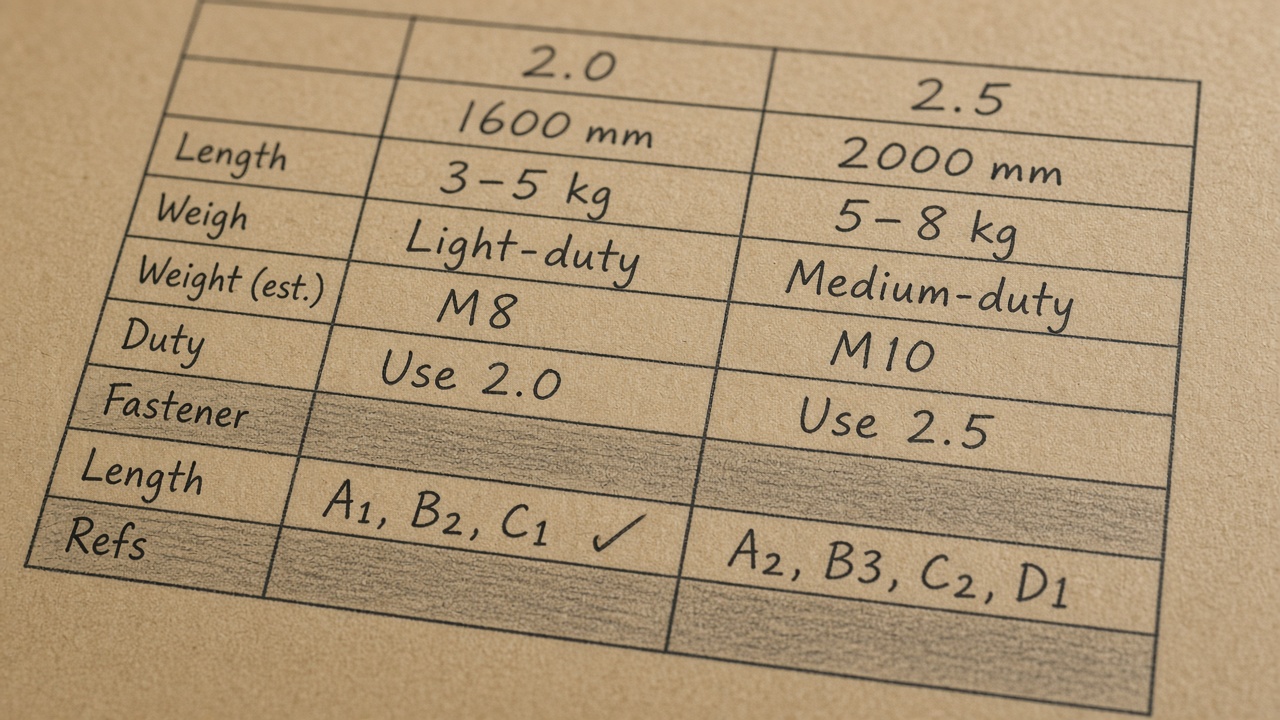
Decision Table (Length / Refs / Timeline)
Read the table as a job filter. Approximate ceilings below come from product-page language; confirm duration, reference slots, resolution, and credit estimates in the live UI before you submit—limits can move.
| Job need | Lean to 2.0 | Lean to 2.5 |
|---|---|---|
| Clip length | ~4–15s hooks | Up to ~30s one pass |
| Image refs | ~9 stills | Up to ~30 stills |
| Video refs | ~3 clips | Up to ~10 clips |
| Audio refs | ~3 beds | Up to ~10 beds |
| Edit shape | Short multimodal | Timed mid-clip edits |
| Delivery | Per UI options | Up to 4K called out |
How to use the table
- Circle the bottleneck: length, ref count, or mid-clip control.
- If none of those are bottlenecks, keep the short path on 2.0.
- Open Seedance 2.5 only when the circled need clearly exceeds 2.0’s job shape.
- Read the on-screen estimate once—do not memorize third-party rate cards.
Job filter (fill before generate):
Length need: [~8s / ~15s / ~30s]
Ref pack: [lean / medium / heavy]
Timed mid edit: [no / yes]
Pick: [2.0 / 2.5]
Confirm in live UI before submit.
Pick 2.5 When These Signals Fire
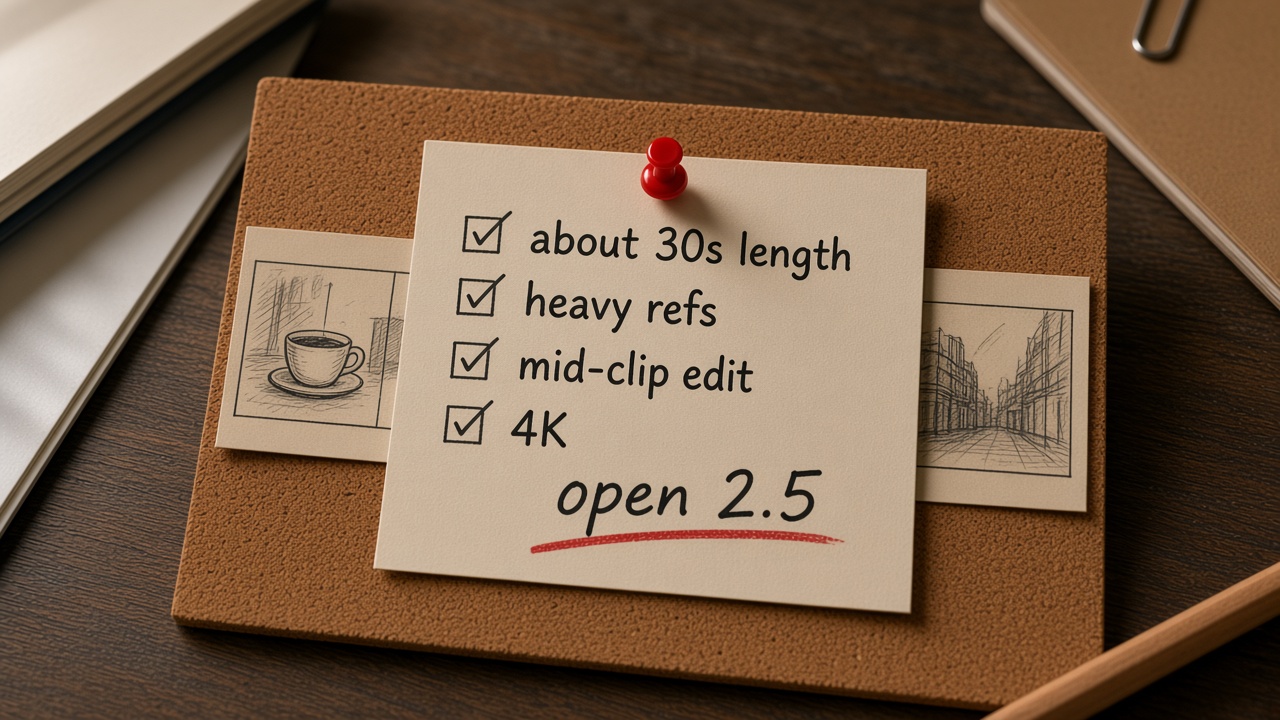
Open 2.5 when length, heavy continuity, or timed mid-clip edits demand it—not when you only want a slightly sharper eight-second loop.
- ~30s narrative — setup, turn, close in one pass instead of stitching many short clips.
- Large ref packs — many stills, motion refs, and audio beds for character / set / sound lock.
- Timed mid-clip edits — change camera or action in a selected range without regenerating the whole story.
- Higher delivery — draft lower, raise toward 1080p / 4K only after the cut is approved (UI options as truth).
Copy block — 2.5 job brief
~30s café window story:
enter → order → read letter → soft smile.
Lock face/wardrobe from images 1–4.
Ambience from audio ref 1.
Seconds 12–18: slow push-in only;
keep lighting and seating unchanged.
Model: Seedance 2.5
Confirm refs + estimate in live UI.
If two or more signals fire, prefer 2.5. If only “wants slightly sharper 8s” fires, stay on 2.0.
When 2.0 Still Wins
Newer is not free. Paying for a ~30s canvas you will trim to eight seconds wastes credits and attention. Stay on Seedance 2.0 when the brief is short and the board is lean.
- Social / product hooks — one reveal, one orbit, one smile. Fits ~4–15s.
- Lean refs — hero still + alternate angle + light SFX. No wardrobe library.
- Rapid trials — three short directions, pick a winner, then decide if 2.5 length is real.
- Teaching loops — prompt shape practice needs tight feedback, not a long pass.
Copy block — short 2.0 beat
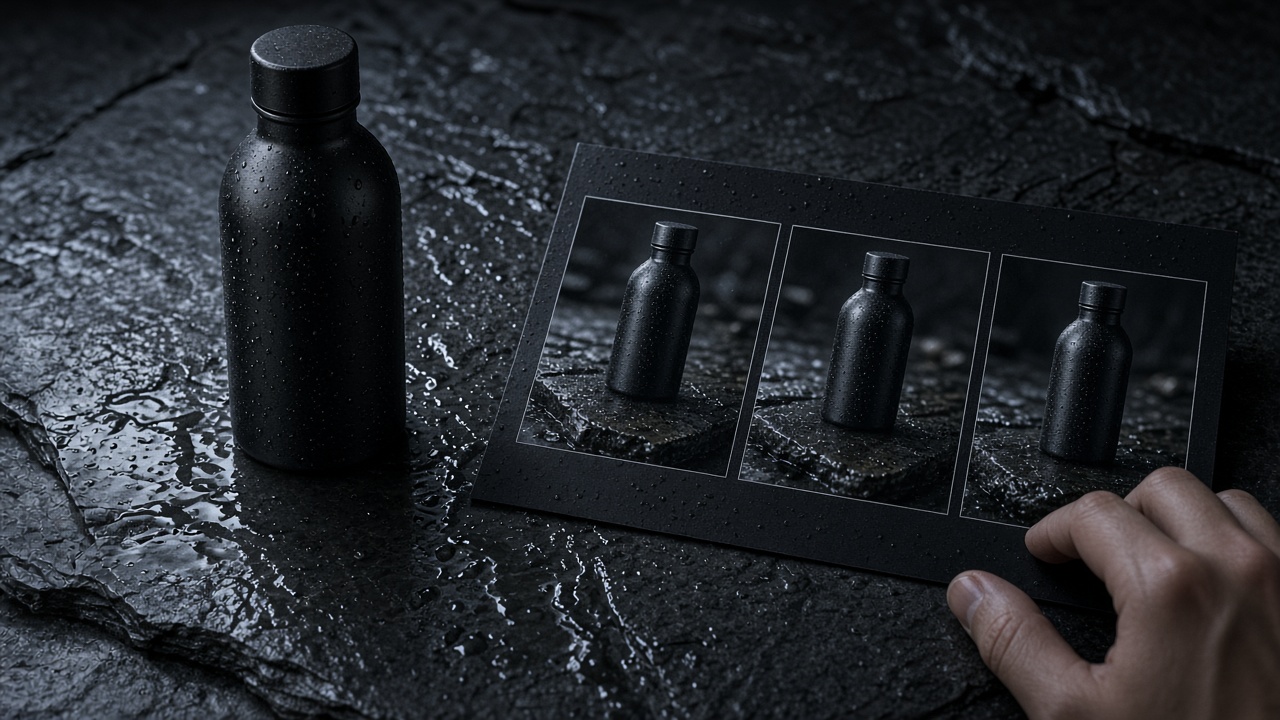
8s product hero: matte bottle on wet slate,
slow orbit, soft drip SFX, no dialogue.
Image 1 locks label typography.
Keep background dark and simple.
Model: Seedance 2.0
Confirm length + estimate in UI.
If the winner still fits under ~15s with a handful of refs, ship on 2.0. Upgrade only when the story outgrows that frame.
Open the Right Door
After the filter, open the matching model page—then confirm length, refs, and estimate in the live UI. Create and pricing stay in Related once the model pick is clear.
- Bottleneck = length / heavy refs / mid-clip → open the 2.5 model page linked above.
- Bottleneck = none (short lean hook) → open the 2.0 model page linked above.
- Read the on-screen estimate once before submit.
- Related → Create / pricing when you are ready to run the job.
Boundary (what this page is not)
- Not a slogan duel or third-party price-table dump.
- Not a deep Fast/Mini prompt guide—draft tiers get one habit only: lock the beat short, then promote.
- Not the three-reference-types sister piece (Image / Video / Audio roles). Stay here until the model pick is clear.
- New slug only—do not overwrite the old
/blog/seedance-2-5-vs-2-0placeholder.
Product CTA
Filter the job with the table, fire 2.5 only on real signals, keep short hooks on 2.0, then open the matching model door and confirm everything in the live UI.
FAQ
Does Seedance 2.5 always replace 2.0?
No. If the brief fits a short clip and a lean board, 2.0 remains the right tool. Upgrade when you need longer narrative, many references, or precise mid-clip edits.
Are the reference and length numbers fixed?
No. Treat product-page figures as approximate. Confirm upload caps, duration options, and credit estimates in the live generator UI before you submit.
Where do plans and free credits live?
Not in every paragraph here. See Related → pricing for plan and credit notes; read the live estimate in the UI.
Related
- Pricing — plans and credit notes (no standalone free page).
- Blog — other Seedance tutorials on this site.
- 3 Reference Types in Seedance 2.5 — sister draft: Image / Video / Audio roles.
- Create · Image to Video · Seedance 2.0 product stills