01
Choose Nano Banana 2
Stay on this page and keep the model on Nano Banana 2. Use Text to Image for a blank start, or Image to Image when you have references to preserve.
Free users generate with a site watermark.
Upgrade to remove watermarkGenerate an image and it will appear here. Your full history is saved in My Creations.
Nano Banana 2 is a fast still-image model for prompt-first generation and reference-guided edits. On Seedance 2.0 you can write the scene, lock ratio and resolution, then review the still in the same workspace before you download it or send a frame into video. Prompts can run to 20,000 characters; edits accept up to 14 JPEG, PNG, or WebP references.
Explore another site dedicated to nano banana 2.
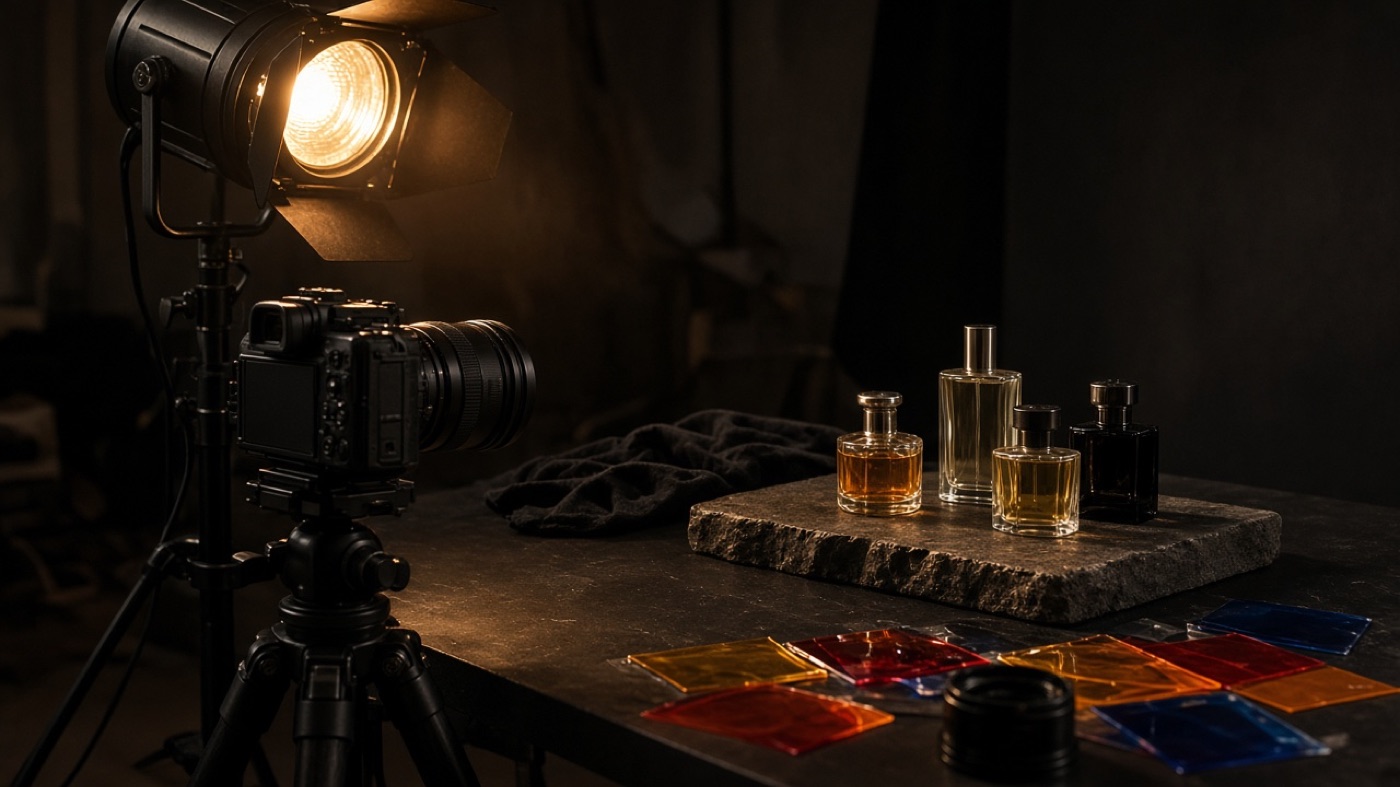
The model is built for short creative cycles: readable type, stable subjects, and output sizes that already match banners, posts, and print comps. The notes below follow the controls you can actually set in the generator.
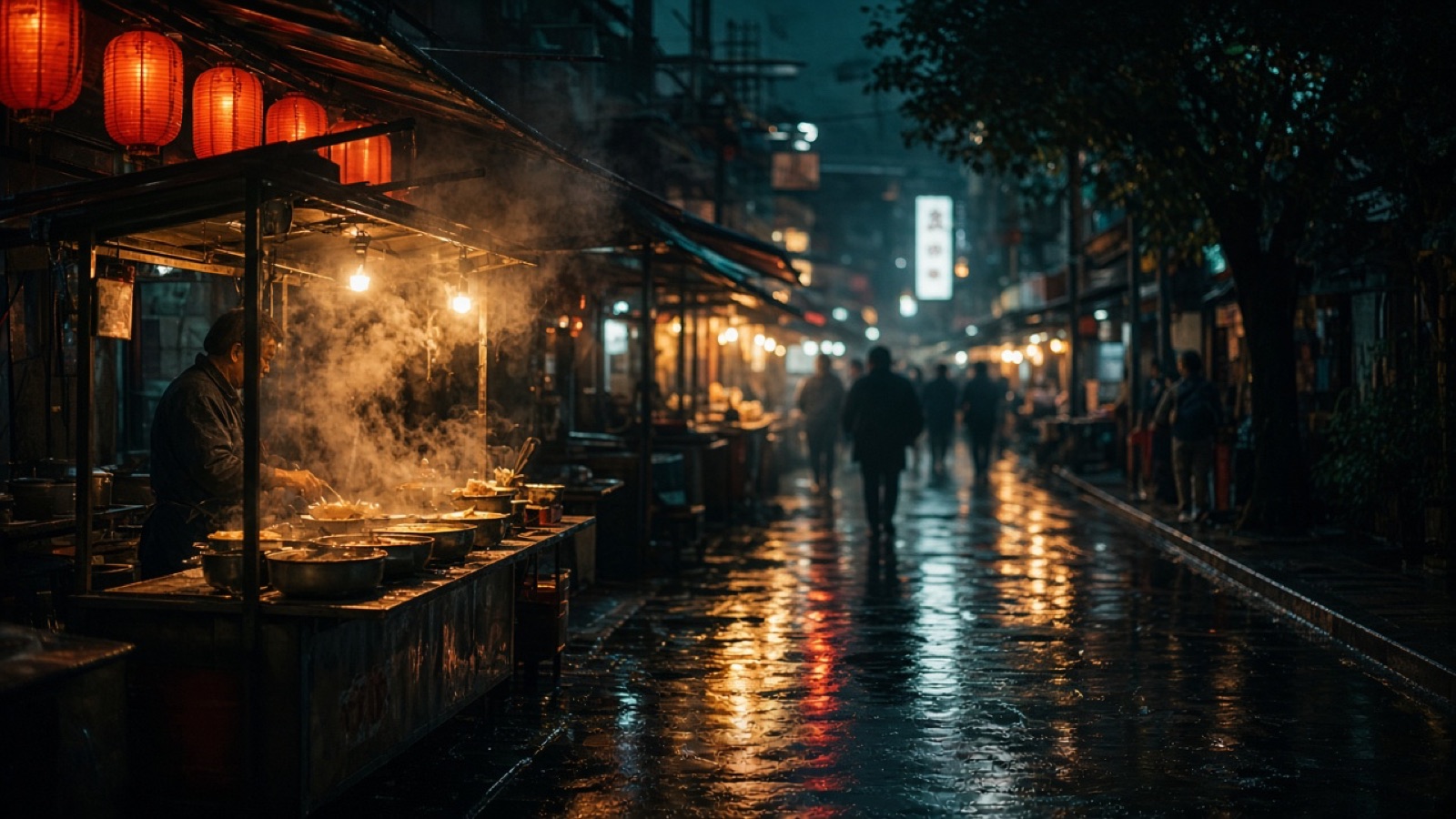
Describe subject, setting, lens, and light in one prompt and get a finished still without uploading a file first. This is the shortest path for concept frames, campaign sketches, and empty-scene plates that later become edit references.
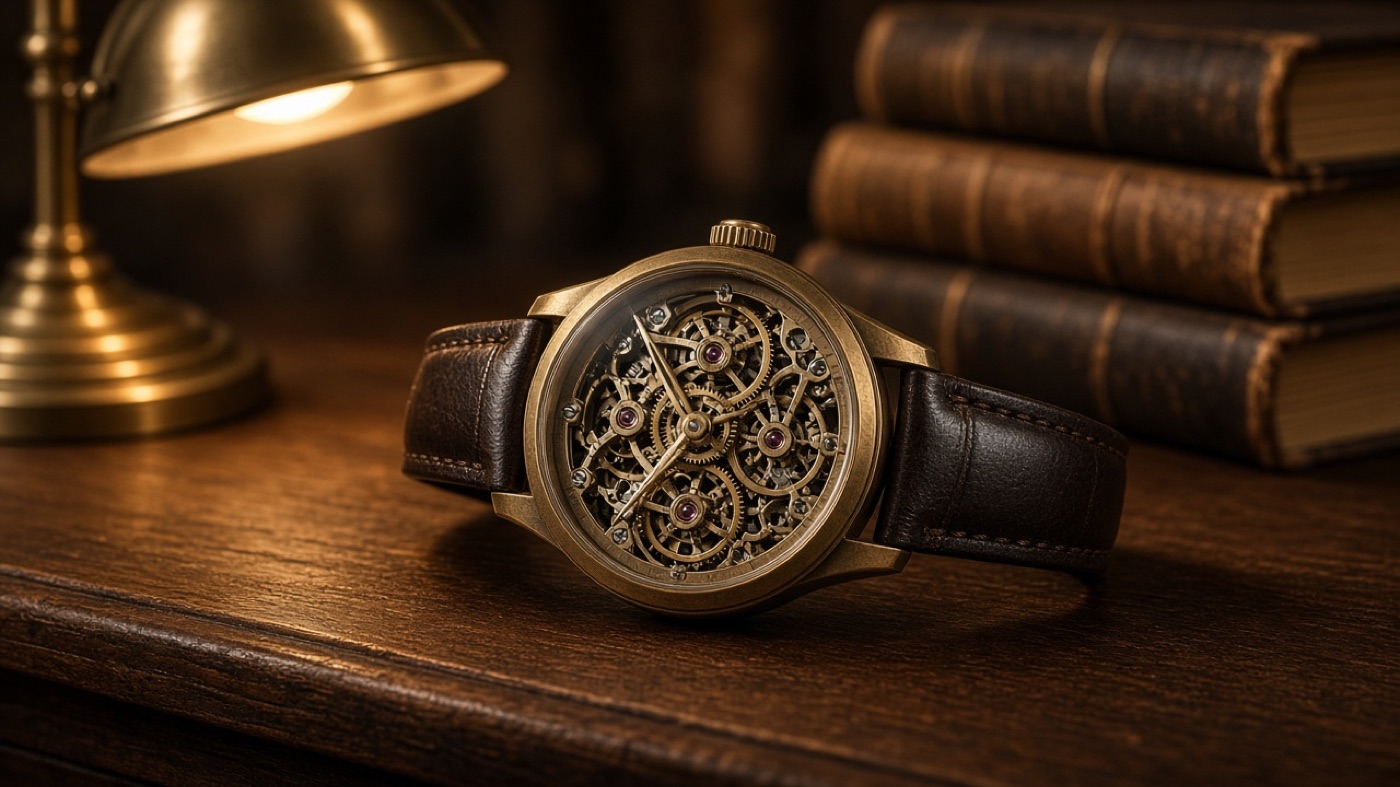
Switch to image-to-image when a product, face, or interior already exists. Upload up to 14 JPEG, PNG, or WebP files, then say what should move and what must stay. The model is meant to restyle, combine, or correct a frame while keeping identity and layout readable.
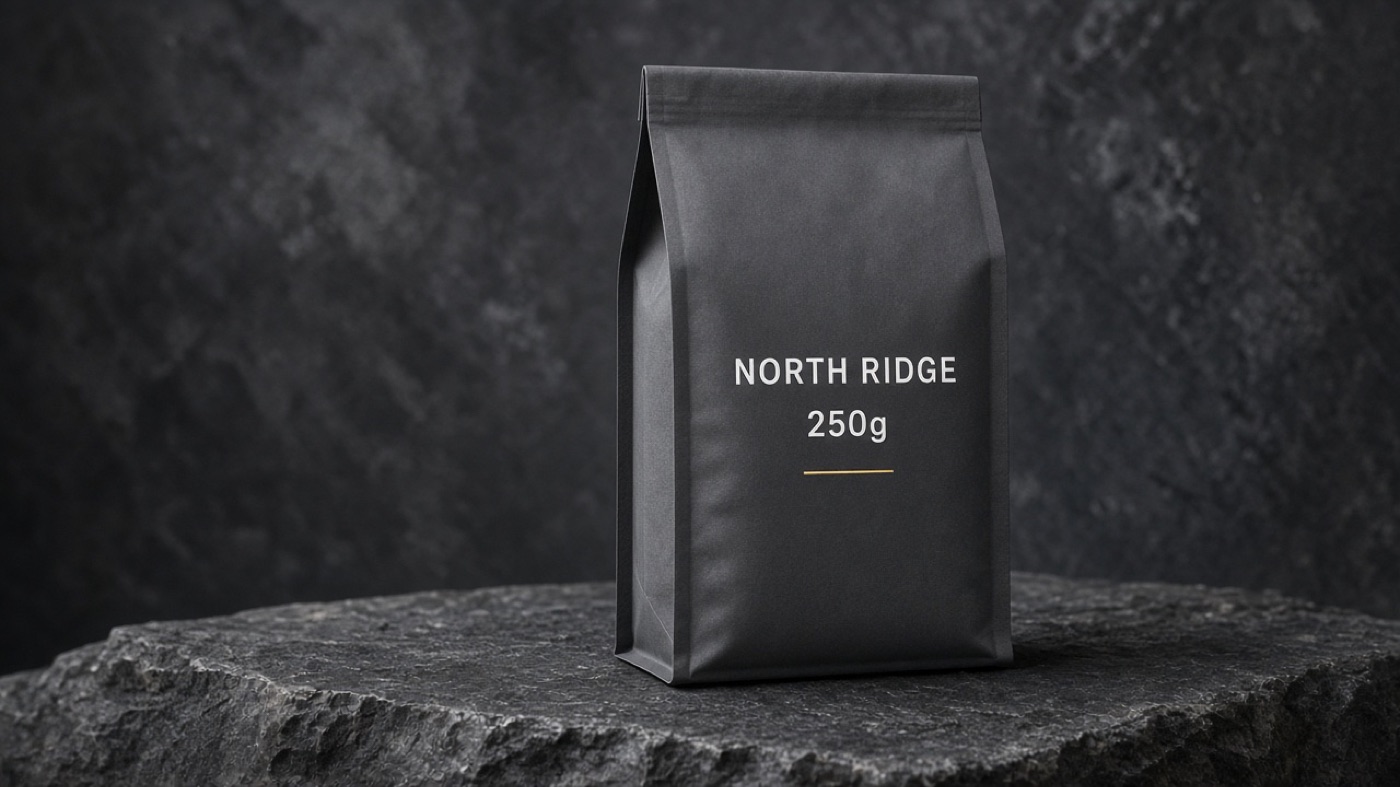
Packaging, posters, and UI mockups need letters that survive a second look. Ask for the exact line, language, and placement in the prompt. Localization inside the picture is a documented strength of this version, so translated headlines can sit on the same artwork instead of being pasted later.
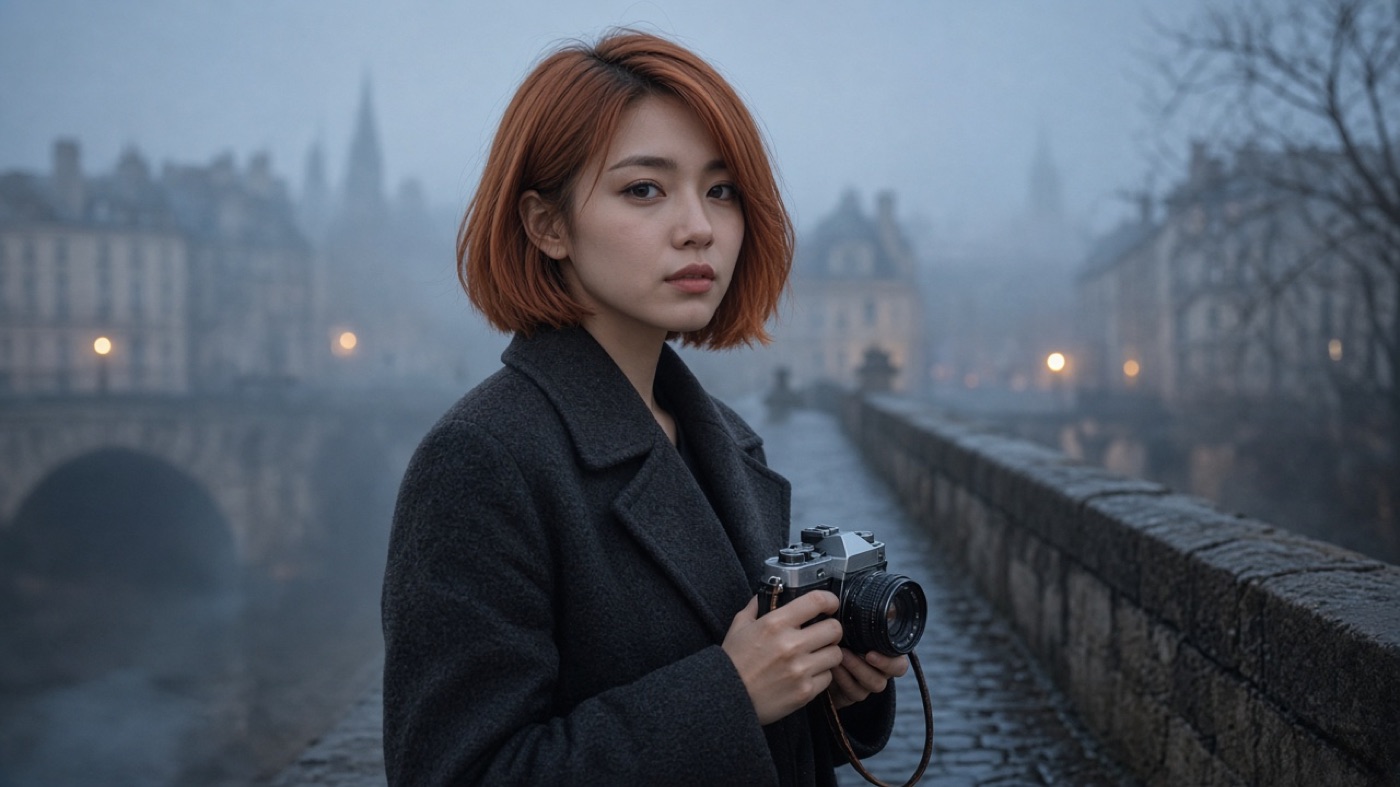
Keep a person, pet, or product recognizable across wardrobe, location, and lighting changes. Use a clear reference plus a prompt that names the traits that cannot drift. That is how lookbooks, storyboards, and multi-frame ads stay on-model without rebuilding the subject each time.
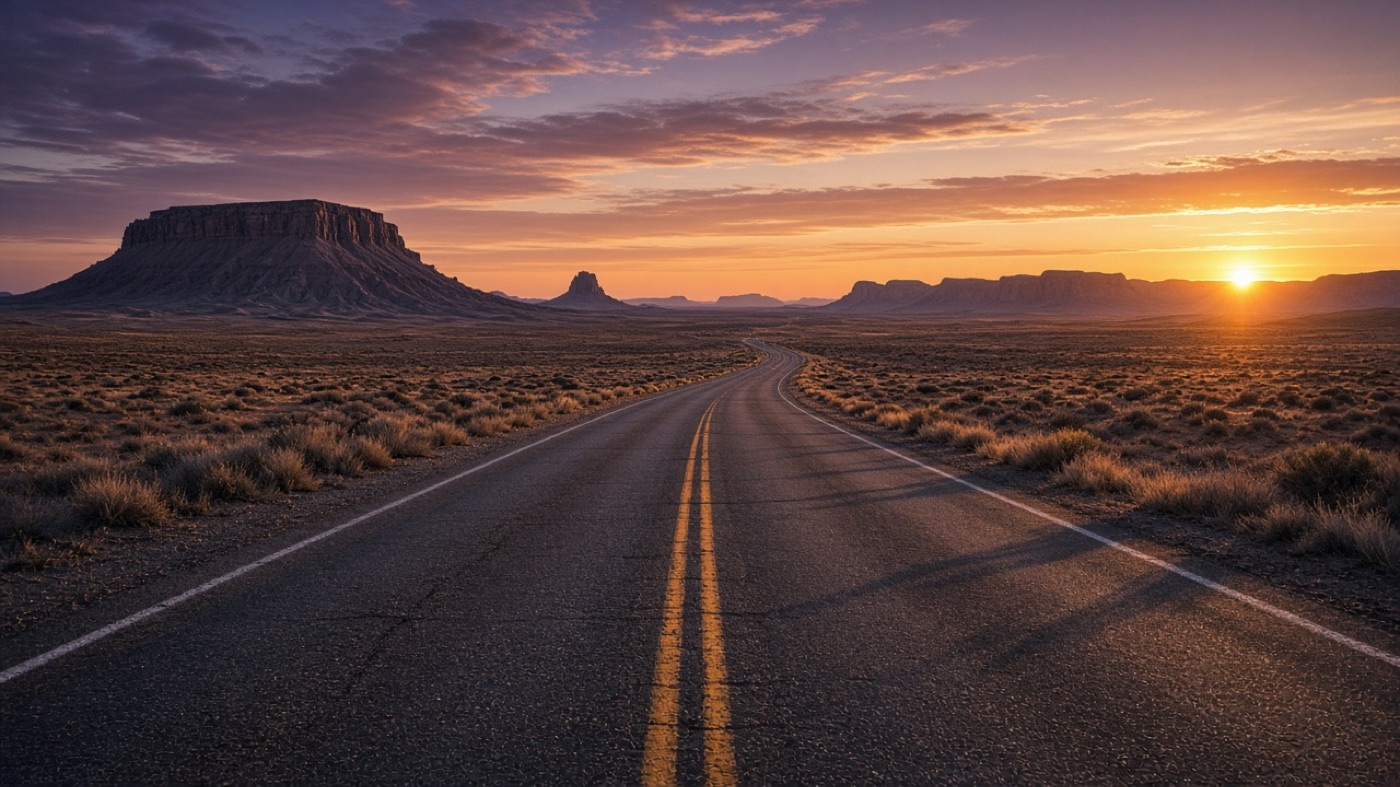
Choose 1K, 2K, or 4K, then pick a native frame including 16:9, 9:16, 21:9, 4:1, 1:4, 8:1, and 1:8. Ultra-wide and ultra-tall sizes are useful for site heroes, app store screens, and print banners because you are not cropping a square after the fact. PNG or JPG is available at export.
Three short actions match the panel above: choose a mode, describe the still, then set delivery options before you generate.
Stay on this page and keep the model on Nano Banana 2. Use Text to Image for a blank start, or Image to Image when you have references to preserve.
Name the subject, setting, required copy, format, and anything that must not change. For edits, say how each uploaded file should guide identity, product, or layout.
Set aspect ratio, 1K–4K resolution, and PNG or JPG. Generate a first still, then tighten type, color, or crop in a follow-up pass instead of rewriting the whole brief.
| Capability | Nano Banana 2 | GPT Image 2 | Nano Banana Pro |
|---|---|---|---|
| Primary fit | Fast 4K drafts and layout tests | Text-rich marketing stills | Highest-control finish work |
| Text to image | ✓ | ✓ | ✓ |
| Image to image | ✓ | ✓ | ✓ |
| On-image type | Multilingual headlines and labels | Strong poster and UI lettering | Complex type with extra reasoning |
| Subject lock | Stable across scene changes | Reliable with clear references | Production identity control |
| Output size | 1K, 2K, 4K | 1K, 2K, 4K | High-resolution production |
| Frame options | Includes 4:1, 1:8, 21:9 | Common social frames | Production aspect control |
A still-image path for prompt-only generation when you want another model for posters, labels, and product comps.
Open GPT Image 2Upload references and rewrite lighting, style, or layout while staying in the GPT Image 2 editing workspace.
Open image editing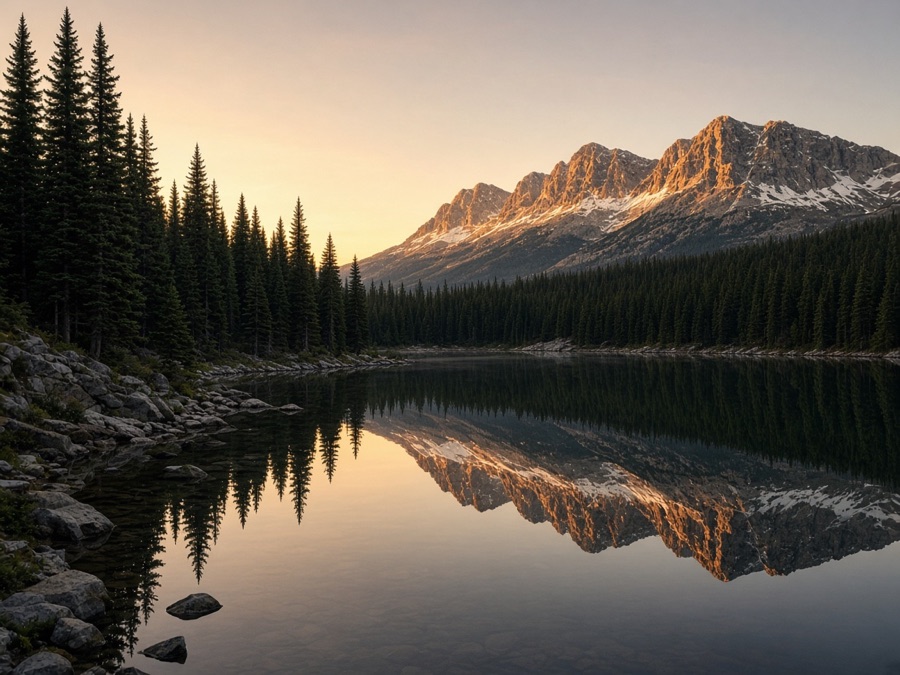
Turn one written brief into a high-quality still and save it to My Creations.
Try the tool
Restyle, retouch, or combine source photos without leaving the browser workspace.
Try the tool
Take a finished still and continue it as motion in the Seedance video generator.
Continue to videoDirect answers about Nano Banana 2 image generation and editing on Seedance 2.0.
Keep prompting, reference uploads, ratio, resolution, and download in one Seedance 2.0 flow. Approved stills land in My Creations, and a strong frame can continue into image-to-video without exporting to another tool first.