Coming soon
Nano Banana 2.1
0 / 20000

Nano Banana 2.1 generation is not available on Seedance yet. You can use Nano Banana 2 today.

Open Nano Banana 2

Creative preview

Original concept artwork
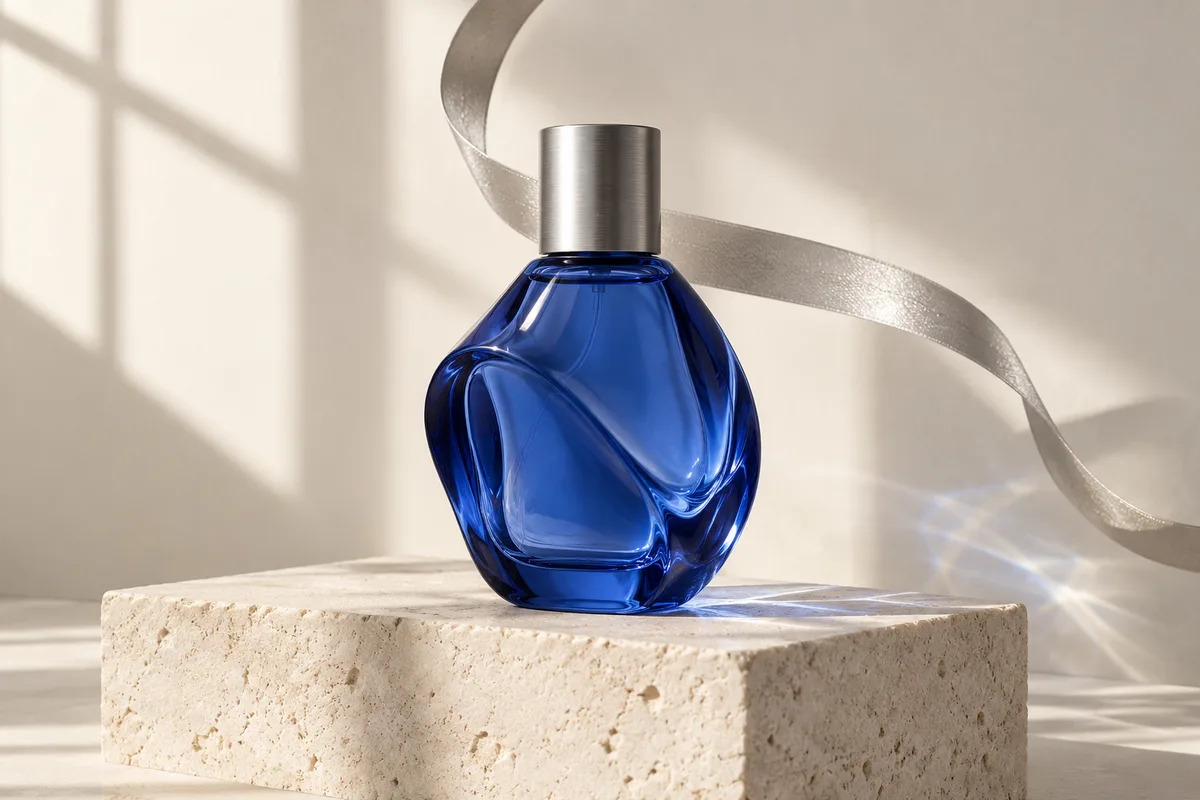
Cobalt glass perfume bottle with silver ribbon and window-light reflections
Important: Please stay on this page during image generation to prevent loss of generated content.

Nano Banana 2.1 Image Generation & Editing

Nano Banana 2.1 is an image generation and editing model that updates Nano Banana 2 with more natural detail, clearer graphic design, and stronger subject consistency. It works from written descriptions or image references, with output resolutions up to 4K. The improvements matter when a single visual needs several revisions: a product can move into a different setting, a poster can carry new wording, and a character can return in another scene.

Use this guide to choose a starting point for campaign images, illustrated stories, product concepts, or the still frames behind a video. Start with one clear subject and a specific visual goal; then make changes in small steps so you can tell which instruction improved the image.

View model availability
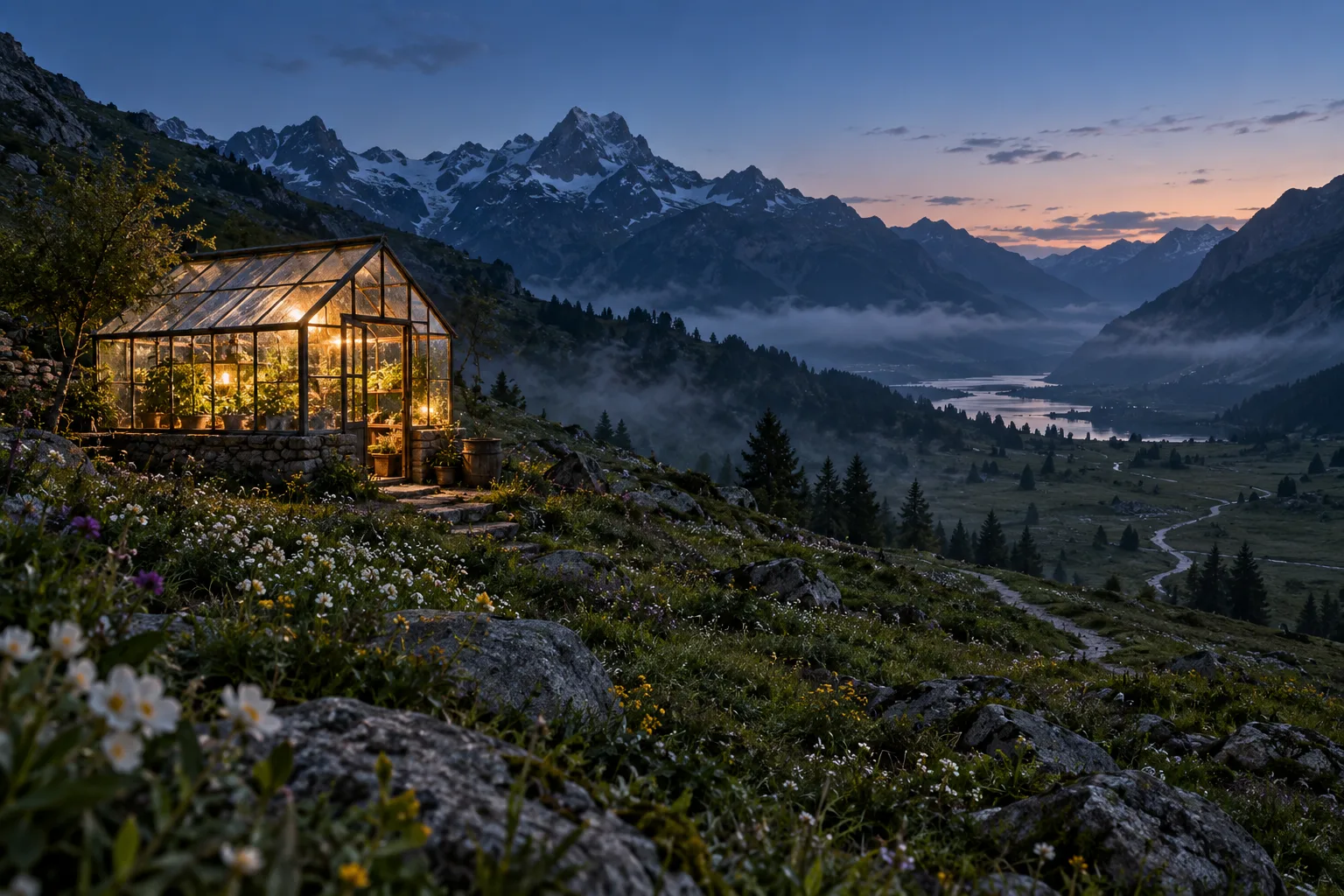
An illuminated glass greenhouse in an alpine valley at blue hour
Original concept artwork illustrates the creative uses on this page; these images are not verified Nano Banana 2.1 outputs.

What changes with Nano Banana 2.1

Four areas shape the update: visual design, controlled editing, recognizable subjects, and detailed wide compositions. Each offers a different way to refine an image without starting the brief again.

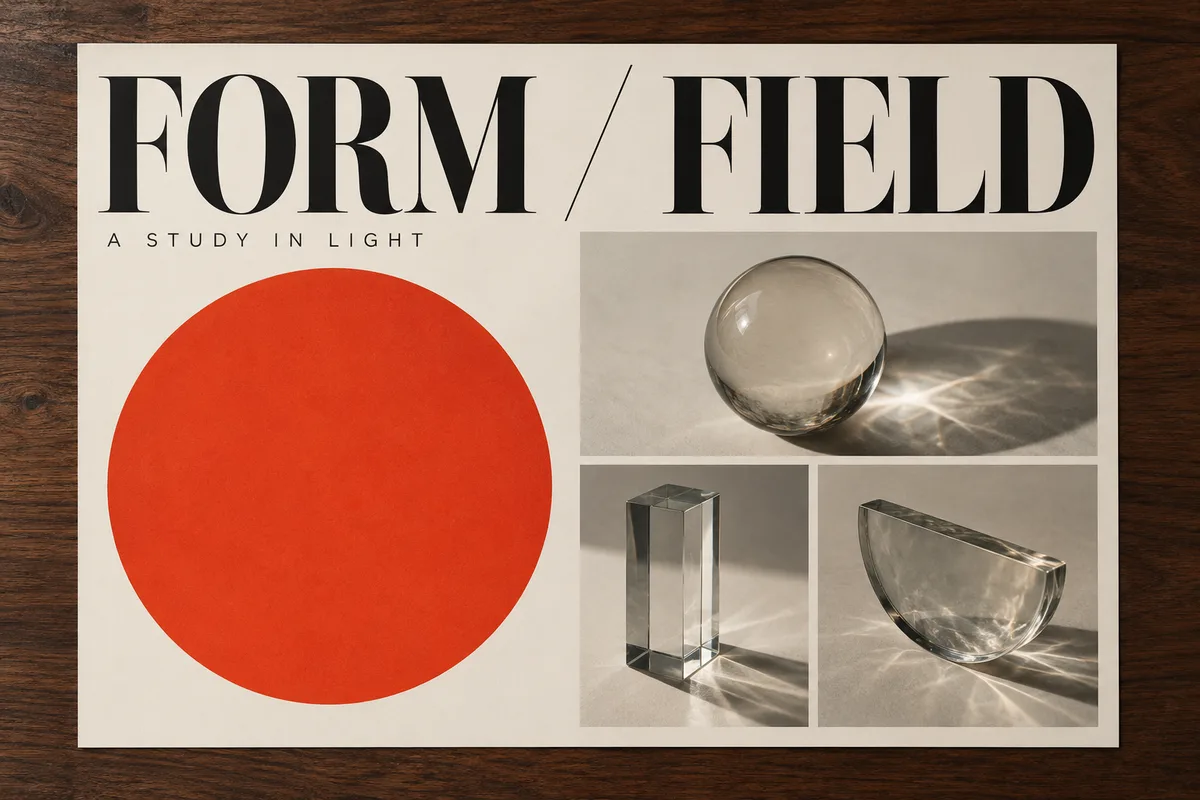
Cream exhibition poster with FORM / FIELD headline, red circle and glass objects
01
01

Clearer typography and visual design

The update improves text rendering and the arrangement of graphic elements, useful for posters, title cards, and concise infographics. For a poster like the example, supply the exact headline in quotation marks and describe the relationship between the headline, central object, and empty space; keep supporting copy short enough to remain readable at its final size. Treat the first result as a design draft, checking spelling and hierarchy before asking for a different color palette or a tighter crop.

Plan a design
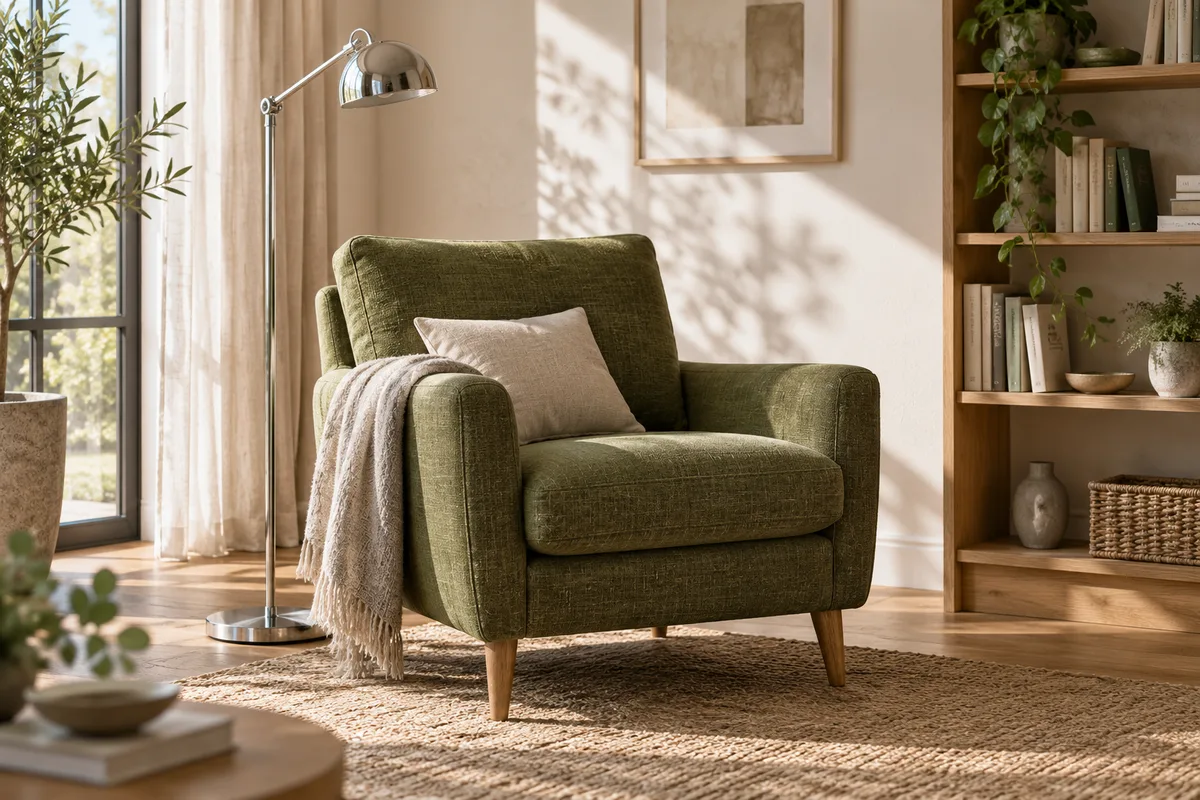
Moss-green armchair in a daylight reading corner with oak shelving and linen curtains
02
02

More controlled image edits

Reference-guided editing lets you describe a change while retaining the parts of a scene that matter; the model also improves region-focused editing with masks or drawn guidance. In a room concept, ask to replace the chair upholstery while preserving the window, shelving, camera angle, and light direction. Name both the change and the fixed details in the same instruction, then compare the result with the original: an attractive edit is only useful if the surrounding scene still matches the brief.

Prepare an edit
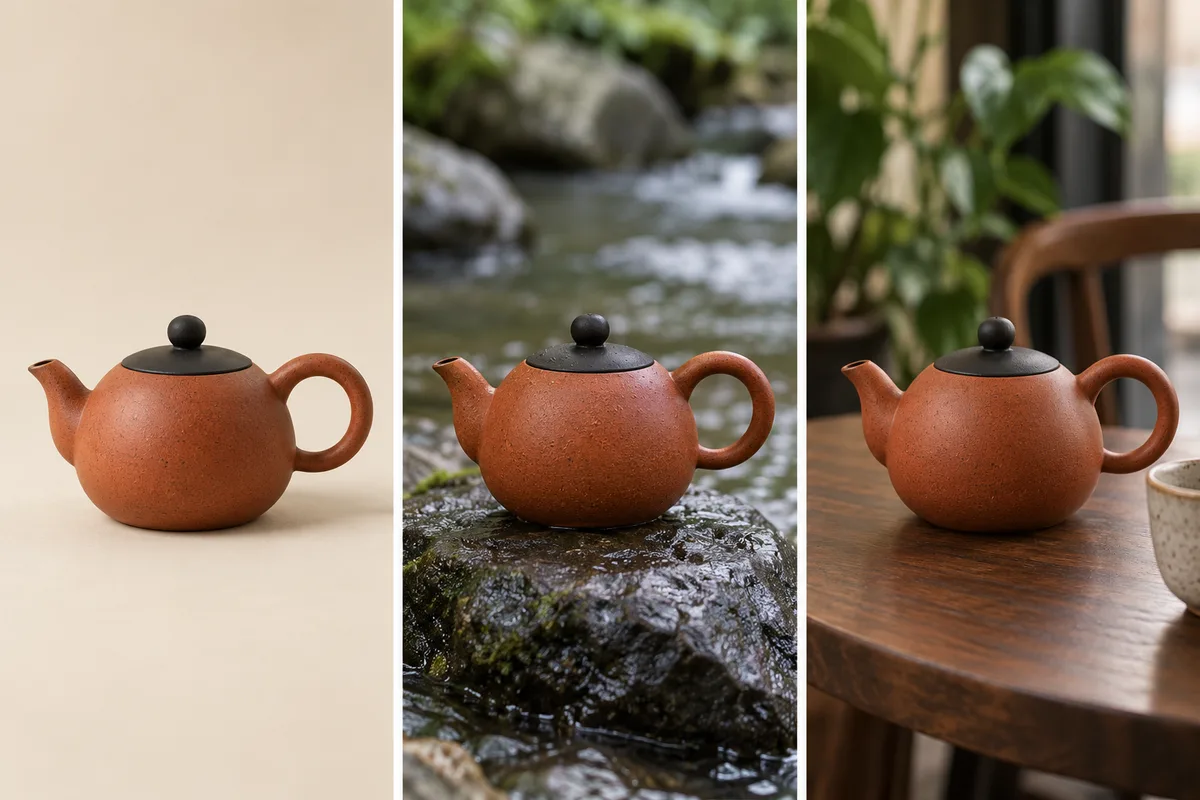
The same rust-orange teapot illustrated in a studio, beside a stream and on a cafe table
03
03

Stronger subject consistency

The model is designed to retain recognizable people and objects through multiple edits, with support for combining image references. A product series benefits from a clear front view, an additional angle, and a short description of the details that must remain stable, such as the teapot’s loop handle and dark lid in this concept. Give each reference a distinct role rather than mixing unrelated styles; when changing the background, keep the object description consistent and inspect shape, proportions, and surface details across the set.

Organize references
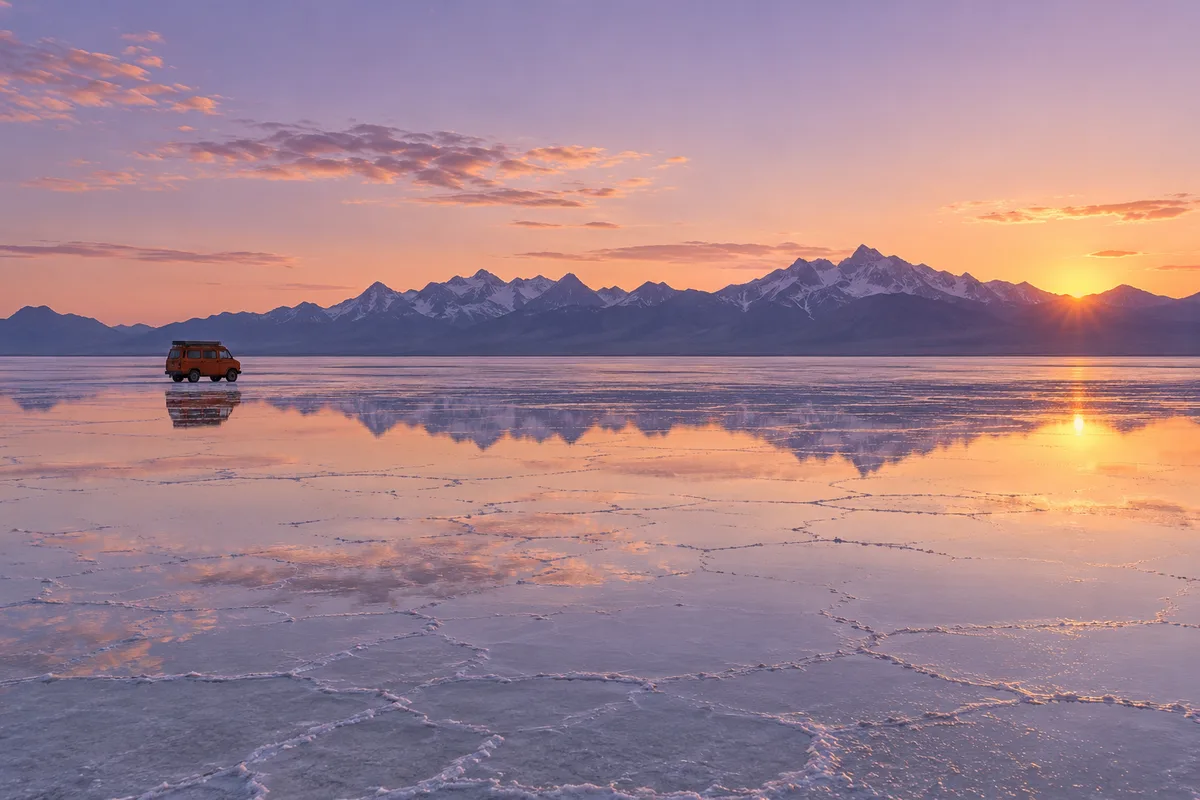
An orange camper van on reflective salt flats beneath a continuous mountain horizon
04
04

Detailed images and wide compositions

Nano Banana 2.1 supports 1K, 2K, and 4K output and addresses tiling artifacts in very wide or tall images at higher resolutions. Plan a banner as a wide scene from the start: place the subject away from the text area, describe a continuous background, and decide where the horizon should sit. A larger image gives you more room for layout and cropping, but it does not replace composition; inspect distant details, repeated shapes, and small lettering at the size your audience will actually see.

Plan a wide image

Prepare your Nano Banana 2.1 image

Keep the brief simple enough to revise. You can prepare your prompt and references now, or open the available Nano Banana 2 generator to explore the current image workflow.

01

Choose the starting point

Use text for a new scene and a reference when a person, product, or composition already exists. Pick one primary image with clear lighting and an unobstructed subject; extra views should explain a missing detail rather than compete with the main reference.

02

Describe the change

Write the subject, setting, visual style, and intended format. For an edit, name the part to change and the details to preserve; for lettering, include the exact wording. One focused revision is easier to assess than several unrelated changes in one request.

03

Review at the final size

Check the outline of the subject, text, lighting, and the space reserved for your layout. Keep the strongest version as the reference for the next revision. If the image will become a video, leave room around the subject for the movement you want.

Try the available Nano Banana 2

Nano Banana 2.1 vs other models

Compare the role of each model before choosing a workflow. A shared resolution option does not mean every version will interpret a brief in the same way.

What to compareNano Banana 2.1Nano Banana 2Nano Banana Pro
Model focusUpdated generation and editingFast generation and reference editsReasoning-led visual creation
Output sizes1K · 2K · 4K1K · 2K · 4K1K · 2K · 4K
Update emphasisDesign, regional edits, consistencyPrompt and reference workflowsDetailed layouts and text
On SeedanceComing soonAvailableAvailable

Explore more AI image models

Choose an available model for your next draft. Each page opens its own generation workspace, where you can review the selected model and its settings before submitting an image.

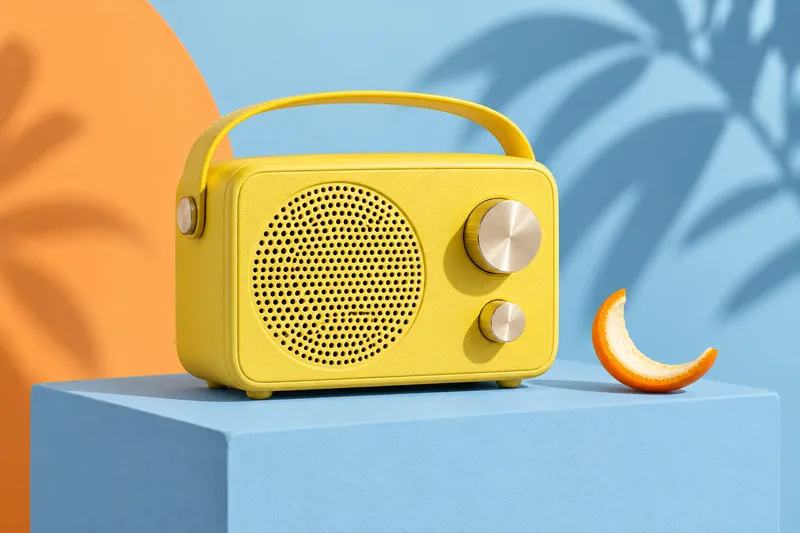
Yellow radio on a blue studio plinth

Nano Banana 2

Start with the current model for prompt-based images and reference edits. It is a practical place to explore a composition while keeping your original brief ready for another version.

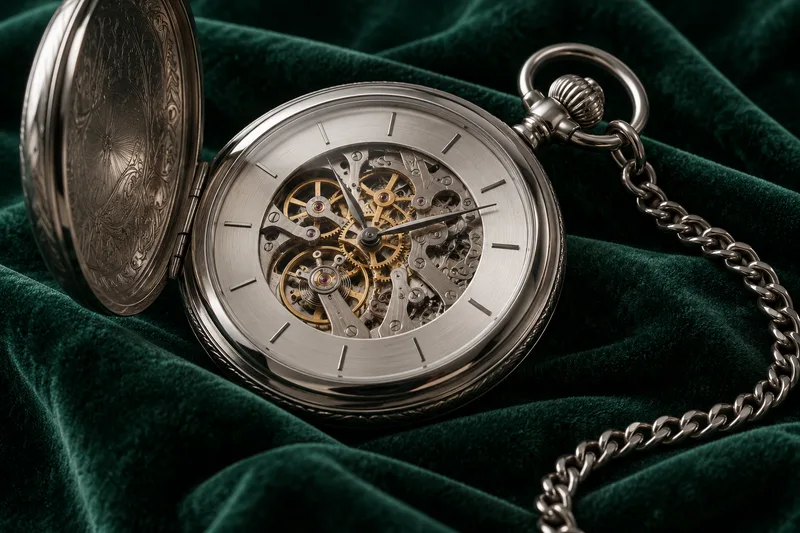
Silver watch mechanism on dark emerald velvet

Nano Banana Pro

Explore a different approach to detailed image composition and structured visual briefs. Keep your subject and wording fixed when comparing drafts so the difference in interpretation is easier to judge.

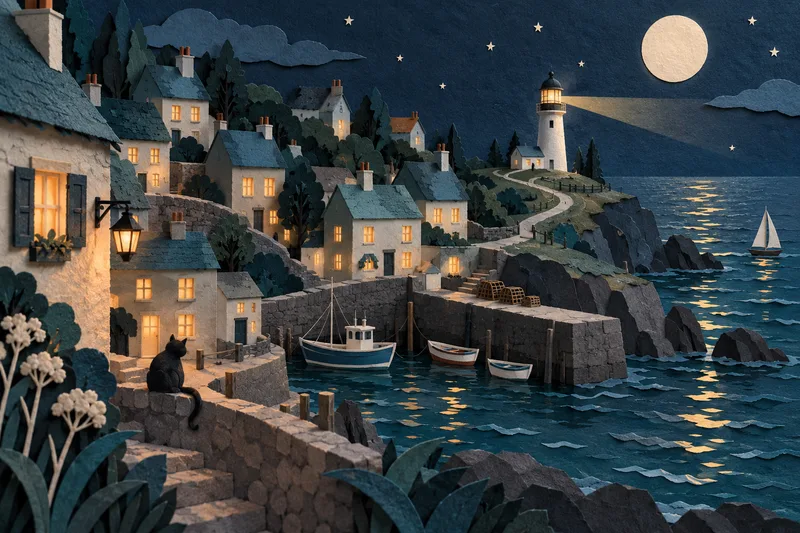
Handcrafted paper seaside village with teal rooftops and warm windows

GPT Image 2.5

Develop a new image or revise an existing one with another image model in the same workspace. Compare useful details such as framing, material texture, and the placement of individual objects.

Explore more AI tools

Follow the kind of source material you have: a written idea, an existing image, or a still frame you want to animate. These tools offer their own model choices.

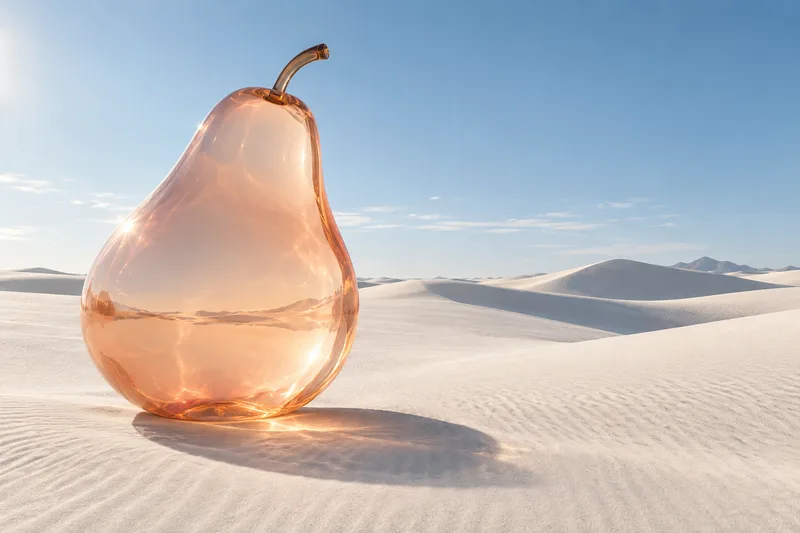
Translucent peach glass pear on white desert dunes

Text to image

Turn a scene description into a visual draft. Specify the subject first, then add the setting, lighting, and a small number of details that determine the composition.

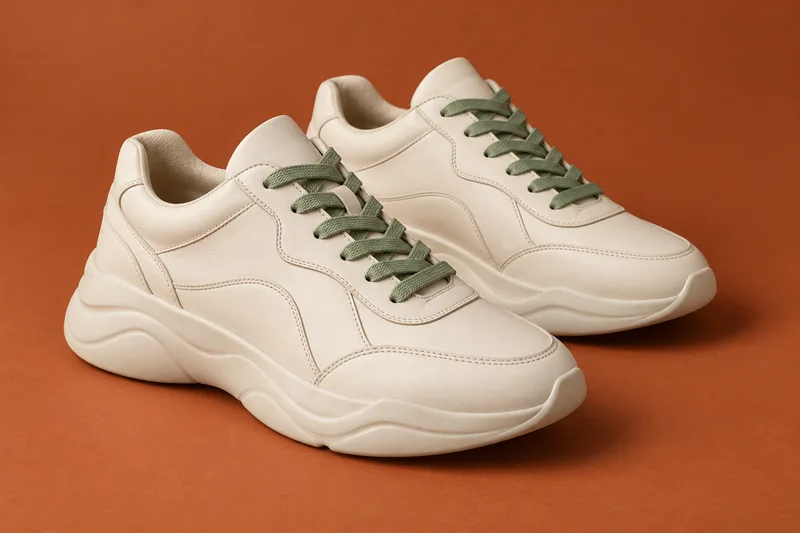
Cream leather sneakers with sage laces on a terracotta background

Image to image

Use an existing picture to guide a new result. A clean reference helps communicate shape and placement; a focused instruction explains which details should change and which should remain.

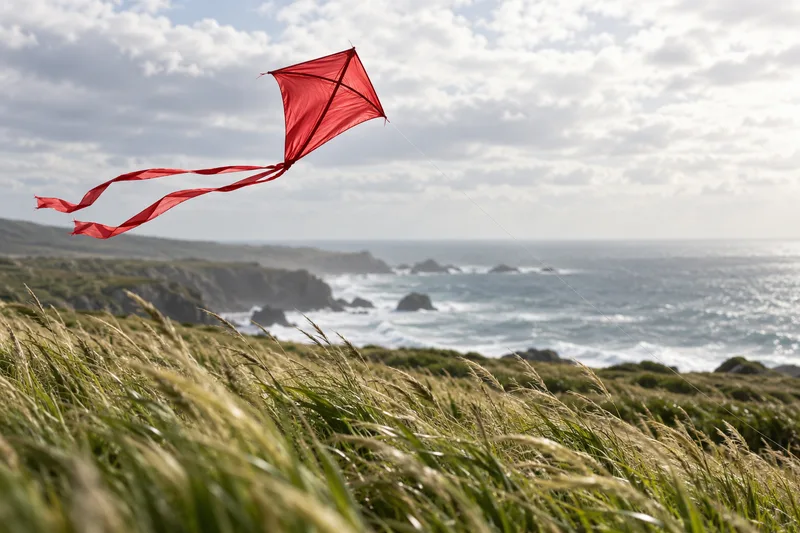
A red silk kite above windswept coastal grass

Image to video

Take a selected still into a motion workflow. Describe a short action and a camera movement that suit the framing, leaving the image itself to establish the subject and atmosphere.

Frequently asked questions

Answers about the model, image preparation, and availability on Seedance.

What is Nano Banana 2.1?

It is an update to Nano Banana 2 for generating and editing still images. The update focuses on visual quality, design, regional edits, and subject consistency. You can describe a new scene or use existing images as references; it does not generate a finished video.

What is different from Nano Banana 2?

The main changes concern how images look and how reliably details survive editing: more natural rendering, stronger layouts, and more consistent subjects. Higher-resolution wide and tall outputs also receive improvements. Your existing idea can remain the starting point, but compare the actual results before replacing a finished asset.

Can I generate with Nano Banana 2.1 on Seedance now?

Not yet. The model preview is marked Coming soon and does not submit generation requests. Nano Banana 2, Nano Banana Pro, and other available image models have working entry points in the model library below; each keeps its own name in the generator.

Can Nano Banana 2.1 edit a photo?

Yes, image editing is one of its documented capabilities. A useful edit brief identifies a specific subject or area and describes the desired change. Keep a copy of the original reference, particularly when preserving a product shape, an interior layout, or the likeness of a character matters.

Can it put readable text in an image?

Text rendering and visual layout are part of the update. Short headlines, labels, and carefully grouped information are useful starting points. Supply the final wording rather than asking the image to invent it, and proofread the result; small lettering and long passages can still contain errors.

Does Nano Banana 2.1 support 4K?

The model supports output up to 4K, alongside 1K and 2K options. Choose the composition before requesting more pixels. For a wide banner, check that the scene reads clearly at the intended crop, then inspect the higher-resolution result for repetition and fine-detail problems.

How should I use several reference images?

Give each reference a purpose: subject appearance, product angle, setting, or visual style. Avoid asking several conflicting pictures to define the same detail. A small, coherent set is often easier to direct than a large mixed collection; add another reference when it resolves a specific ambiguity.

Can these images become video starting frames?

A saved still can be used as a starting image in a compatible image-to-video workflow. Compose with the intended movement in mind: leave space ahead of a moving subject and avoid filling the frame with tiny text. Video generation is a separate step with its own model and settings.

Build your next visual on Seedance

Bring image ideas, reference edits, and video starting frames into one creative workflow. Explore the Nano Banana 2.1 update here, then choose an available model when you are ready to generate. Review each image before moving to the next step, keeping the version that best communicates your original idea.

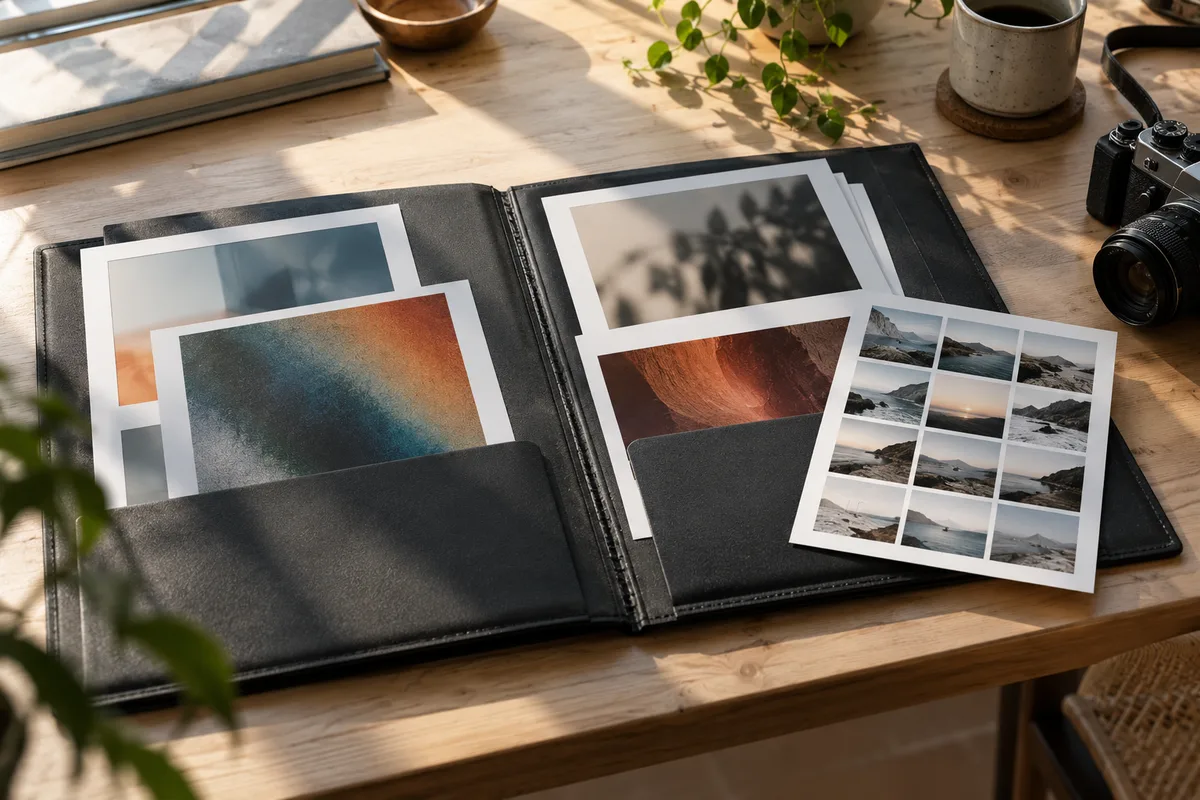
Open portfolio with abstract prints and a landscape contact sheet on a sunlit desk