Seedance 2.5 AI Video Generator

Se
Seedance 1.5 Pro
Se
Seedance 2.0
Se
Seedance 2.5
Se
Seedance 2.0 Lite
Se
Seedance 2.0 Mini
More Models

What Is Seedance 2.5?

Seedance 2.5 is a newer Seedance video generation experience for creators who want more controlled AI video production. This page brings text prompting, image-reference generation, previewing, and delivery prep into one workspace, with available options displayed directly in the creation panel.

Newer Seedance Video Workflow

Use text prompts or image references to shape cinematic scenes, social clips, product videos, and storyboard tests before committing to final renders.

Designed for Multi-Shot Planning

Plan subject continuity, camera movement, lighting, and scene progression so each shot feels connected instead of isolated.

Preview Ideas Before Delivery

Compare motion, framing, mood, and prompt structure in controlled passes, then reserve final output for the strongest direction.

One Browser Workspace for Seedance

Keep prompt writing, model selection, previewing, and download flow in one Seedance workspace for faster iteration.

Reference Assets

Seedance 2.5 sample materials

Start from text, image references, or short motion ideas. These sample materials show how to plan subjects, style, framing, and delivery before generating.

720p motion

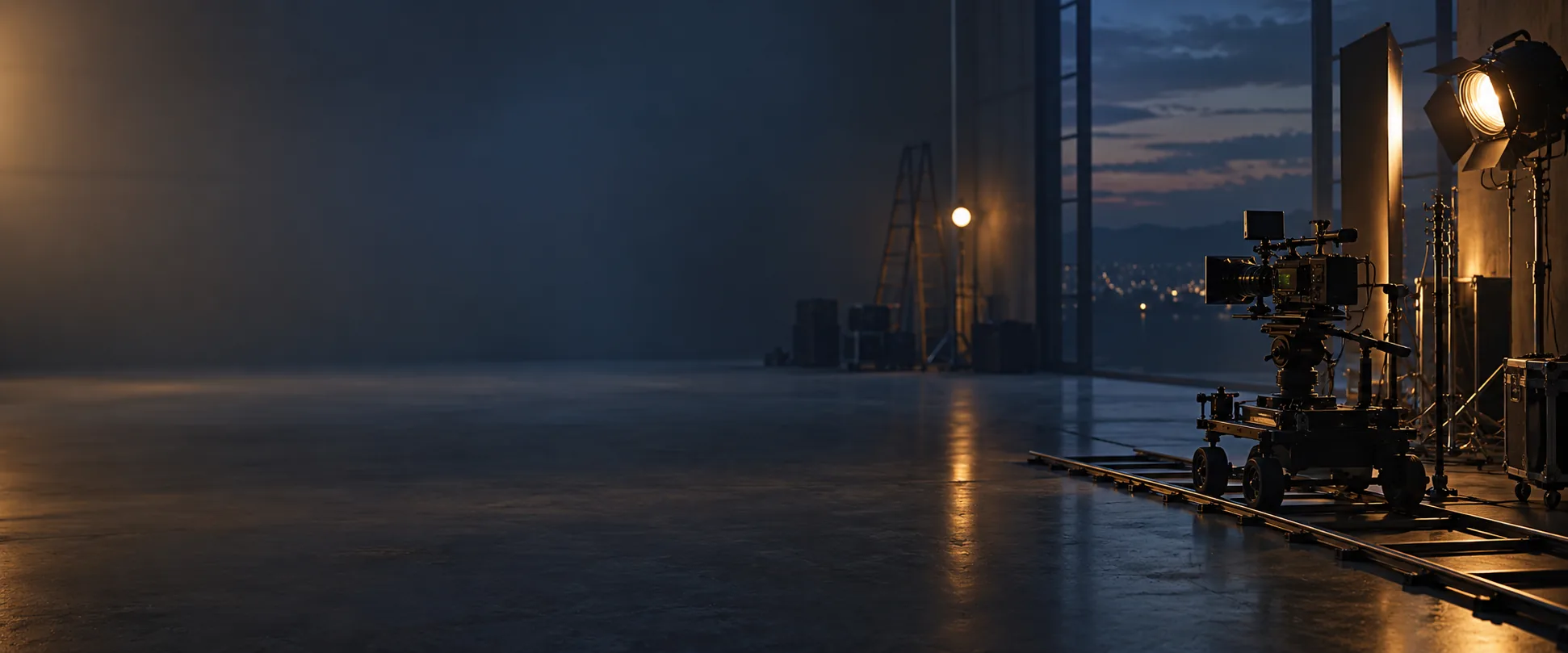
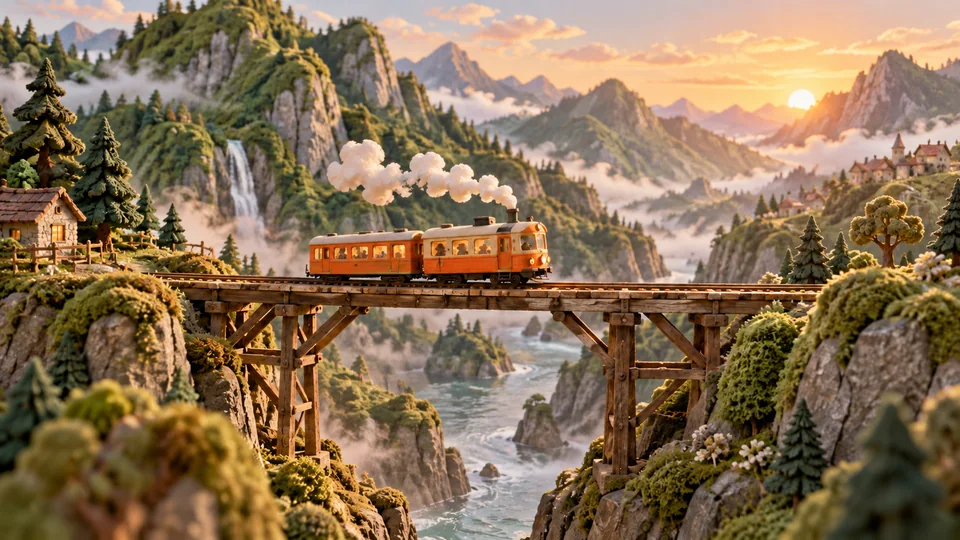
Cinematic nature shot

Use a polished motion sample to plan camera movement, depth, and atmosphere for high-resolution delivery.

Reference-image starterImage reference

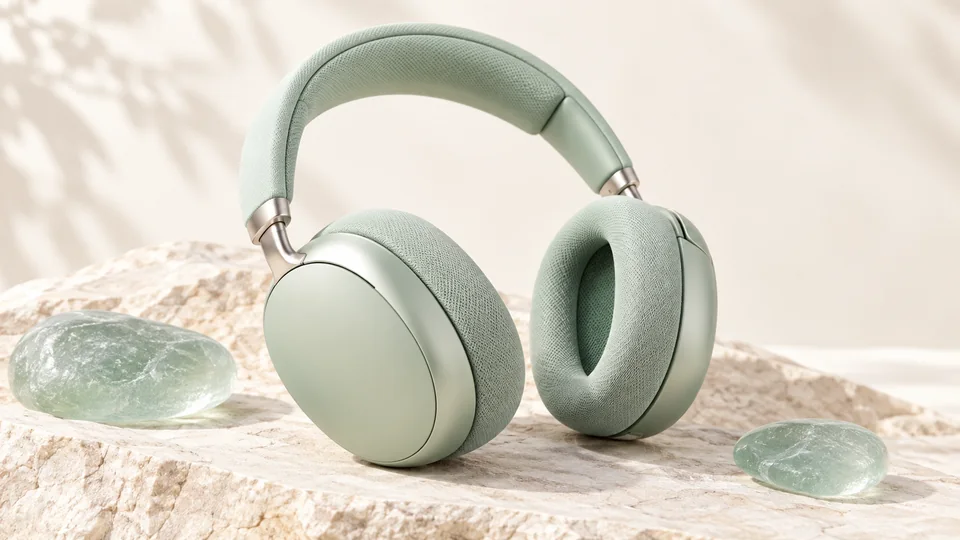
Reference-image starter

Upload a still image to guide subject identity, composition, color palette, and scene continuity.

Storyboard

Connected scene beat

Shape a short story beat with clear subject action, camera path, and visual rhythm before rendering.

Social cut

Short-form motion draft

Test a compact hook, framing, and pace for reels, ads, product reveals, or campaign variants.

2.5 Workflow

How to Prepare Seedance 2.5 Text and Image References

Use a production-minded structure: choose text-to-video or image-to-video, define the scene goal, lock visual continuity, then set delivery options.

1

Choose Text or Image Reference

Start from a written scene, or switch to image-to-video and upload a reference image for subject, product, style, or composition guidance.

2

Lock Visual Continuity

Describe subject identity, wardrobe, location, lighting, camera path, and mood so later shots can stay coherent.

3

Iterate Before Delivery

Run controlled prompt variants, compare results, and choose the best direction before spending credits on final-quality output.

Seedance 2.5 Positioning

Why Creators Are Watching Seedance 2.5

Seedance 2.5 helps creators organize newer Seedance workflows around prompt planning, visual continuity, and delivery preparation.

Current Search Demand

Capture Seedance 2.5 search demand with grounded copy and model-aware generation paths.

Multi-Shot Story Planning

Plan connected scenes, narrative beats, camera language, and visual rhythm before generating.

Resolution-Aware Workflow

Plan delivery around the resolution and duration options shown in the creation panel for the current model.

Prompt Control

Structure prompts around subject, action, camera, light, style, and continuity instead of relying on vague one-line ideas.

Production Handoff

Use early generations to approve direction, then move successful prompts into higher-quality delivery workflows.

Download-Ready Drafts

Keep previews and downloads in the same workspace so creative teams can review and ship faster.

Seedance 2.5 FAQ

Seedance 2.5 helps creators organize newer Seedance workflows around prompt planning, visual continuity, and delivery preparation.

Build a Seedance 2.5-Ready Video Workflow

Start testing text prompts, image references, shot structures, and visual continuity now so your Seedance 2.5 workflow is ready to scale.