AI Motion Transfer Video Generator

Guide Character Action and Camera Rhythm from a Video Clip

Describing complex dance steps, martial-arts choreography, or handheld camera paths in text alone is difficult. Motion Transfer combines `reference_images` (who is in the shot) with `reference_videos` (how the subject or camera moves) through `@` prompt mentions.

Map Dance and Stage Choreography

Upload a full-body or medium character portrait as `@image1` and a dance or performance clip as `@video1`. Instruct the model to have `@image1` perform the choreography from `@video1` inside your chosen stage or street environment.

Direct Martial Arts and Athletic Blocking

Use a reference action clip to establish stance, turn timing, and camera tracking during fast physical movement while preserving your character's costume and silhouette.

Replicate Camera Movement Across New Scenes

When you have a clip with an ideal orbit, dolly-in, or whip-pan, reference it as `@video1` and specify in your prompt that the camera should follow `@video1`'s movement around your subject.

Combine Character, Scene, and Motion References

Layer a character image (`@image1`), a background location (`@image2`), and a motion reference video (`@video1`) in one prompt to restage a performance in a completely new world.
How to Transfer Motion from a Reference Video

Match the framing of your subject image and motion clip for the cleanest movement guidance.

  1. Upload a Subject Image and Motion Video

    Select Seedance 2.0 or 2.5 in Image to Video mode. Upload your character or subject photo to Reference Images and your movement clip (MP4 or MOV) to Reference Videos.

  2. Assign Motion Roles with `@` Tags

    Type `@` in the prompt to link both files—for example: 'The character in @image1 performs the dance movement from @video1 on a neon-lit rooftop at dusk.'

  3. Choose Duration, Preview, and Download

    Match the output aspect ratio and duration to your reference action, check the live credit cost, and generate. Preview the full clip and download it from your workspace.

Controls for Reference-Guided Motion

Balance subject appearance, body choreography, camera path, and audio timing in one panel.

Performance reference: expressive stage movement with consistent character lighting.

Reference Video Upload

Upload MP4 or MOV motion clips (2–15 seconds per clip depending on model limits) to provide concrete movement and camera cues.

Subject Identity Anchoring

Keep character face, outfit, or stylized character design anchored via `reference_images` while the body follows the reference action.

Explicit Motion Prompting

Use `@video1` and `@image1` tags to state whether you want to transfer full-body choreography, gesture timing, or only the camera trajectory.

Framing & Aspect Ratio Match

Select 9:16 for vertical dance reels, 16:9 for cinematic action blocking, or Adaptive ratio to follow your reference framing.

Beat & Audio Synchronization

Pair your motion clip with a reference audio track or enable native audio generation so footsteps, music, and ambience match the action.

Built-in Effect Presets

Want ready-made camera moves and viral effects without uploading your own reference video? Open the `/create` effects library for pre-configured templates.

Choreography and Action Reference Examples

Explore how body blocking, environmental motion, and camera tracking work across different genres.

Explore related models and workflows

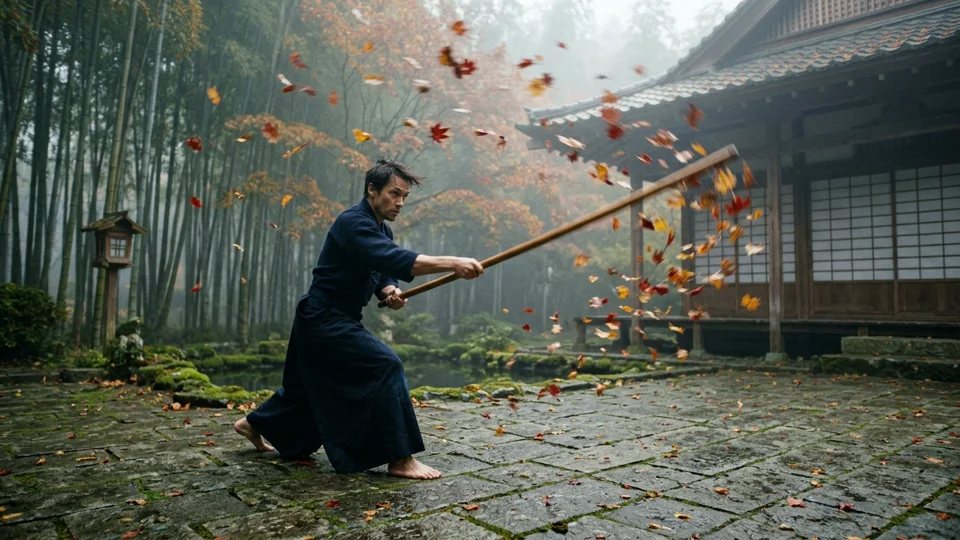
Wooden practice staff sweeping through swirling autumn maple leaves in a misty bamboo courtyard
Video model

Seedance 2.0

Multimodal video generation with joint audio-video synthesis and reference conditioning.

Explore tool
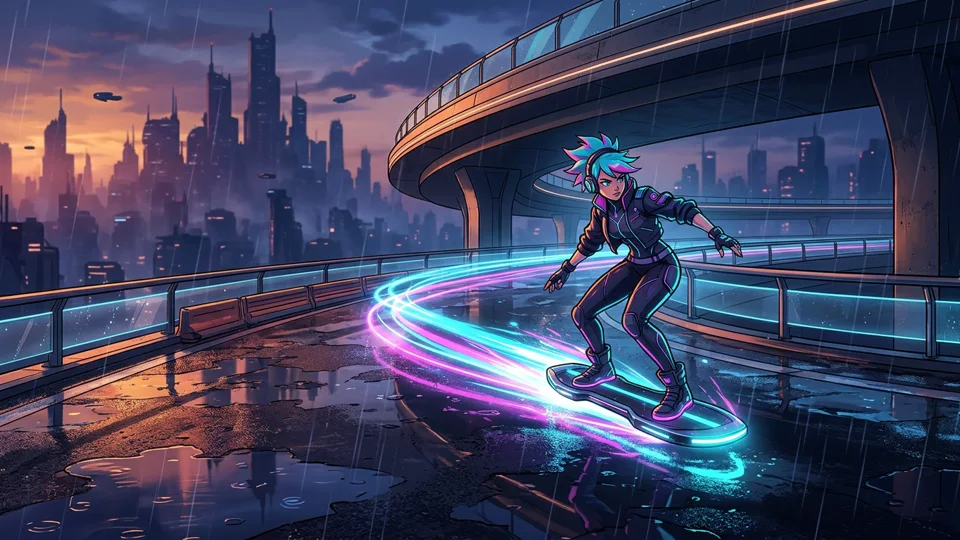
Stylized cel-shaded hover-skater gliding along a neon-lit rain-soaked overpass at dusk
Video model

Seedance 2.5

Supports expressive performance blocking, dynamic camera moves, and longer reference durations.

Explore tool
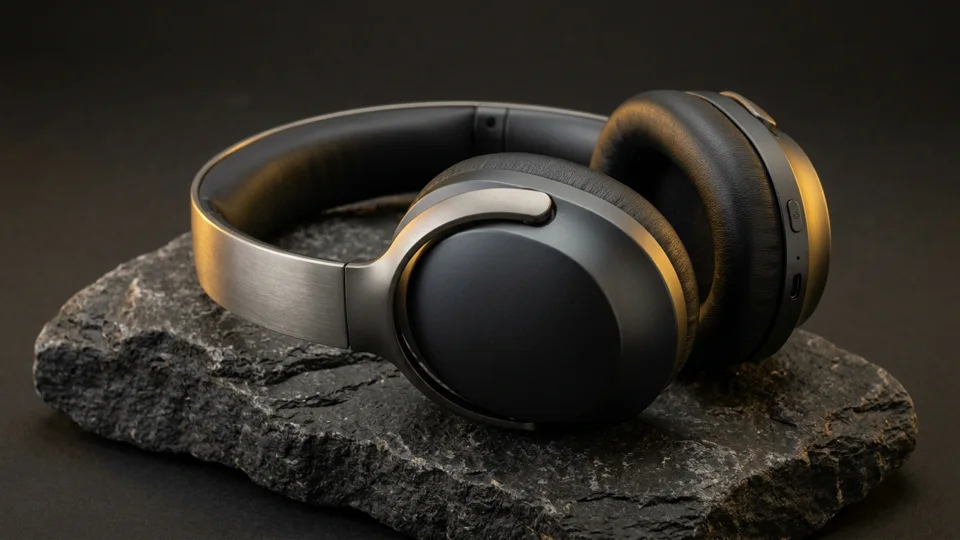
Matte-titanium wireless headphones resting on a dark basalt stone slab with warm rim lighting
Video workflow

Reference to Video

Combine multiple character sheets, props, environments, and audio references in one prompt.

Explore tool
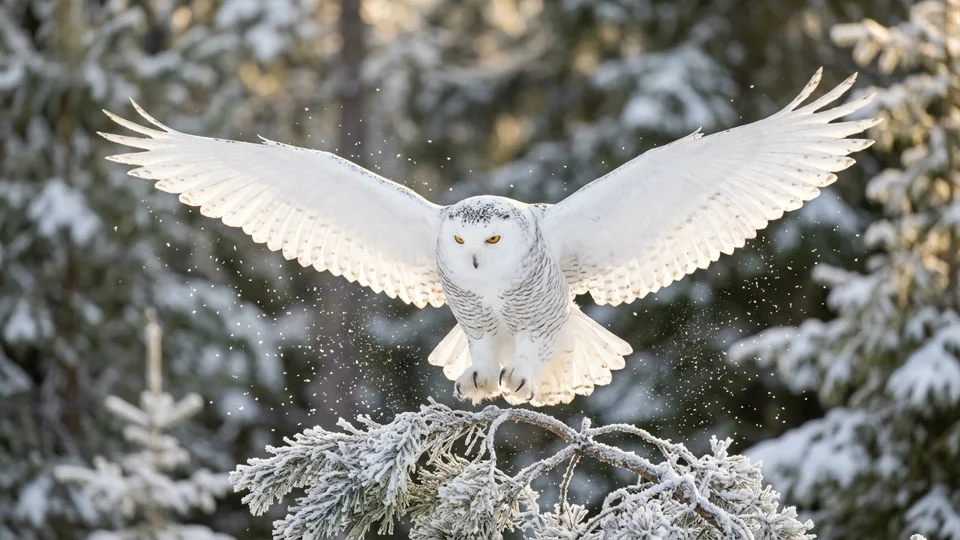
Snowy owl spreading its wings above a frost-covered pine branch in golden morning light
Video workflow

Image to Video

Animate any single portrait, product photo, or illustration with text-directed motion.

Explore tool

Frequently Asked Questions

Tips for preparing character photos and motion reference clips.

Motion Transfer uses the multimodal reference capabilities of Seedance 2.0 and 2.5. You upload a subject image (`@image1`) and a reference video clip (`@video1`), then write a prompt instructing the model to apply the action, dance choreography, or camera movement from `@video1` to the subject in `@image1`.

Choose a clear, single-shot clip (2–15 seconds) where the performer's body or the camera movement is unobstructed and easy to read. Avoid clips with rapid multi-camera cuts, heavy motion blur, or crowded overlapping figures.

Match the framing of your character image to the reference video: if the video shows a full-body dance, upload a full-body or three-quarter character image with visible limbs and clear space around the figure.

Reference video conditioning guides motion, blocking, and camera trajectory, but it is generative rather than a rigid skeleton overlay. The model adapts the movement to fit your character's proportions and the described environment.

Reference videos accept MP4 and MOV formats. Depending on the selected Seedance model, each video clip must be between 2 and 15 seconds, with a combined video reference limit of 15 seconds (Seedance 2.0 / Mini) or 30 seconds (Seedance 2.5) and up to 50MB per file in the uploader.

The credit calculator sums the duration of your reference video and your selected output duration/resolution for the active model. Check the live credit quote displayed next to the generate button before submitting.

Yes. State explicitly in your prompt what to take from `@video1`—for example: 'Use only the camera orbit and zoom timing from @video1 to film the subject in @image1 standing still.'

Yes. You can visit the `/create` workspace to browse 90+ built-in visual and camera motion presets that already include pre-configured reference conditioning.
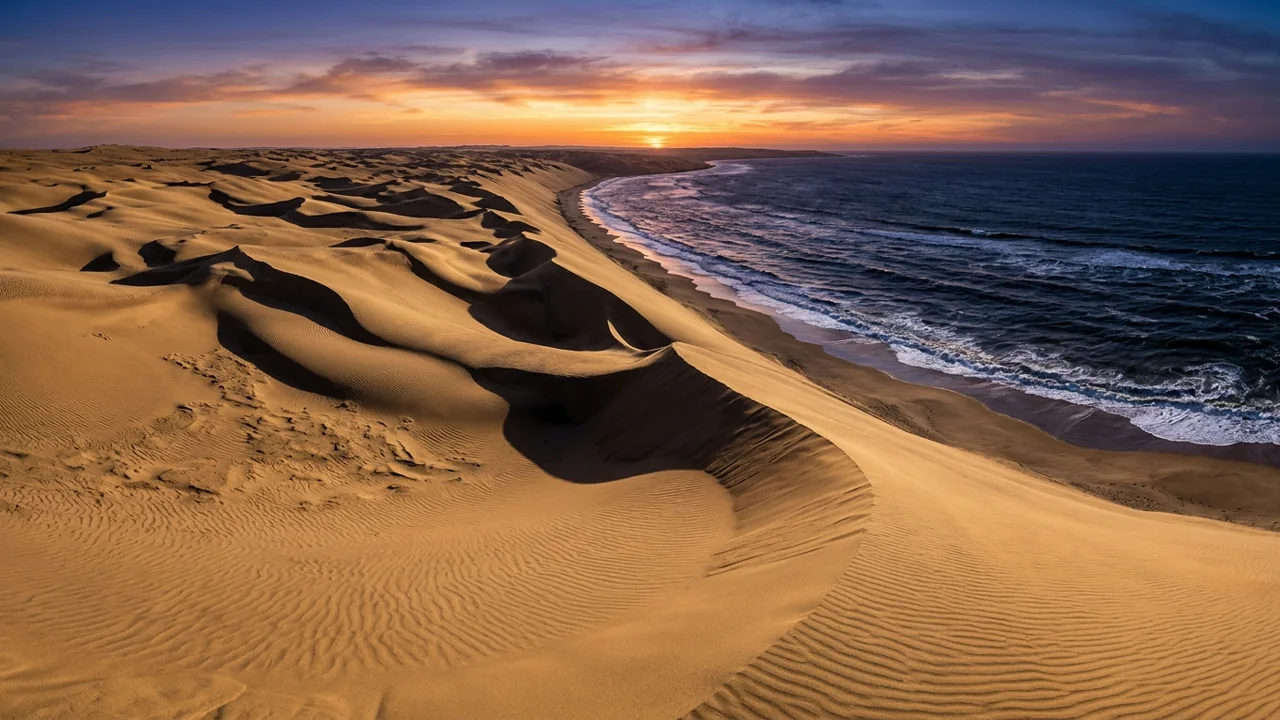
Wind-rippled golden coastal sand dunes meeting a deep indigo ocean at sunset

Bring Your Characters into Motion with Video References

Upload a subject image and a reference clip, assign their roles with `@` mentions, and preview the generated choreography in your browser.