Bridge Two Keyframes into One Continuous Shot
Single-image generation sets the opening look but leaves the ending open. Providing both `first_frame` and `last_frame` anchors the composition at both ends of the timeline, making it practical for product reveals, environment shifts, and controlled camera moves.
Anchor the Opening and Closing Composition
Upload two images that share a compatible aspect ratio and subject scale. The first frame establishes the starting posture or staging, while the last frame defines the final pose or camera framing.
Guide Material and Lighting Transitions
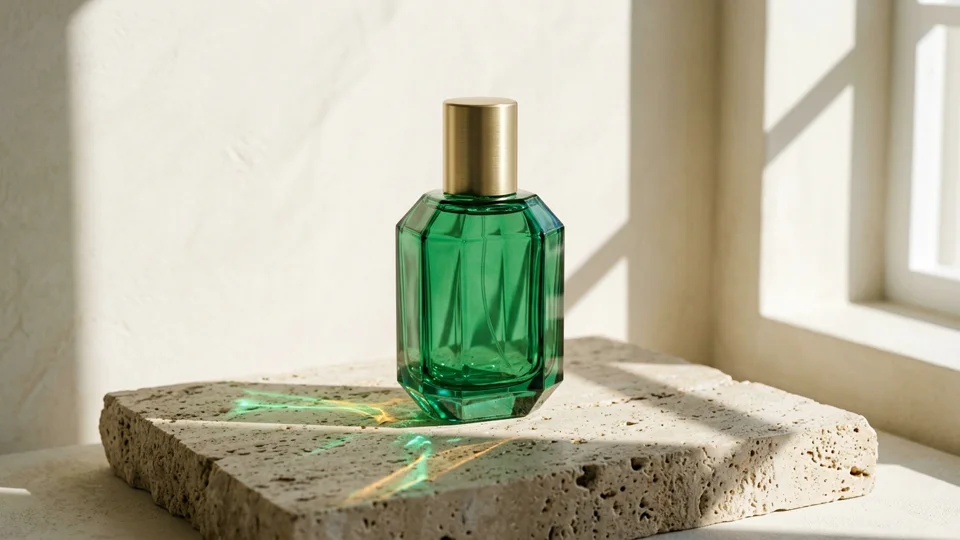
Pair a closed product state with an open or illuminated final state. Use the prompt to specify how light shifts, how surfaces react, and whether the transition happens gradually or in a single brisk motion.
Connect Storyboard Beats Without Hard Cuts
When moving a character from a doorway to a window or shifting from a medium shot to a close-up, keyframe pairs keep the destination predictable so consecutive clips edit together cleanly.
Coordinate Camera Path and Subject Motion
State what the subject does and how the camera travels between the two frames—such as a slow dolly-in while the subject turns toward the lens—so the interpolation follows a believable physical path.