01
Choose the model
Keep this page on GPT Image 2.5. Use Text to Image for a blank start, or Image to Image when you have references to preserve.
Free users generate with a site watermark.
Upgrade to remove watermarkGenerate an image and it will appear here. Your full history is saved in My Creations.
Write a scene, lock ratio and resolution, then generate or edit a still in Seedance 2.0. This page uses the faster everyday profile. Prompts can run to 20,000 characters; edits accept up to 16 JPEG, PNG, or WebP files.
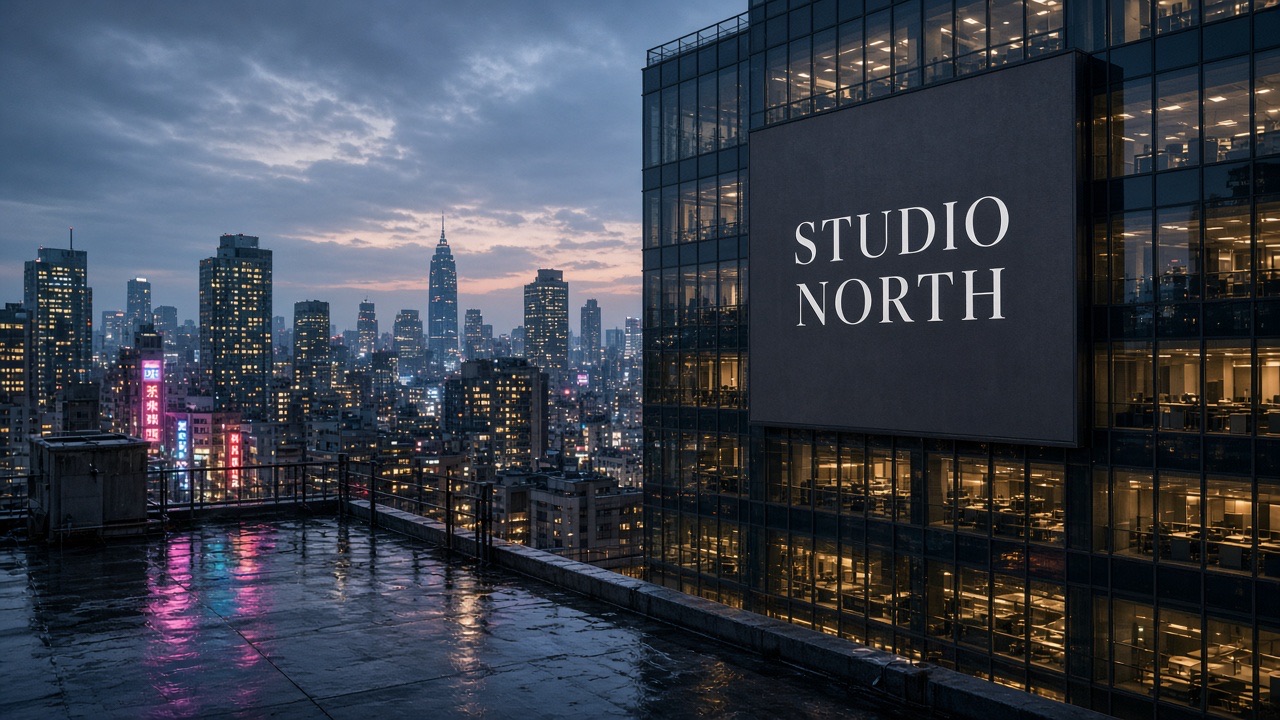
Sharper lighting and texture, local edits that stay in place, and layouts that keep type and subjects readable across versions.
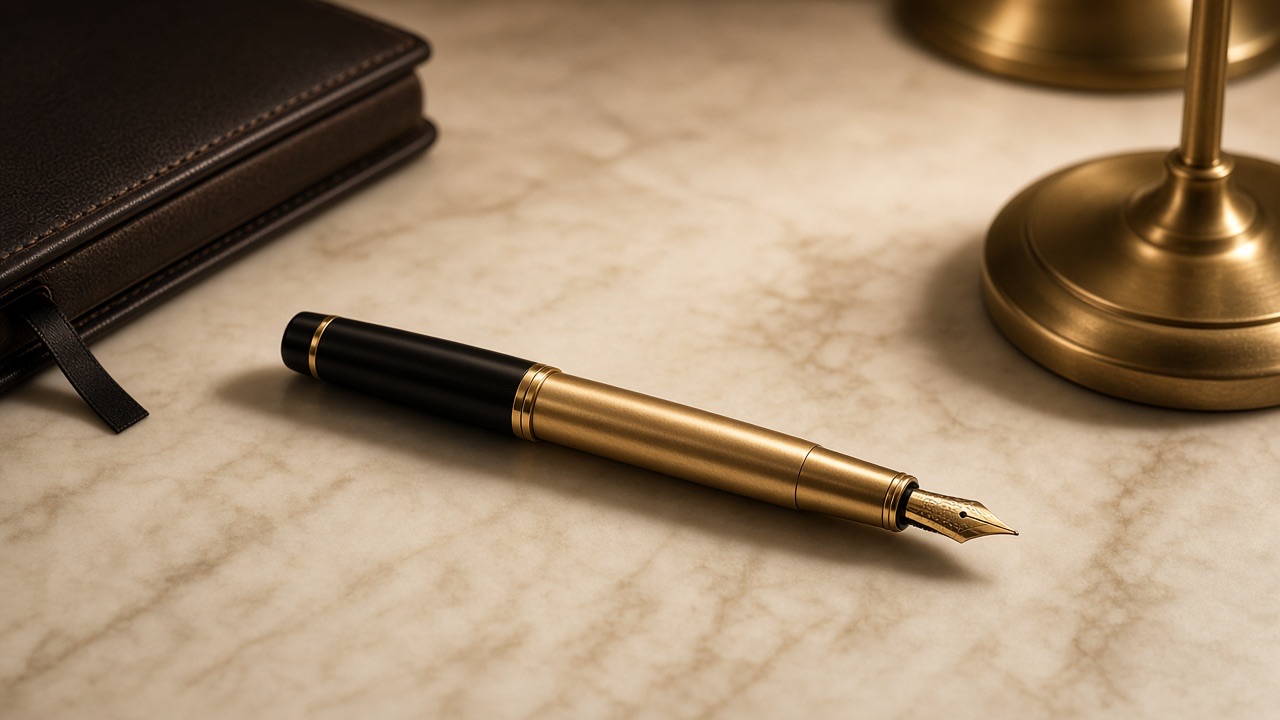
Describe subject, setting, light, and format in one prompt. The result is meant to look more natural in lighting and surface detail than GPT Image 2, which helps concept frames and empty-scene plates.
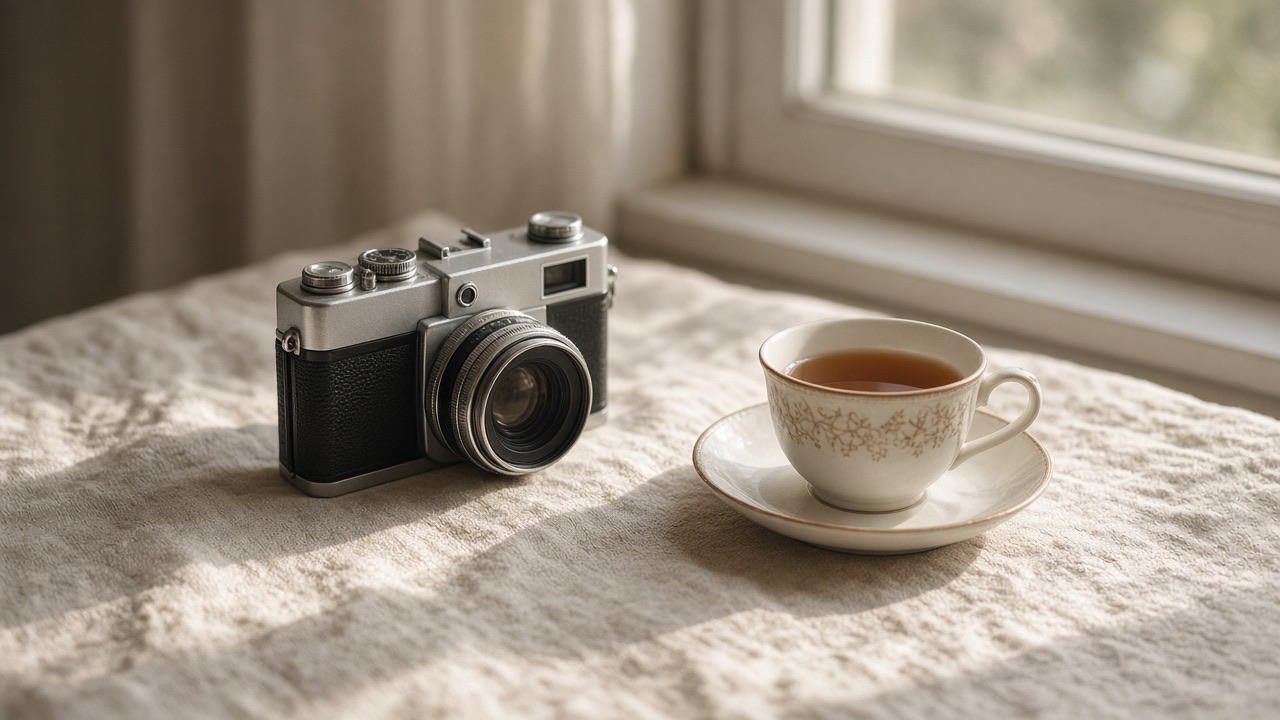
Switch to image-to-image with up to 16 references. Change background, color, material, or one object while the rest of the subject and composition stay readable.
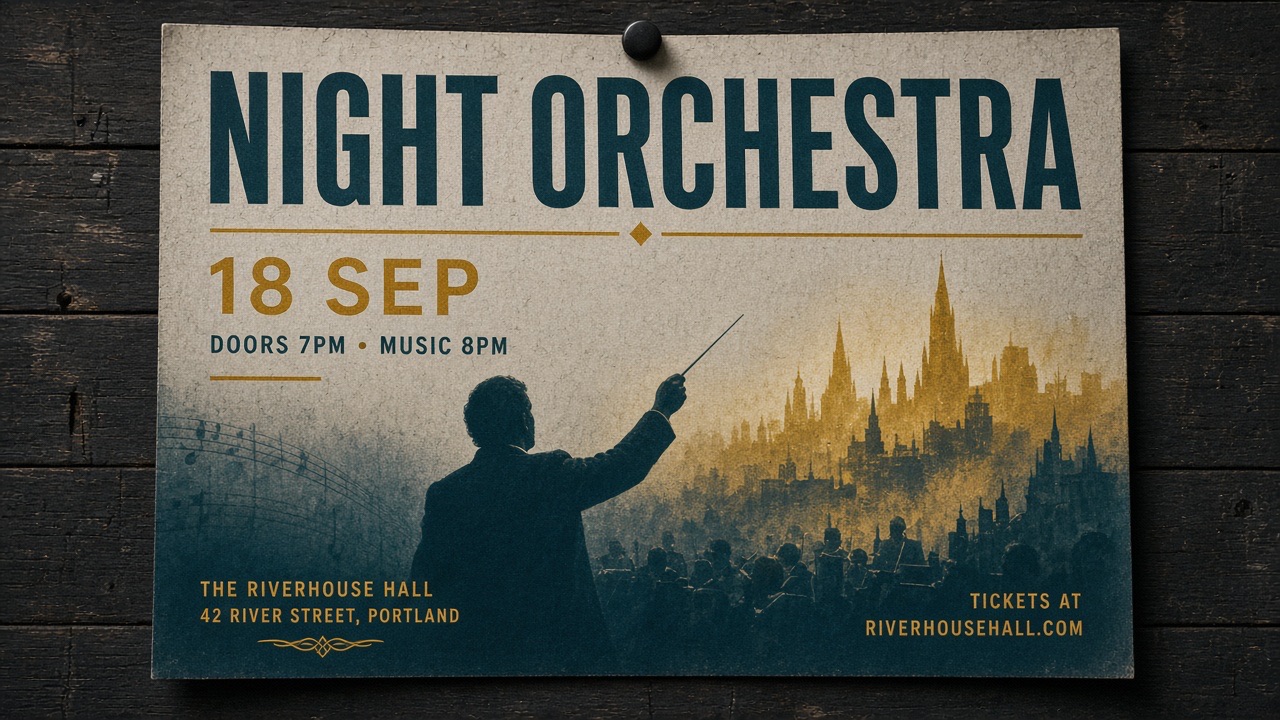
Put the exact line, language, and placement in the prompt. This version follows briefs that mix several subjects, on-image copy, and a defined layout more reliably than GPT Image 2.
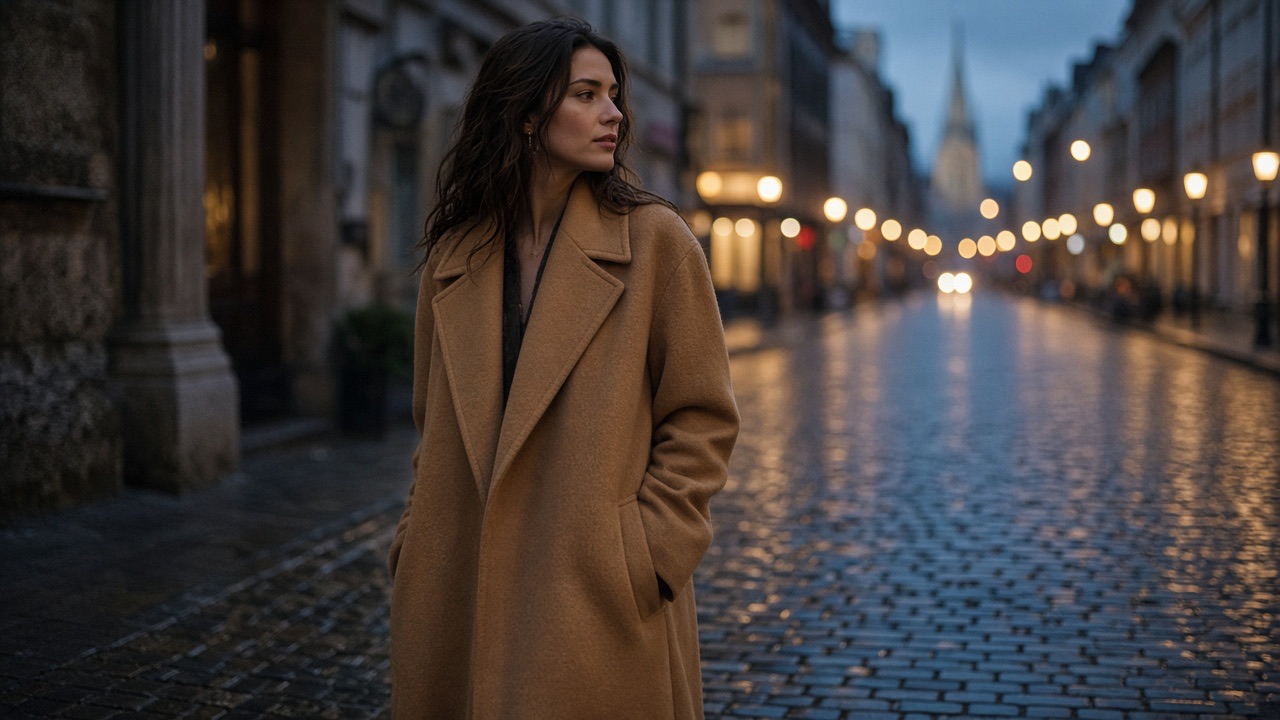
Keep a person, product, or place recognizable when wardrobe, location, or lighting changes. Later prompts should build on the last still instead of resetting identity and crop.
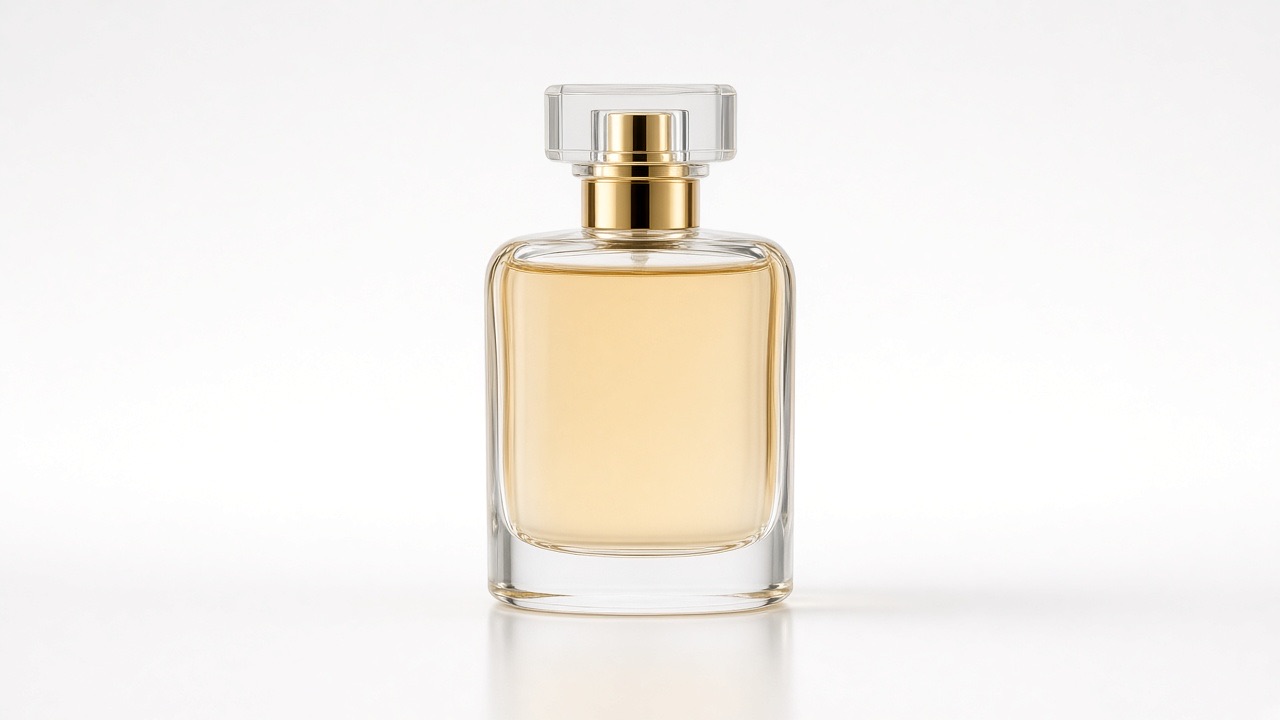
Choose 1K, 2K, or 4K and frames such as 16:9, 9:16, 21:9, and 27:16. Background can be auto, opaque, or transparent. 27:16, 16:27, 9:8, and 8:9 are 1K only. For 2K or 4K transparency, describe an isolated subject with no scenery or shadow.
Start from a prompt, or upload a still, then generate or edit the result.
Keep this page on GPT Image 2.5. Use Text to Image for a blank start, or Image to Image when you have references to preserve.
Name the subject, setting, required copy, format, and anything that must not change. For edits, say how each file should guide identity, product, or layout.
Set aspect ratio, 1K–4K resolution, and background. Generate a first still, then tighten type, color, or crop in a follow-up pass.
| Capability | GPT Image 2.5 | Nano Banana 2 | GPT Image 2 |
|---|---|---|---|
| Primary fit | Text-rich stills and controlled edits | Fast 4K drafts and layout tests | Poster, label, and product comps |
| Text to image | ✓ | ✓ | ✓ |
| Image to image | ✓ | ✓ | ✓ |
| Reference fidelity | High | High | High |
| Typical workflow | Posters, labels, ads, UI, product edits | Multi-ref fusion and wide-ratio plates | Campaign stills and multi-pass edits |
Generation and editing on Seedance 2.0.
Prompting, references, ratio, resolution, background, and download stay in one flow. Approved stills land in My Creations and can continue into image-to-video.