Direct Multi-Asset Scenes with Explicit `@` Mentions
Instead of describing every face, outfit, prop, and camera move from scratch, Reference to Video lets you attach visual and audio references directly to your prompt. Type `@` in the prompt box to assign each uploaded file its exact role in the shot.
Lock Character Identity and Wardrobe
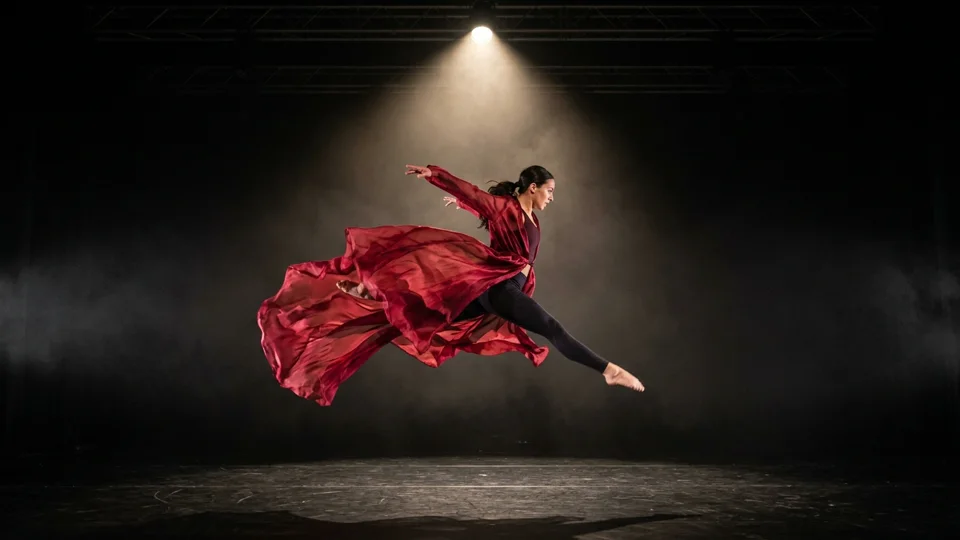
Upload a clear character portrait or turnaround sheet as `@image1` and an outfit or prop photo as `@image2`. Reference them in your prompt so the subject keeps recognizable features while performing new actions.
Place Products into Directed Environments
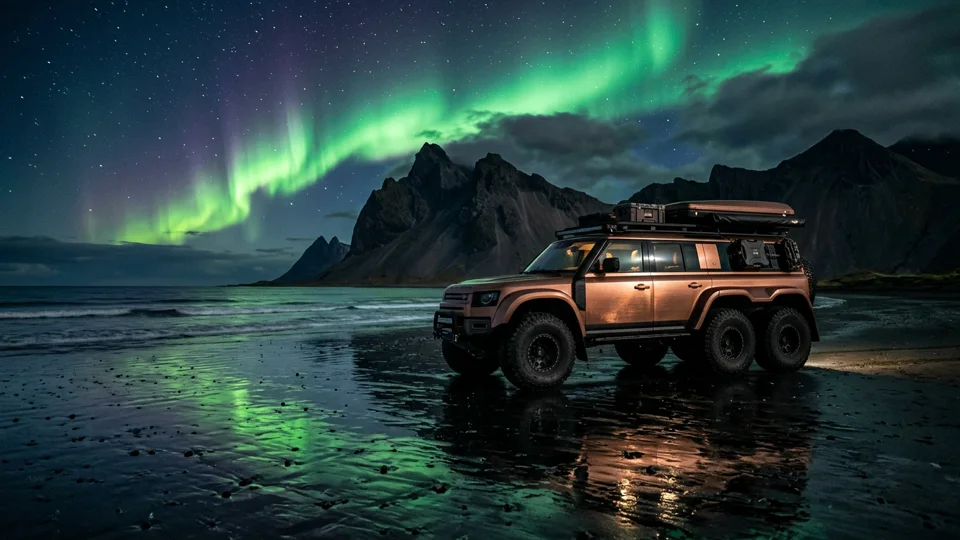
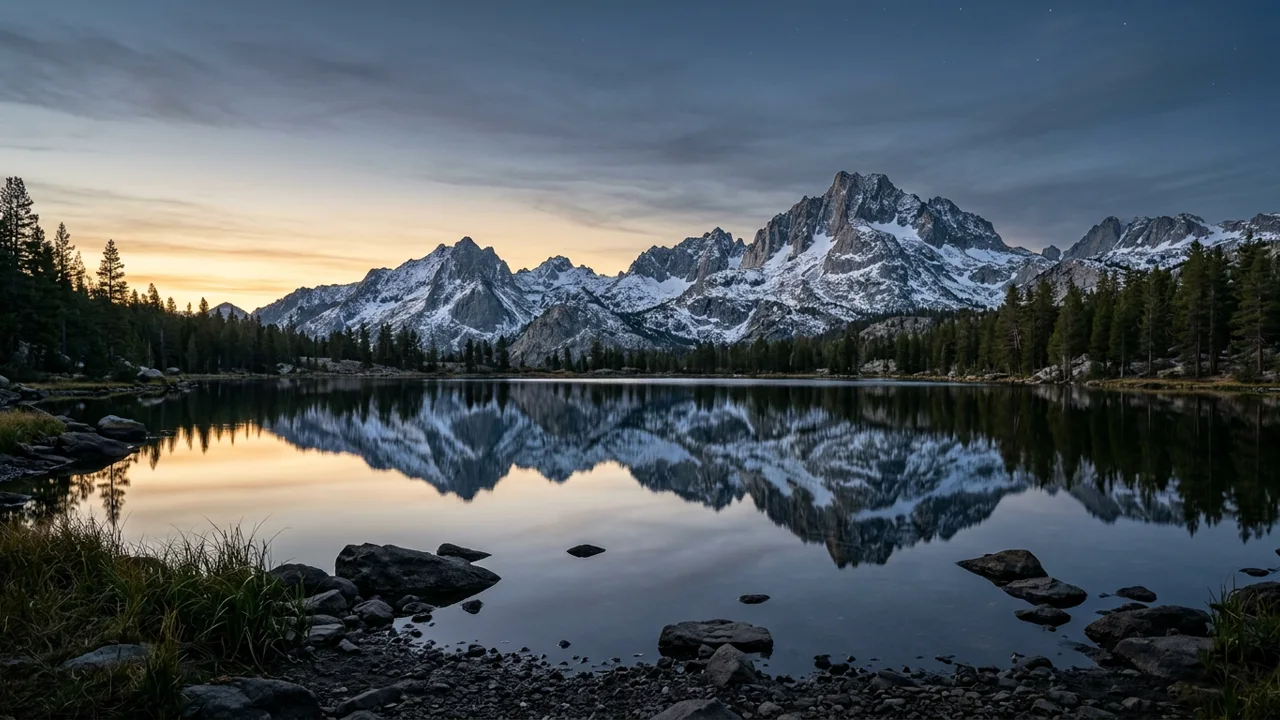
Pair a clean product photograph with a location reference image. Instruct the model to stage the product from `@image1` inside the lighting and atmosphere of `@image2` with controlled camera movement.
Combine Visual Assets with Camera Reference Clips
Attach a reference video clip (`@video1`) alongside your character and scene images to guide camera framing, blocking, or movement tempo without losing the identity of your uploaded subjects.
Sync Pacing with Reference Audio
Add a short voice line, beat, or sound effect in `reference_audio` so visual timing, ambient soundscapes, and character expressions align in a single generation pass.