
 01
0101
A still from a prompt
Write the subject, the place, the light, and the crop. Ratios run from 1:1 and 4:3 through 16:9, 21:9, and 9:21. The sizes on this page are 1K and 2K. There is no 4K control.
Start from a prompt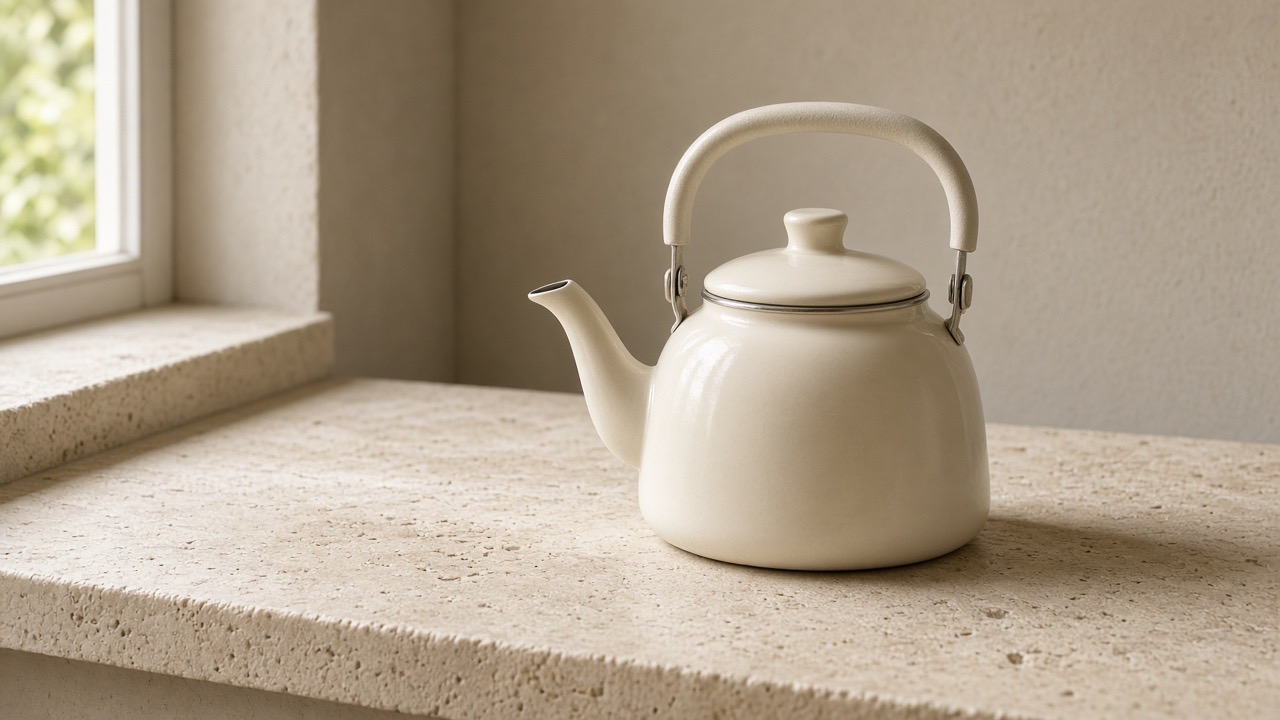
Qwen Image 2.1 is an image model for a still from a written prompt, or from a prompt plus reference files. It can place wording in the frame, change a source image, output 1K or 2K, and keep the background opaque or transparent.

Five jobs that match the controls on this page.
01Write the subject, the place, the light, and the crop. Ratios run from 1:1 and 4:3 through 16:9, 21:9, and 9:21. The sizes on this page are 1K and 2K. There is no 4K control.
Start from a prompt 02
02Put the exact words in the prompt and say where they sit. A headline, a label, or a short line in another language can be part of the still. Check every character at the size you will publish.
Set the wording 03
03Image to Image takes one to ten files. Their order is the order the prompt can point to: the first image, the second, and so on. JPEG, PNG, and WebP are accepted, 30 MB each. Extra files leave less detail on each one, so use fewer when a face or product must stay exact.
Add references 04
04Upload the still that must stay recognizable, then name one change: a new background, a replaced object, or a different time of day. Say what must not move, such as a face, a product shape, or words already in the frame.
Edit a source 05
05Opaque keeps a normal background. Transparent is for a subject on its own, saved as PNG or WebP. Describe the subject, not a room or a surface, when the background should stay clear. JPEG has no transparency, so that format stays opaque.
Choose a backgroundThe three steps follow the controls in the workspace on this page.
Stay on Text to Image when the prompt describes the whole still. Switch to Image to Image when a file must stay recognizable, then upload the references. JPEG, PNG, and WebP are accepted, up to ten files, 30 MB each.
Name the subject, any exact wording, and what must not change. Then set the aspect ratio, 1K or 2K, PNG, WebP, or JPEG, and opaque or transparent. On an edit, Auto follows the first reference. Transparent cannot be saved as JPEG.
Sign in and press Generate under the frame settings. Look at type, faces, product shape, and anything that was supposed to stay fixed. Change one problem in the next prompt instead of rewriting the whole brief.
Match the task to the controls on each page. These are differences in workflow, not a ranking.
| Capability | Qwen Image 2.1 | GPT Image 2.5 | Seedream 5.0 Flash | Nano Banana 2 |
|---|---|---|---|---|
| References | 10 files, 30 MB | 16 files, 30 MB | 10 files, 30 MB | 14 files, 30 MB |
| Ratios | Includes 9:21 | Includes 27:16 | 1:1 through 21:9 | Also 1:8 and 8:1 |
| Size | 1K or 2K | 1K, 2K, 4K | 1K, 1.5K, 2K | 1K, 2K, 4K |
| Background | Opaque or transparent | Auto, opaque, transparent | No background switch | No background switch |
| Format | PNG, WebP, JPEG | No format switch | PNG or JPG | PNG or JPG |
Open another model when the file count, size, or background control is a better fit.


Draft a still, revise a source, or carry a frame into video.


Use an accepted still as the first frame, then describe the motion.
What the model does, and what this page actually offers.
An image model for a still from a prompt, or from a prompt plus reference files. On this page the output is 1K or 2K, saved as PNG, WebP, or JPEG, with an opaque or transparent background.
Stills that start from a written brief, short wording inside the frame, and edits that keep a source recognizable. One request can use up to ten reference files. A transparent background is for a subject on its own. This page does not offer 4K.
Yes. Switch this page to Image to Image, upload the source, and say what should change and what must stay. JPEG, PNG, and WebP are the reference formats, up to ten files, 30 MB each. Auto uses the first file's ratio.
Yes. Put the exact words in the prompt and say where they sit. Short lines can be in another language. Check spelling and line breaks at the size you will use.
The workspace at the top is the trial. Pick Text to Image or Image to Image, write the prompt, set the ratio, 1K or 2K, the format, and opaque or transparent, then sign in. Example stills stay on the right until a result replaces them.
Text to image and image to image. Controls are the prompt, up to ten references, ratios from 1:1 through 9:21, Auto on edits, 1K or 2K, PNG, WebP, or JPEG, and an opaque or transparent background. Transparent cannot be JPEG.
Set the prompt, references, ratio, size, and background in the workspace on this page. Download the still you keep, or send that frame on to image to video.

