
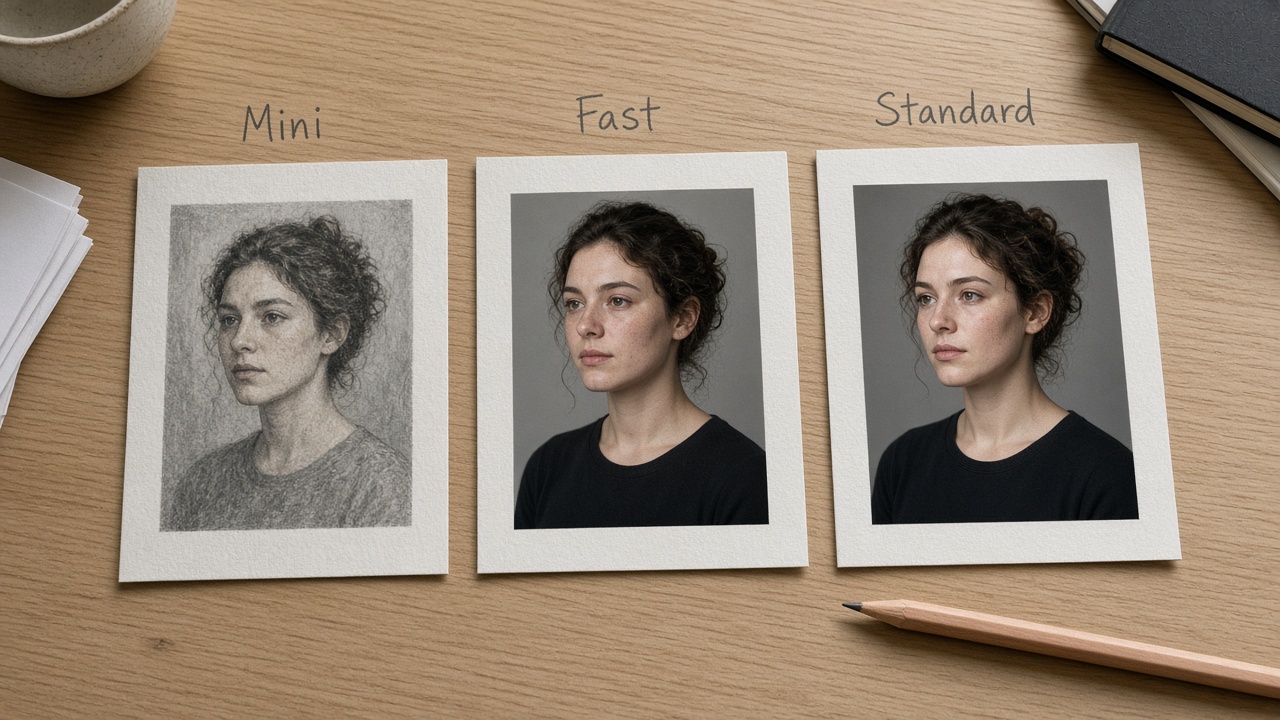
Pick by Job
Quick answer: Choose the Seedance 2.0 tier by job—not by “newer wording.” Mini for cheap draft loops at 480p/720p; Fast when you want the speed-positioned middle path at the same ceiling; Standard when the approved cut needs higher fidelity (up toward 1080p / 4K where the UI offers it). Open Seedance 2.0, choose the tier, then run once from Create.
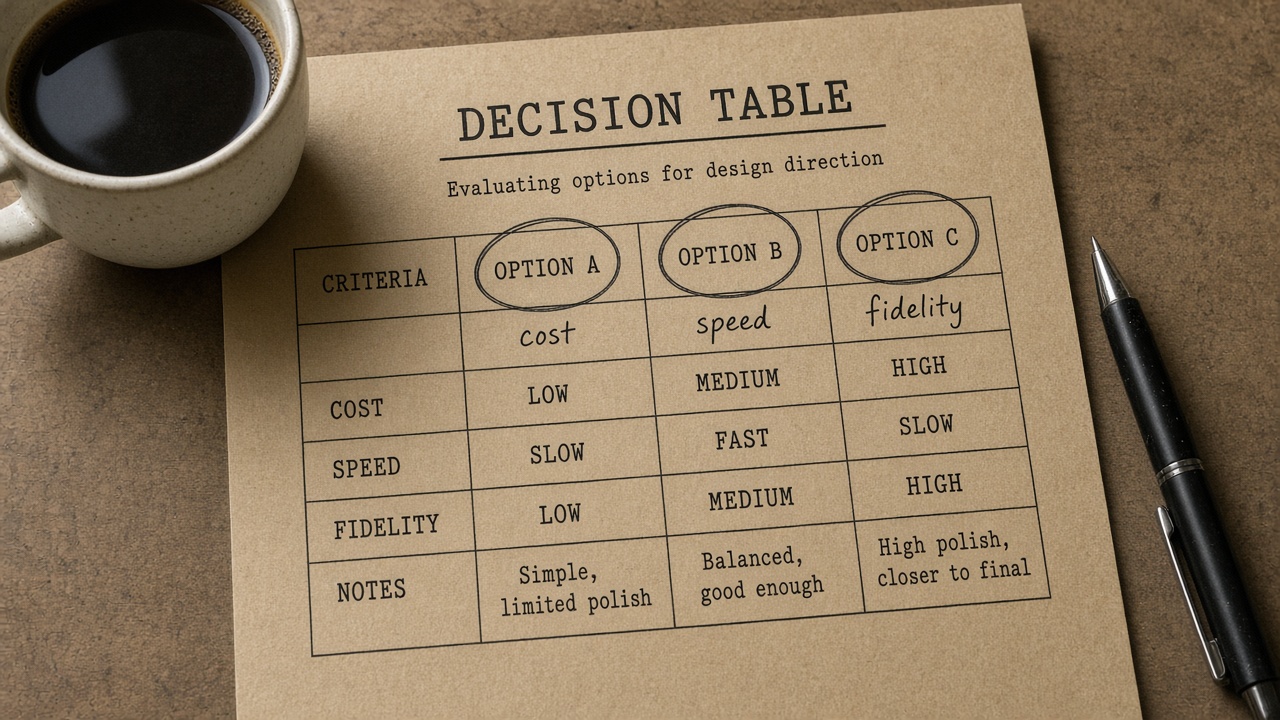
You searched seedance 2.0 standard vs fast (and Mini) because three doors share one prompt grammar and differ mainly in speed, cost, and resolution ceiling. This page is a tier picker: a job table first, then a one-knob habit after the first take. It is not a five-block formula cascade—and it is not the sister piece that chooses 2.5 vs 2.0 as models.
Read the table as a filter. Approximate ceilings below follow public Seedance 2.0 positioning (Standard = fidelity path; Fast = speed/cost balance; Mini = lowest attempt cost; Fast/Mini typically top out around 720p while Standard reaches higher delivery). Confirm duration, resolution options, and credit estimates in the live UI before you submit—limits move.
| Tier | Best job fit | Speed / cost / resolution bias | When not to use it |
|---|---|---|---|
| Mini | Prompt trials, silent board checks, volume drafts | Lowest attempt cost; 480p/720p class; same prompt grammar as the others | You already need a client-ready 1080p / 4K hero, or you are treating Mini as a “final grade” |
| Fast | Iteration loops where waiting is the bottleneck | Speed-positioned middle path; 480p/720p class; still cheaper than burning Standard on every try | You only need the cheapest preview (use Mini), or the cut is already approved for high-res delivery (promote to Standard) |
| Standard | Approved beats, hero stills that must hold detail, delivery toward 1080p / 4K | Fidelity-first; higher cost per second; higher resolution options when the UI lists them | You are still shopping directions—draft on Mini/Fast first, then promote the winner |
How to use the table
- Circle the bottleneck: attempt cost, wait time, or final resolution.
- If you are still exploring, start Mini (or Fast if queue time is the real pain).
- Promote to Standard only after the beat is approved.
- Open the on-site Seedance 2.0 Standard vs Fast door, pick the tier once, then confirm the estimate in Create.
Public write-ups (BytePlus / ModelArk Seedance 2.0 prompt notes, and third-party Standard–Fast–Mini explainers) describe the same split: shared structure, different speed–cost–resolution tradeoffs. We borrow that decision shape and land every CTA on this site—not a third-party trial.
Run Once, Change One Knob
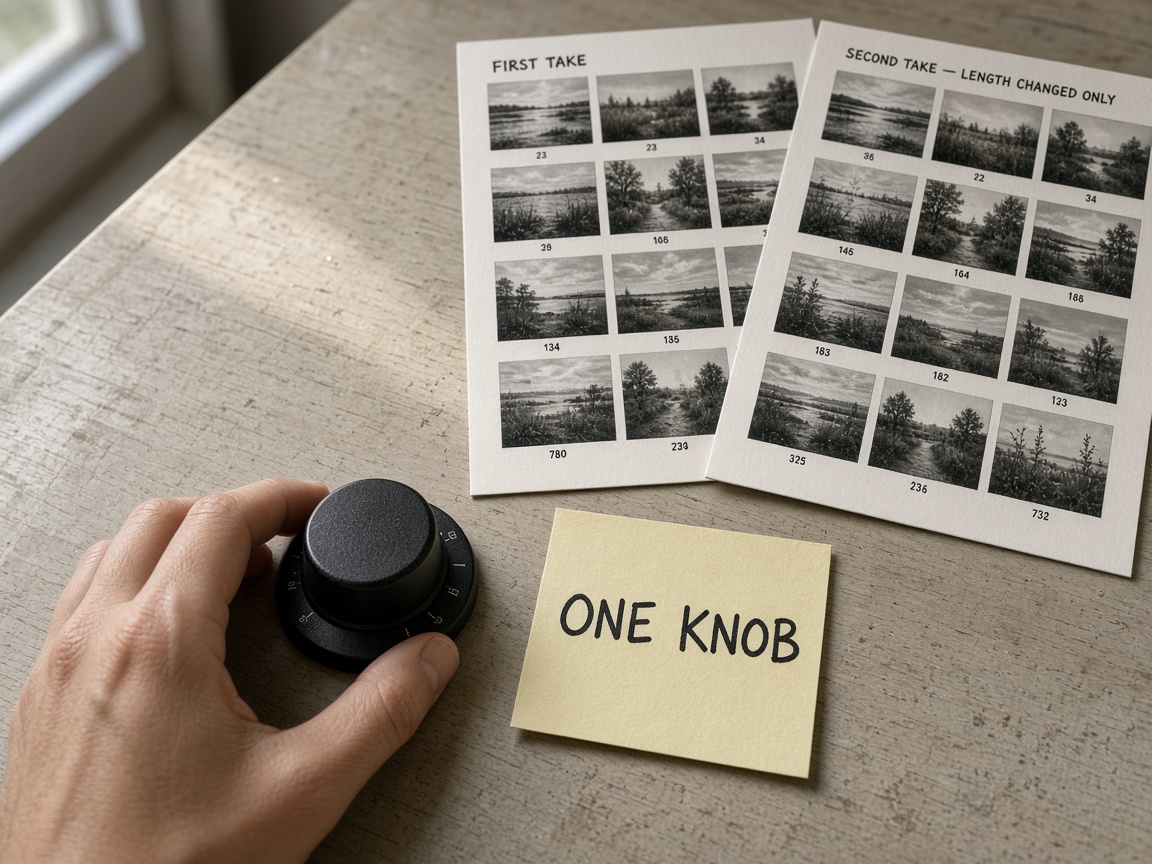
After the tier is picked, credit hygiene is one habit: one take, then twist a single knob.
- Knob A — tier — Mini → Fast → Standard only when the failure is fidelity or resolution, not “I hate the idea.”
- Knob B — length — shorten before you upscale. A muddy 12s rarely becomes a clean 12s at a higher tier.
- Knob C — one direction line — change camera or action or lighting note—not all three.
- Do not restack a multi-paragraph recipe between takes. If the first pass failed on structure, fix the job filter in the table above, not a longer prompt.
One-line reminder (not a paste block) — subject + one action + one camera move + end constraint (no subtitles / no logo). Keep it in your notes app; do not paste a five-section gray box into every draft.
When the winner is clear on Mini/Fast, reopen Create with Seedance 2.0 on Standard for the delivery pass and read the on-screen estimate once.
Decision residual — if you still cannot name the bottleneck (attempt cost vs wait vs final resolution), you are not ready for Standard. Stay on Mini/Fast until the beat is approved; promote once, then read the Create estimate. Model choice (2.5 vs 2.0) belongs on the sister page—not this tier table.
Related
- Seedance 2.5 or 2.0? Which Model Fits the Job — sister model picker (2.5 vs 2.0), not Standard/Fast/Mini.