First-Clip Decision Filter
Quick answer: Treat the Seedance AI video generator as a first-clip decision tool, not a recipe dump. Pick one use-case row below → choose text-to-video or image-to-video → prefer a short Mini sample when you are still validating → read the live credit estimate → generate once in create / the AI video generator. Model line context: Seedance 2.5. Cheap entry: Seedance 2.5 free. Plans: pricing.
If you searched seedance ai video generator, you usually need a confident first clip—not ten half-finished experiments. This page is a selection walkthrough: which job to run first, which mode fits, and when to stop after one pass. It is not a click-by-click CMS tour and not a prompt encyclopedia (see Seedance 2.5 prompts when you already know the job).
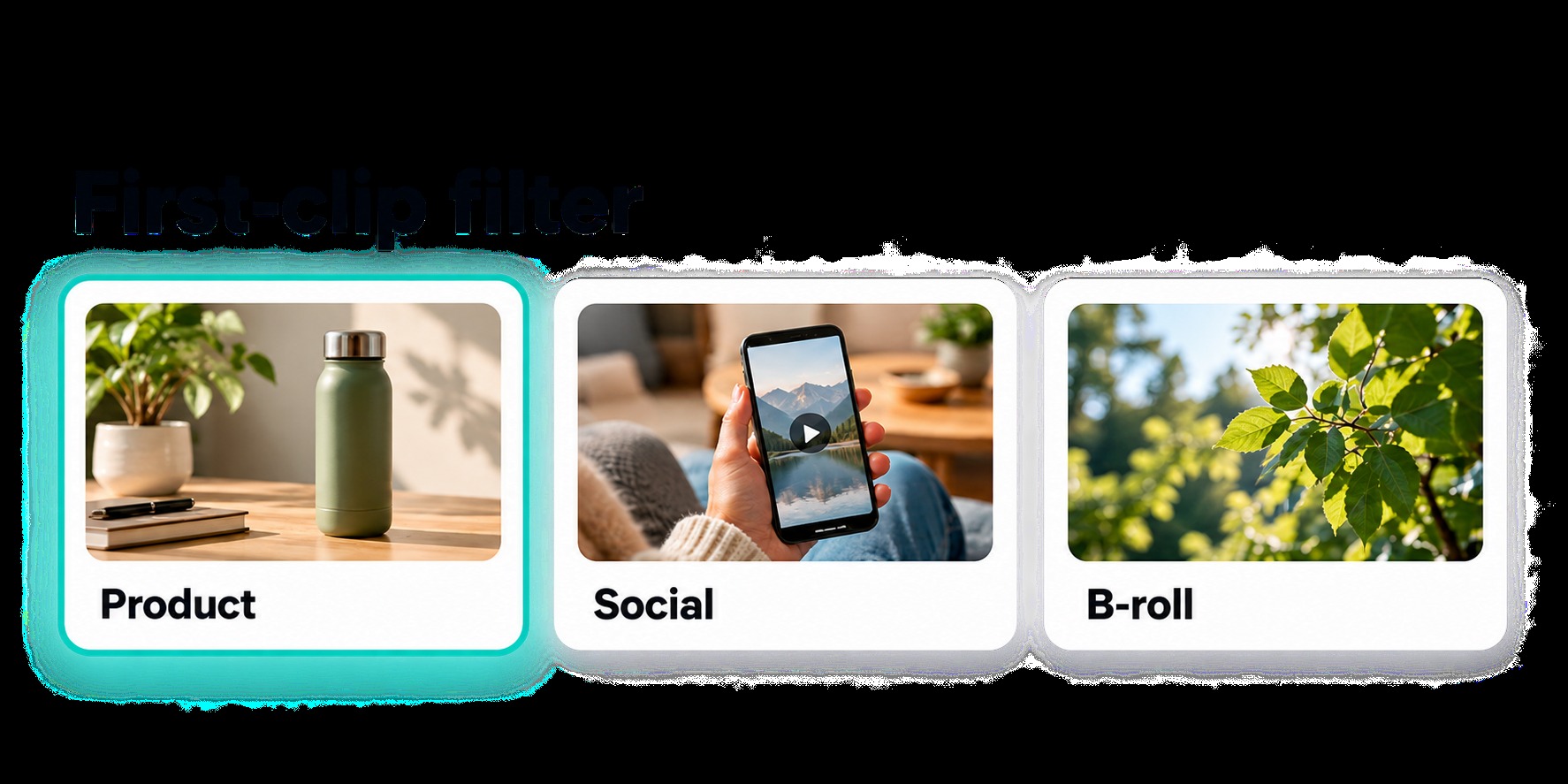
Choose one job before you open settings. One row = one first clip.
| Your first job | Prefer this path | Why it is a good first clip | Skip / escalate when… |
|---|---|---|---|
| Product / ecommerce reveal | Text-to-video or image-to-video from a clean still | One subject, one orbit or push-in, easy to judge | Logo edges fail → shorter motion or paid full Seedance 2.5 |
| Social / vertical hook (9:16) | Short duration, one gesture | Teaches timing cheaply | Hook works but fidelity is low → refill on pricing |
| Environment / B-roll mood | Text-to-video, locked horizon | Mood is visible in one take | Need longer story beats → full 2.5 duration options |
| Real-person still → motion | Image-to-video (identity-sensitive) | Different failure modes than product | Use the sister real-person I2V prompts—do not force faces into a product brief |
| “Just try the site” | Mini sample via Seedance 2.5 free | Proves UI + estimate habit | Free balance gone → pricing, not more random prompts |
Selection rule: if you cannot name the job in one sentence, do not generate yet. Open the AI video generator only after the row is picked.
Mode and Model Pick Before You Spend
Mode and model burn credits differently. Decide them before prompt polish.
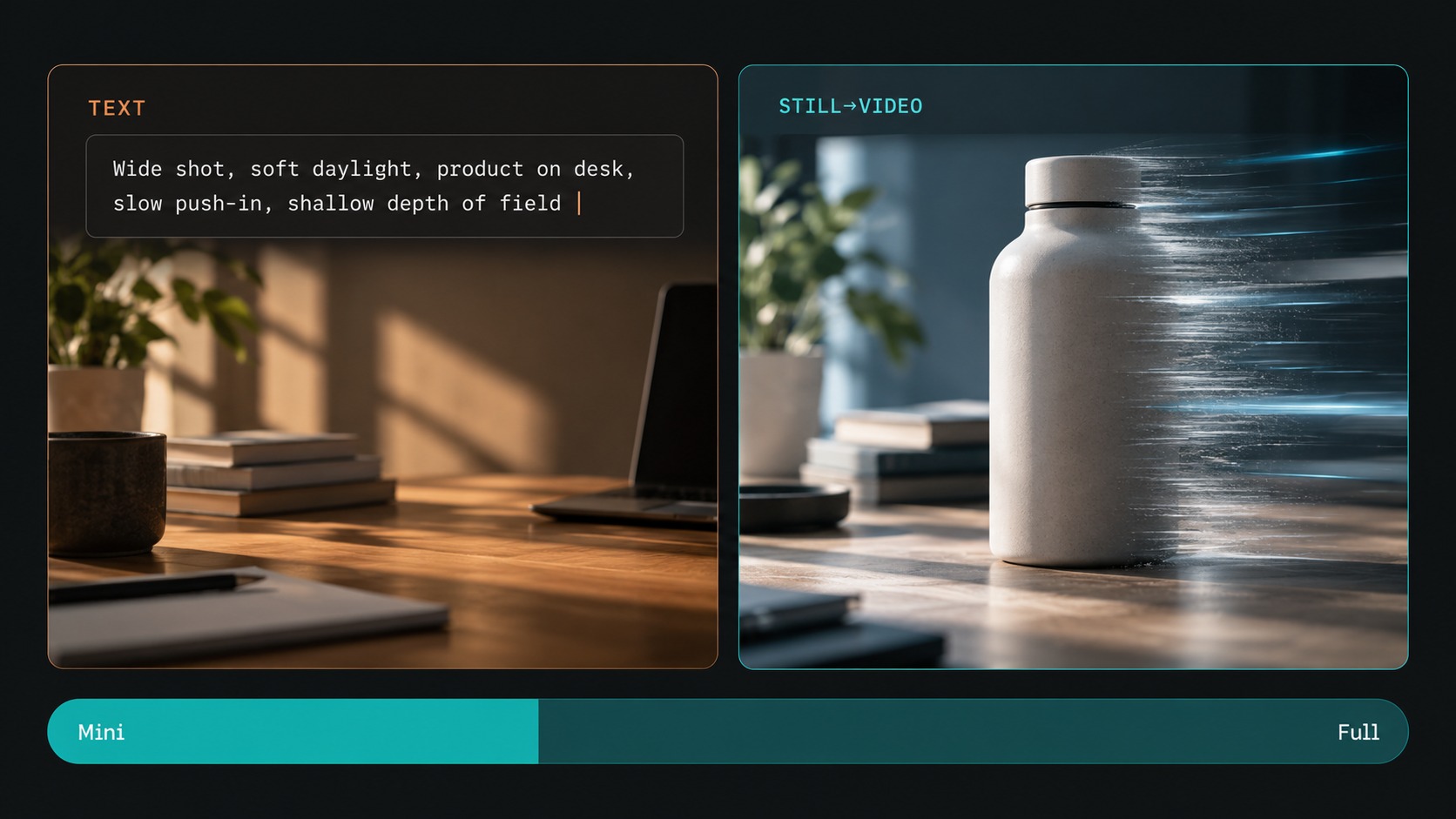
Text-to-video vs image-to-video
| Start from… | Choose | First-clip tip |
|---|---|---|
| A written scene only | Text-to-video | Name subject + one action + one camera move |
| A still you must preserve (product, face, layout) | Image-to-video | Describe motion only; say what must stay stable |
| Both a still and a long story | Image-to-video first for lock, then expand | Do not stack five references on clip #1 |
Work happens in create. Capability overview for the current line: Seedance 2.5.
Mini sample vs full Seedance 2.5
| If your goal for clip #1 is… | Prefer |
|---|---|
| Prove the beat / framing / timing | Short Mini path (Seedance 2.5 free when eligible) |
| Already know the beat; need fidelity / longer / higher res | Full Seedance 2.5 after you confirm spend on pricing |
| Still reading plan math | Stay on estimate UI—blog posts are not a price list |
Credits are not “one credit = one video.” Duration, model, resolution, and extras change the charge. Always read the live estimate in the generator before submit.
When to Stop After One Clip vs Iterate
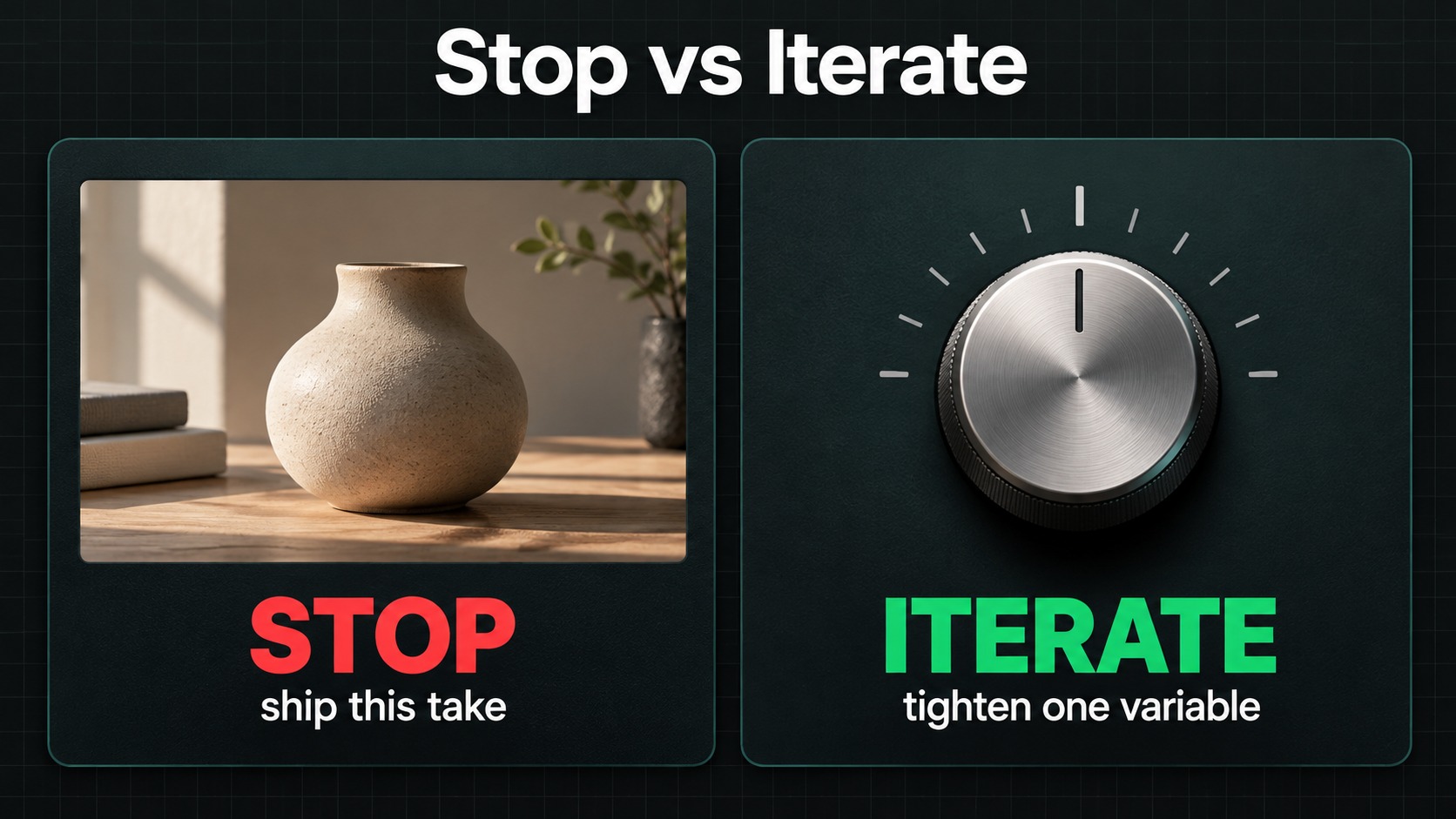
Beginners waste balance by changing five variables at once. Use a stop rule.
Stop after one clip when…
- The beat matches the row you picked (even if polish is imperfect).
- You learned the estimate → submit → preview loop.
- Next need is a different job (new row)—not another random adjective pass.
Iterate once (same job) when…
| Symptom | Change only this | Keep locked |
|---|---|---|
| Wrong action / subject | Subject or motion line | Camera + duration |
| Camera feels random | One camera move word | Subject |
| Extra junk in frame | “Preserve / Avoid” constraints | Everything else |
| Timing feels rushed | Shorter duration | Same mode |
Escalate spend when…
The beat is right but quality, length, or resolution is not—then open pricing, refill intentionally, and re-run the same brief on full Seedance 2.5 in create. Copy-ready wording lives in Seedance 2.5 prompts once the job is chosen.
Site home: seedance2video.ai.
First-clip checklist (before generate)
- [ ] One use-case row selected
- [ ] Text-to-video or image-to-video chosen—not both “maybe”
- [ ] One subject, one action, one camera move named
- [ ] Duration kept short for clip #1
- [ ] Live credit estimate read in create / AI video generator
- [ ] Mini vs full Seedance 2.5 decided on purpose
If any box is empty, pause. A clean first clip teaches more than three rushed ones. Free-boundary detail: Seedance 2.5 free. Plan math: pricing and the sister pricing post once published on this blog.
What “good enough” looks like on clip #1
You are done with the beginner walkthrough when:
- You can explain why you picked that use-case row.
- You watched the estimate change when you shortened duration or switched Mini ↔ full.
- You know whether the next spend is same-job polish or a new row.
That is the outcome of a Seedance AI video generator first clip—not a perfect hero film on attempt one. When you want wording packs, jump to Seedance 2.5 prompts. Model story length and reference depth stay on Seedance 2.5.
FAQ / Troubleshooting
Is this a full how-to of every button?
No. It is a first-clip selection guide: use-case → mode → Mini vs full → stop/iterate. For templates, use Seedance 2.5 prompts. For free-tier limits, use Seedance 2.5 free.
Should my first clip be the longest duration?
Usually no. Short clips teach framing and timing with less credit risk. Stretch duration after the beat works.
Do I need a paid plan for a first try?
Not always. Eligible free Mini entry is documented on Seedance 2.5 free. Paid plans and allowances live on pricing—confirm live, do not memorize screenshots.
Where do I actually generate?
create or the AI video generator. Model context: Seedance 2.5.
What if I need identity-locked people from a photo?
That is a different selection row—see real-person image-to-video prompts.
Product CTA
Next step: pick one row in the decision filter, open create (or the AI video generator), run one short sample (Mini via Seedance 2.5 free if eligible), read the estimate every time, then continue on Seedance 2.5 after you confirm credits on pricing. Home: seedance2video.ai.
Related reading
- Seedance 2.5 — model overview
- Seedance 2.5 free — free-tier / Mini boundary
- Seedance 2.5 prompts — copy-ready templates after you pick the job