What Seedance 2.5 is (and how it differs from 2.0 here)
Seedance 2.5 is the longer-form, multimodal video model on this site: joint audio-video generation with room for story, references, and targeted edits. If you already use Seedance 2.0 for short 4–15 second scenes, 2.5 is the step up when one take needs more time, more anchors, or finer timeline control—not a different brand, and not a generic “AI video” roundup.
On seedance2video.ai the choice is practical. Open the Seedance 2.5 product page when you need up to about 30 seconds in a single pass, denser image/video/audio references, and output up to 4K. Stay on Seedance 2.0 when a tight product beat, character peek, or music-video bar still fits inside a short connected scene. Credits and plan details live on pricing—check the estimate in the UI before you generate.

What Seedance 2.5 adds over 2.0
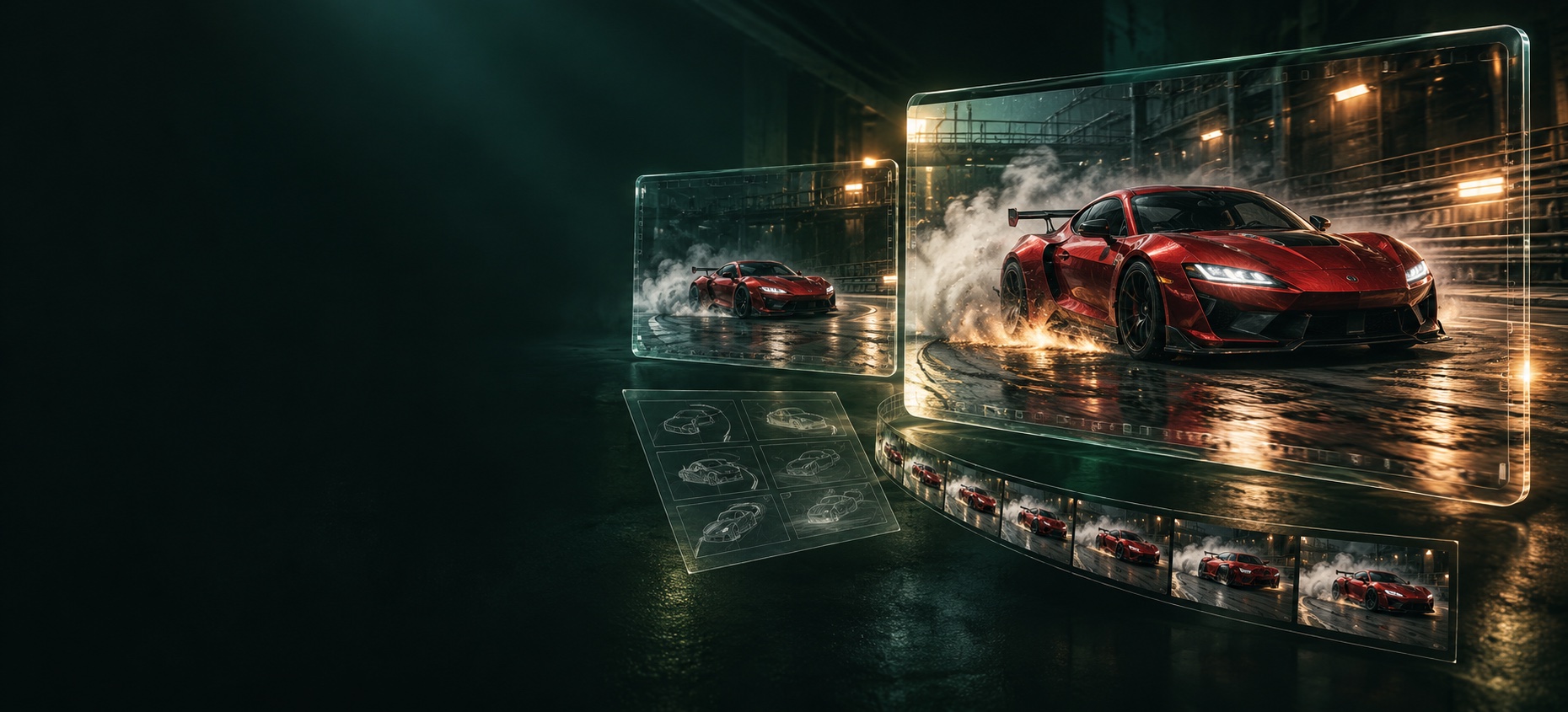
Compared with 2.0 on this site, Seedance 2.5 is built for more complete clips in one generation:
- Longer single-pass stories — up to about 30 seconds, with room for setup, development, and a finish instead of stretching one static moment.
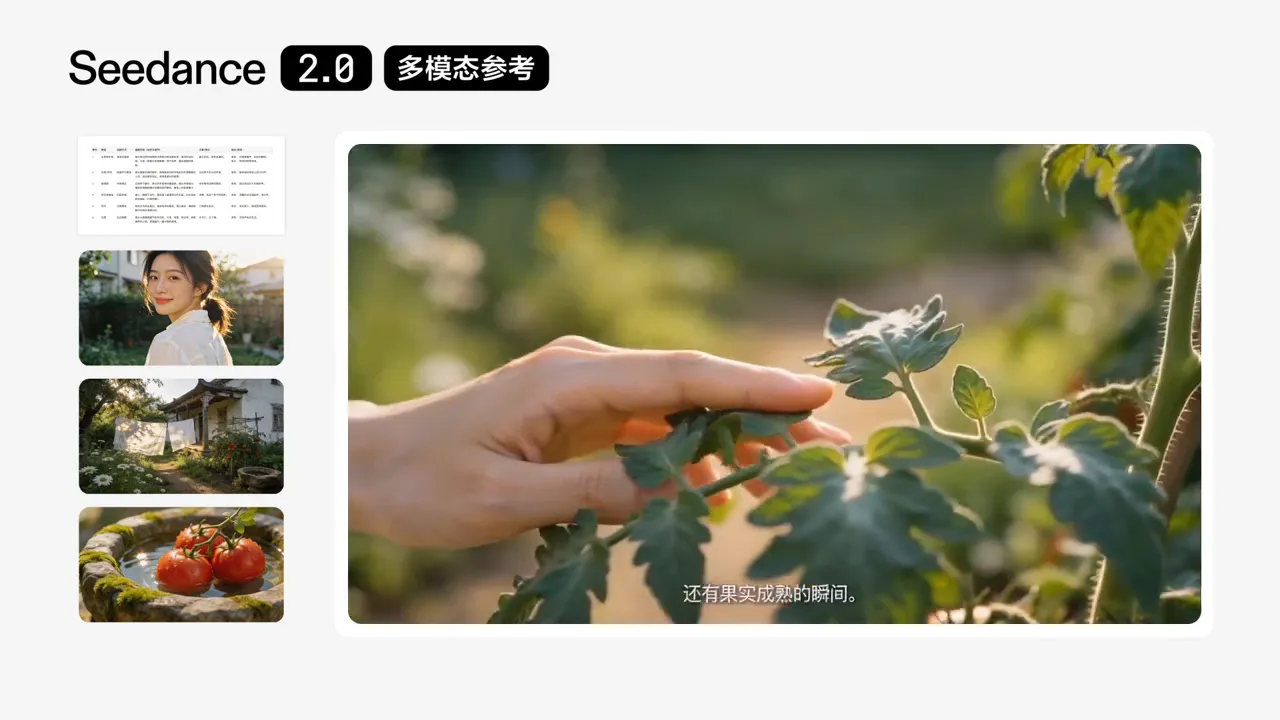
- Heavier multimodal reference — up to roughly 30 images, 10 videos, and 10 audio clips as anchors for character, setting, motion, style, and sound.
- Higher delivery options — preview through social-ready sizes, with output up to 4K when you need it.
- Precise timeline editing — time-range style instructions to adjust story, camera, action, or pacing inside a span while keeping continuity around the edit.
2.0 remains the short-scene workhorse: text, image, video, and audio into connected 4–15 second beats with character performance and sound that travels with the picture. Use the Seedance 2.5 page for the full capability list; this article only maps what changed so you can decide when to upgrade.
Duration, references, and resolution in plain terms
Think in three dials before you spend credits:
- Duration — If the beat is a single product turn or a two-shot handshake, 2.0’s 4–15 second window is often enough. If you need a mini-arc (establish → move → land) without stitching many short renders, 2.5’s longer single pass is the reason to switch.
- References — A clean hero still plus a short motion cue can stay on 2.0. When you are carrying a cast bible, location plates, and a temp VO or bed, 2.5’s higher reference ceiling keeps identity steadier across the take.
- Resolution — Draft cheap, then raise quality. Both paths belong in Create; final size should match where the clip will ship, and the credit meter on pricing should be visible before you commit.
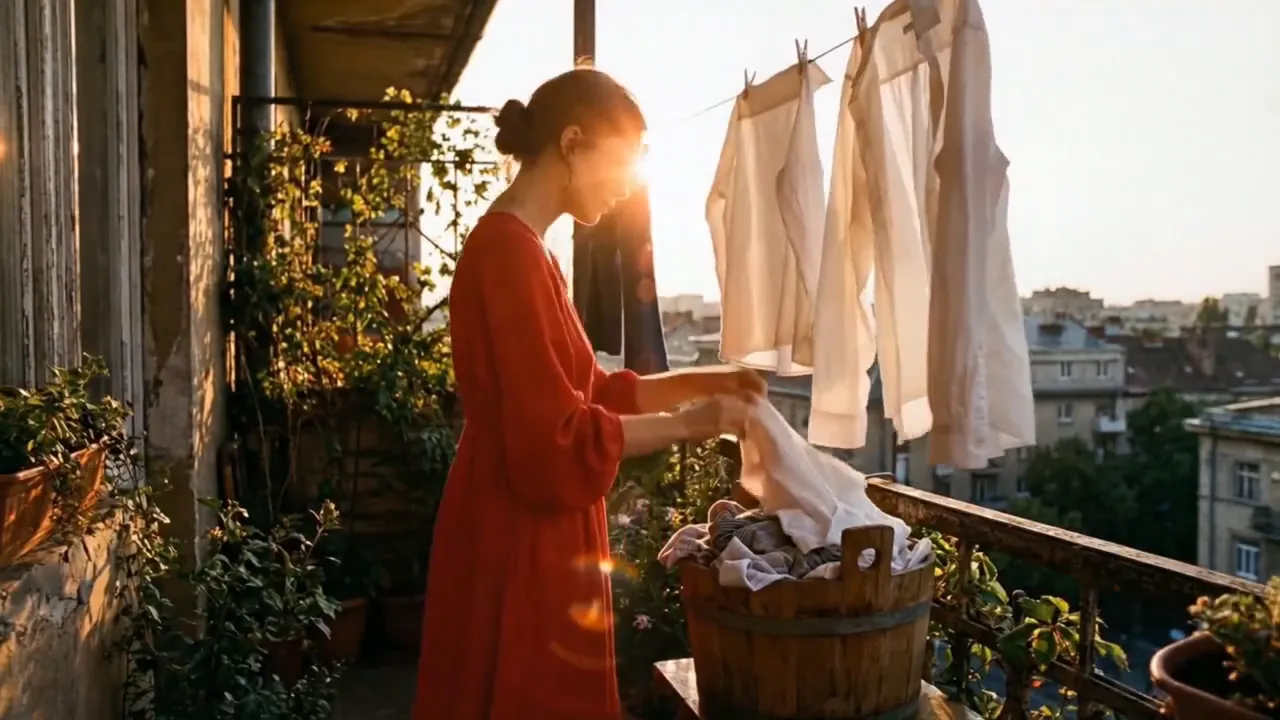
A coastal runner at golden hour, locked character look from the still sheet, camera tracks left for 12s then settles on the finish line, soft wind and distant traffic under a calm voiceover.
When to stay on Seedance 2.0
Keep Seedance 2.0 when:
- You already have a strong still and mainly need image-to-video motion for a short beat.
- The story fits a tight connected scene (wide → track → detail) inside roughly 4–15 seconds.
- You are iterating prompts fast and want shorter cycles before you lock a direction.
- Sound-with-picture and character consistency matter more than a longer one-shot narrative.
Staying on 2.0 is not “falling behind.” It is matching the tool to the shot length you actually need. Many campaigns still win with crisp short clips; upgrade only when the missing piece is time, reference load, or timeline surgery.
When to upgrade to Seedance 2.5
Move to Seedance 2.5 when:
- One generation must cover closer to half a minute of story without heavy external editing.
- You need many references—still sheets, clip refs, and audio—held together in one coherent scene.
- You plan to edit inside a time range (nudge camera or action in a span) rather than re-roll the whole clip.
- Delivery needs higher resolution options up to 4K after you like a draft.
A simple rule: if you keep stitching three 2.0 renders to fake a longer beat, try one 2.5 pass with a clearer scene goal first. If a single still and a short motion line already look right on 2.0, do not upgrade for the badge alone.
Where to open 2.5 on this site
Path on seedance2video.ai:
- Read the capability page — Seedance 2.5 — so duration, references, and editing limits are clear.
- Compare the short-scene path on Seedance 2.0 if you are unsure which model fits.
- Start a job in Create (text-to-video or image-to-video) and lock subject, continuity, and camera before you spend on final quality.
- Check pricing for plans and credits; treat the on-screen estimate as source of truth over any blog table.
New to the product family? The AI video generator overview and any free-path entry on the site are for first clips—then come back here when you are choosing between 2.0 and 2.5 for a real deliverable.
FAQ
Is Seedance 2.5 a different product from 2.0?
Same site, next model tier for longer multimodal clips. Pick by shot length and reference needs, not by marketing labels.
Do I lose 2.0 if I try 2.5?
No. Seedance 2.0 stays available for short scenes. Upgrade when the brief needs what 2.5 adds.
Where do credits show?
In the create flow and on pricing. Duration, resolution, references, and retries all affect cost—draft cheap, then raise quality once.
Can I start from an image?
Yes. Both generations support image-led workflows; use 2.5 when the still is only the start of a longer multimodal take.
Next steps
Open Seedance 2.5 if you need the longer, reference-heavy path; keep Seedance 2.0 for short connected scenes. Then go to Create, run a small test, and confirm credits on pricing before a final-quality render. That is the whole upgrade decision on this site—capability first, spend second.