4 mevcut
0 / 10000

Ücretsiz kullanıcılar bir site filigranı ile oluşturur.

Filigranı kaldırmak için yükseltme yapın
Maliyet 3 kredi / Yeni kullanıcılar için ücretsiz kredilerKredi Satın Al ›

Example stills

Examples
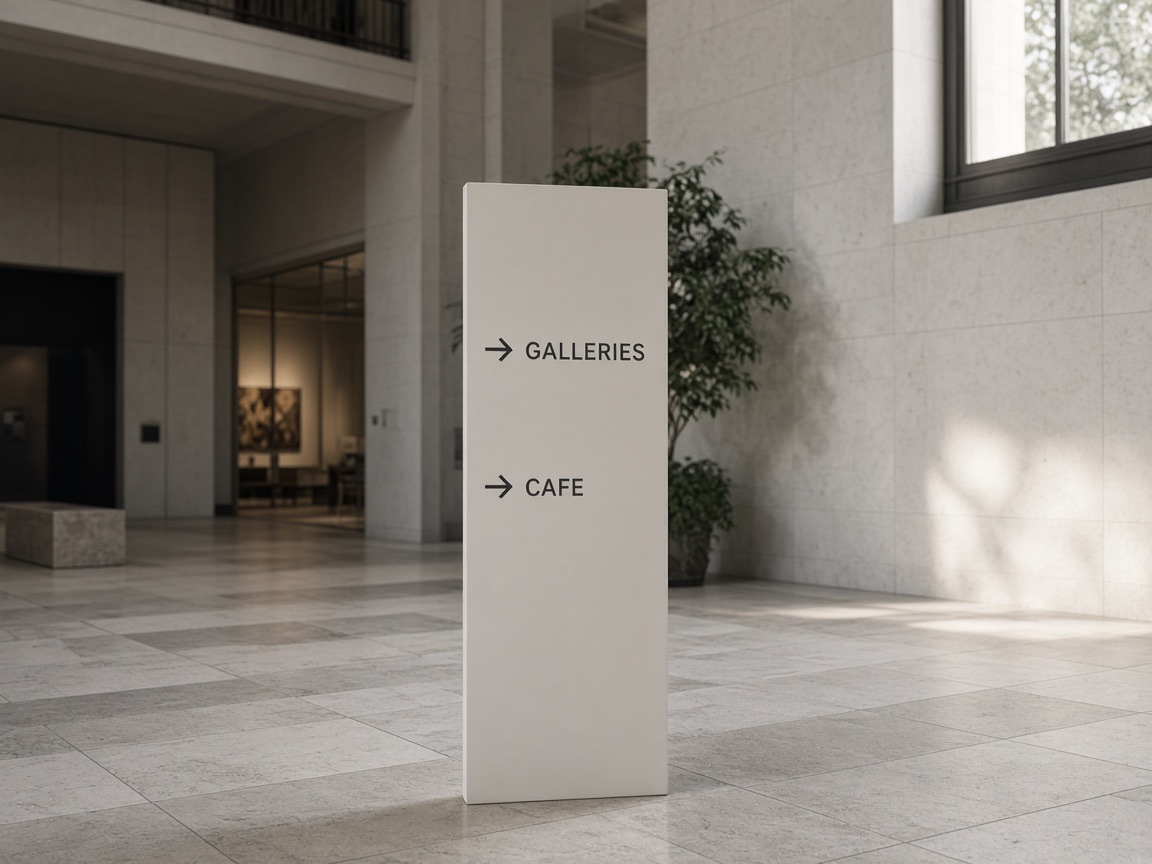
Museum atrium wayfinding panel with short directional labels
Önemli: Oluşturulan içeriğin kaybını önlemek için lütfen görsel oluşturma sırasında bu sayfada kalın.

Nano Banana Pro image generator

Nano Banana Pro is an image model for stills that need layout, wording, and references to agree. It can place text in the frame, change light or camera on a source, and output 1K, 2K, or 4K.

Use the workspace above: a prompt, or up to eight JPEG, PNG, or WebP files at 30 MB each. Then pick the ratio, resolution, and PNG or JPG.

Open the workspace
Empty ferry deck at dusk, wet planks and a distant harbor

What it is built to handle

Five different jobs. Use the one that matches the still you need.

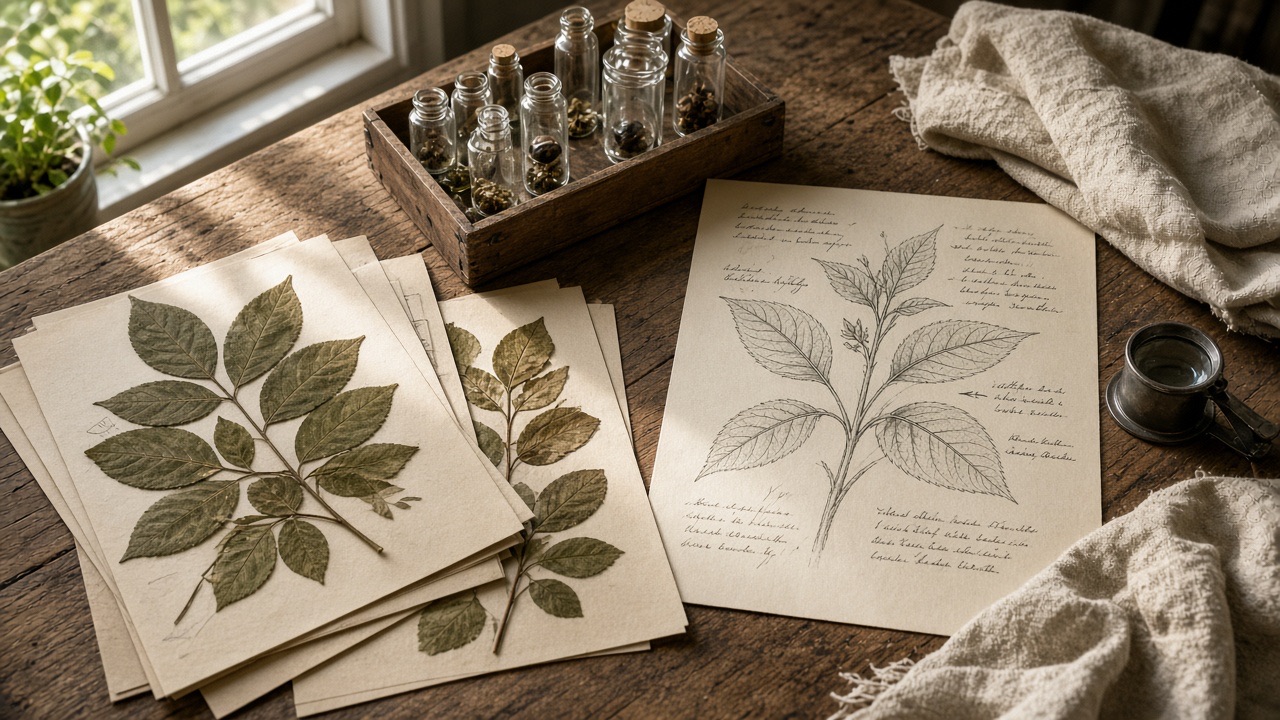
Botanist workbench with specimens, vials, and a handwritten plant sheet
01
01

Diagrams and labeled layouts

Useful when a still has to show steps, parts, or a reading order, not just a subject. Name the format, the sequence, and which labels belong to which part. Check names and numbers at full size before you publish.

Start from a prompt
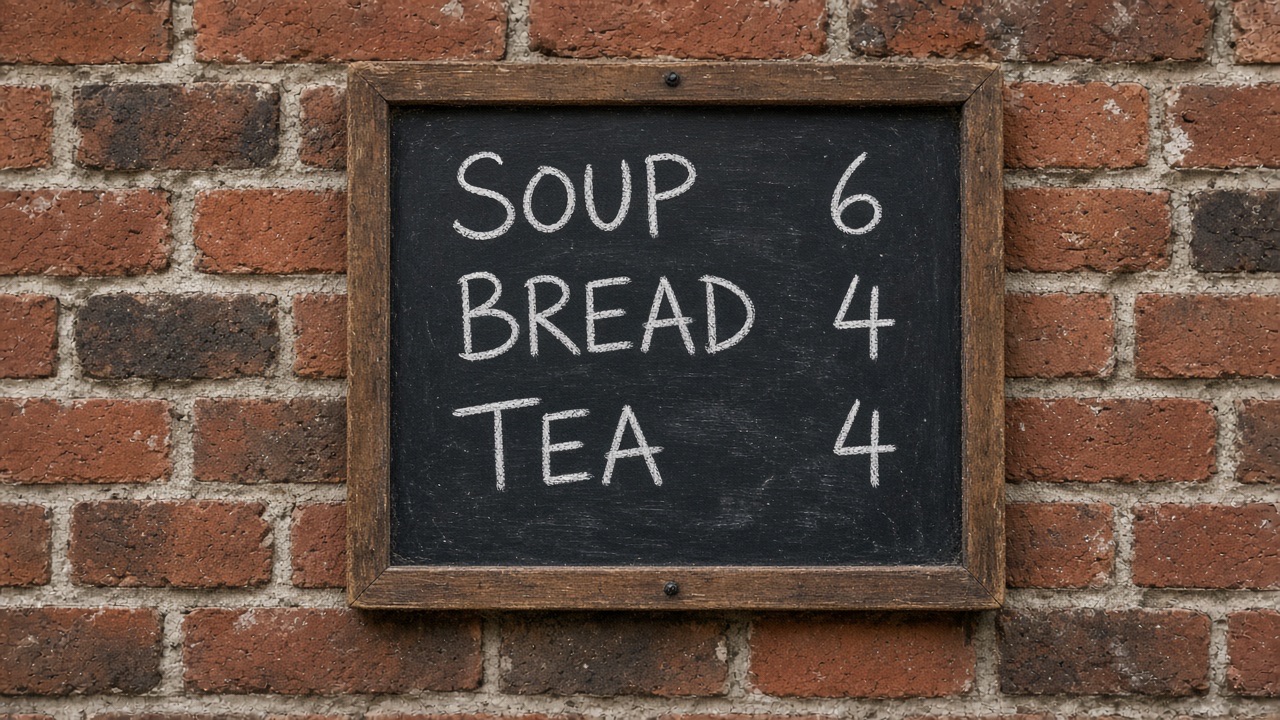
Chalk menu on a brick wall listing soup, bread, and tea
02
02

Text inside the image

Posters, menus, labels, and mockups can carry the actual wording, including another language. Paste the final line and say where it sits. Proof every character at output size; rebuild prices and legal lines in a design file before they ship.

Set the wording
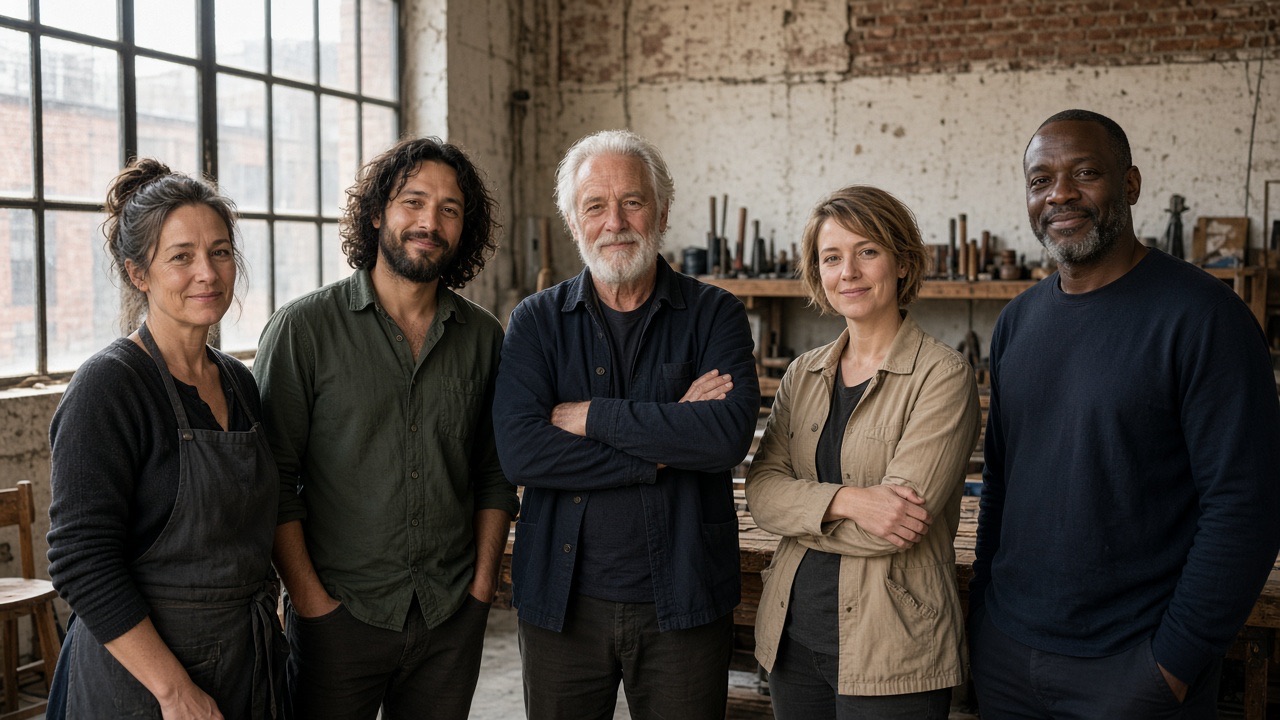
Five adults standing together in a sunlit workshop
03
03

Several references, one frame

This workspace accepts up to eight source files. One can hold a person, another a product, another the room or the look. Say which file controls which part. Conflicting clothes, lenses, or light across those files is a common reason a face or object drifts.

Add references
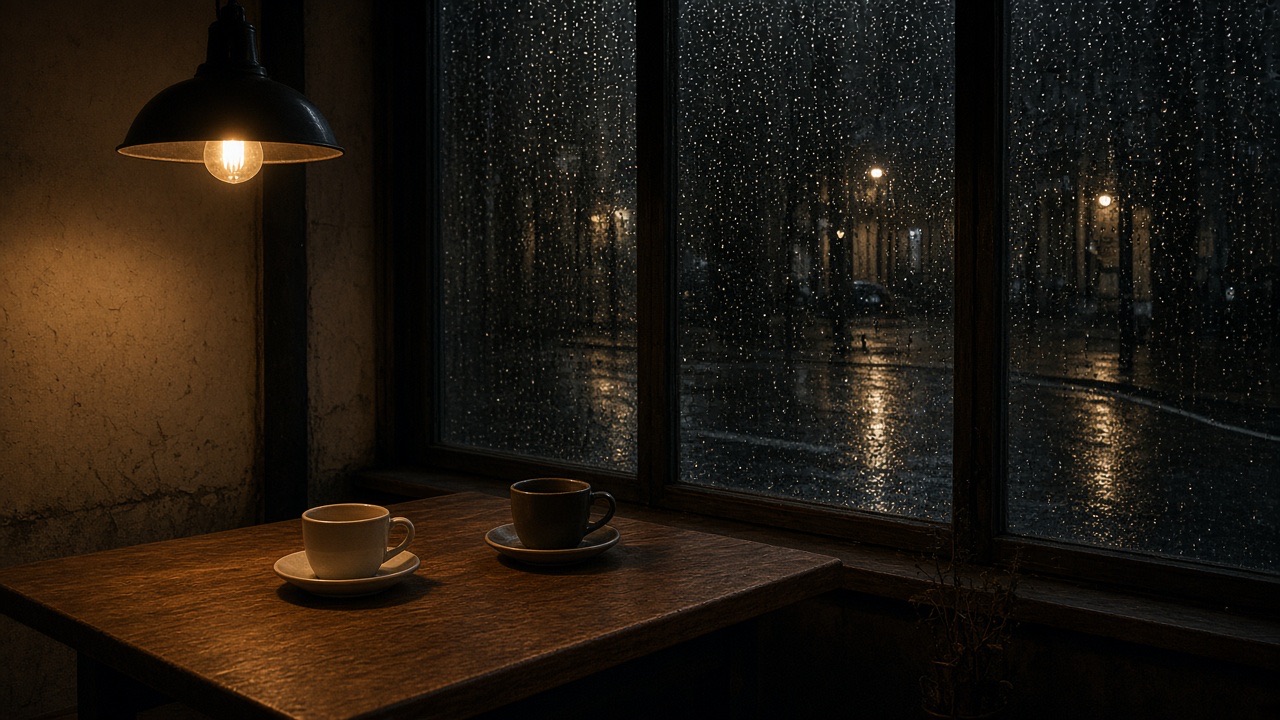
Closed cafe table at night with one lamp and rain on the window
04
04

Light, camera, and local edits

On an uploaded still, ask for one change: day to night, a lower camera, a tighter focus, a color grade, or a replaced object. Name what must stay: identity, product shape, crop, or the words already in the frame. Check the untouched area as carefully as the edit.

Edit a source
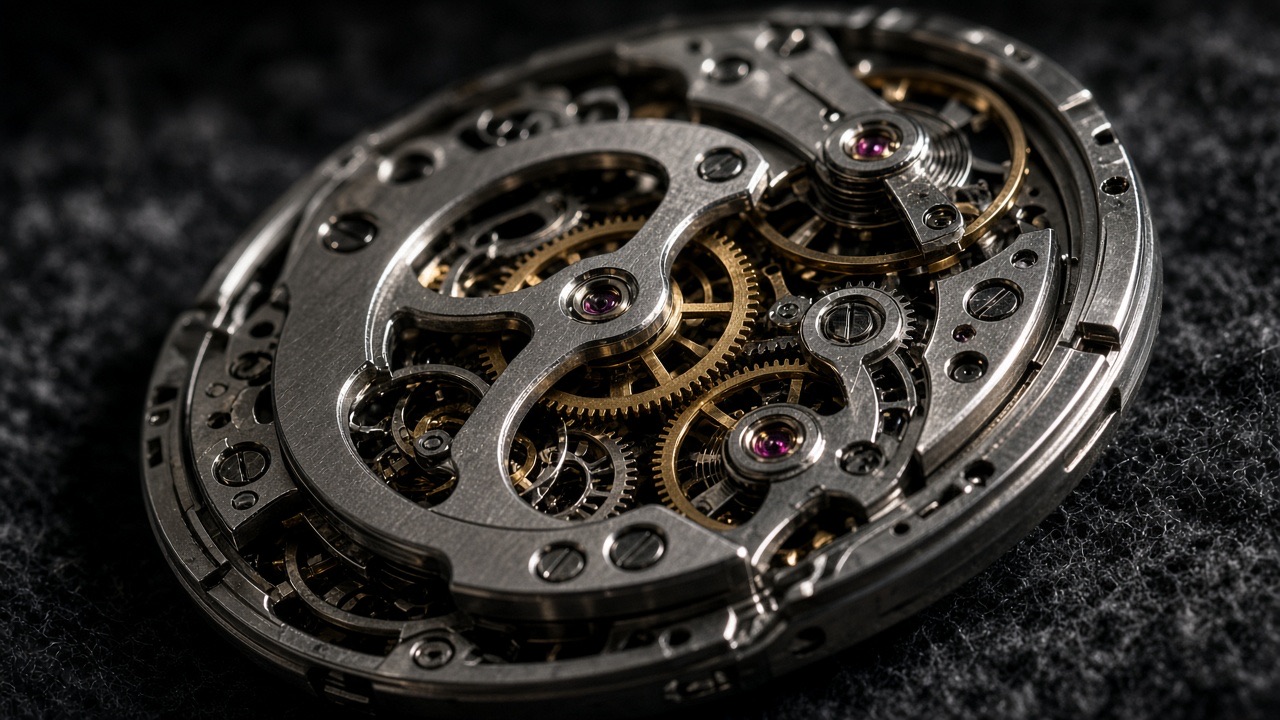
Macro photograph of an unbranded mechanical watch movement
05
05

1K, 2K, and 4K

1K is enough to judge the first frame. 2K covers most on-screen use. 4K leaves more room for crop and small detail. Set the ratio before a long prompt. This page includes square, portrait, landscape, 21:9, and auto. Look at type and edges at the size you will use.

Choose a size

How to use it

The three steps follow the controls in the workspace on this page.

01

Choose text or a source image

Stay on Text to Image when the prompt describes the whole still. Switch to Image to Image when a file must stay recognizable, then upload the references. JPEG, PNG, and WebP are accepted, up to eight files.

02

Write the result, then set the frame

Name the subject, the scene, any exact wording, and what must not change. After the prompt, set aspect ratio, 1K, 2K, or 4K, and PNG or JPG. The prompt field on this model stops at 10,000 characters.

03

Generate, then check one issue

Sign in and run the still. Look at type, faces, product shape, and anything that was supposed to stay fixed. Change one problem in the next prompt instead of rewriting the whole brief.

Start generating

Compare with other image models

Match the task to the controls on each page. These are differences in workflow, not a ranking.

CapabilityNano Banana ProNano Banana 2GPT Image 2.5
In-image textParagraphs, other languagesHeadlines and labelsPosters and UI copy
References8 files, 30 MB14 files, 30 MB16 files, 30 MB
EditsCamera, light, local editsPrompt edits, more filesTransparent background
Output1K, 2K, 4K; PNG or JPG1K, 2K, 4K; PNG or JPG1K, 2K, 4K
RatiosThrough 21:9, plus autoAlso ultra-wideSome ratios stay at 1K

Explore more AI image models

Open another model page when you need a different mix of speed, references, or editing.

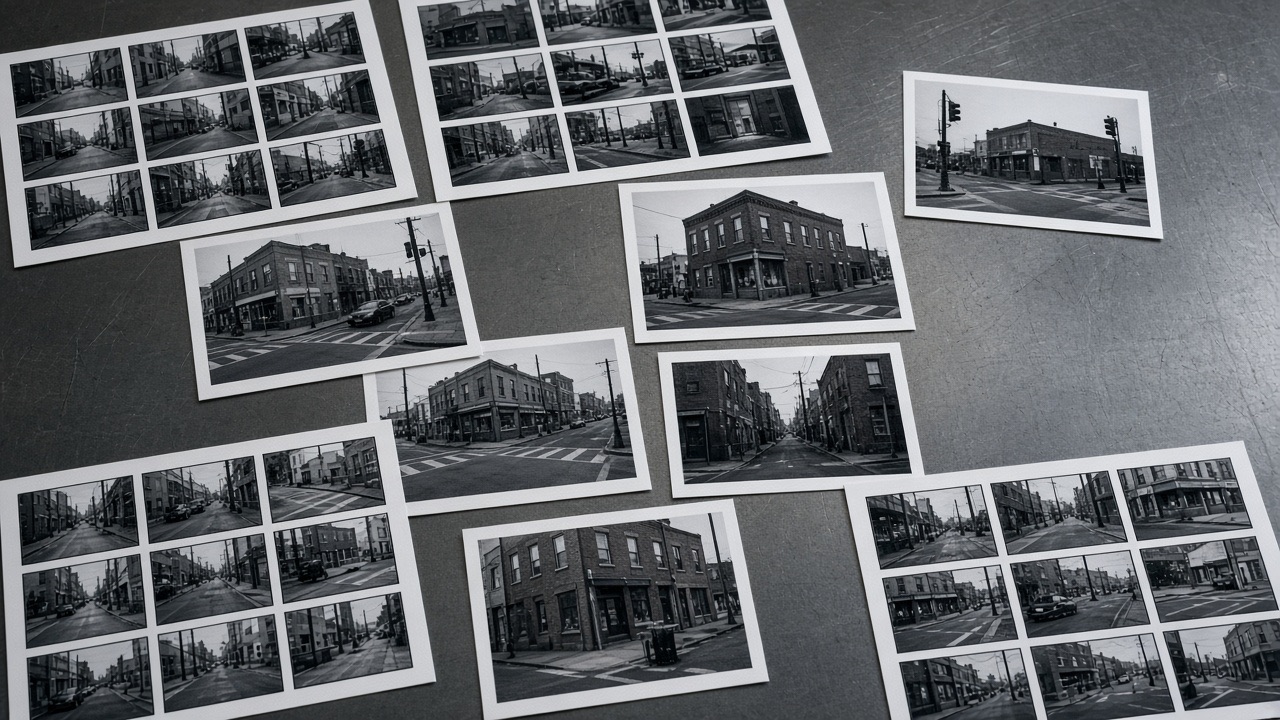
Contact sheets of street photographs spread on a steel table

Nano Banana 2

Faster general stills, more reference slots, and ultra-wide ratios.

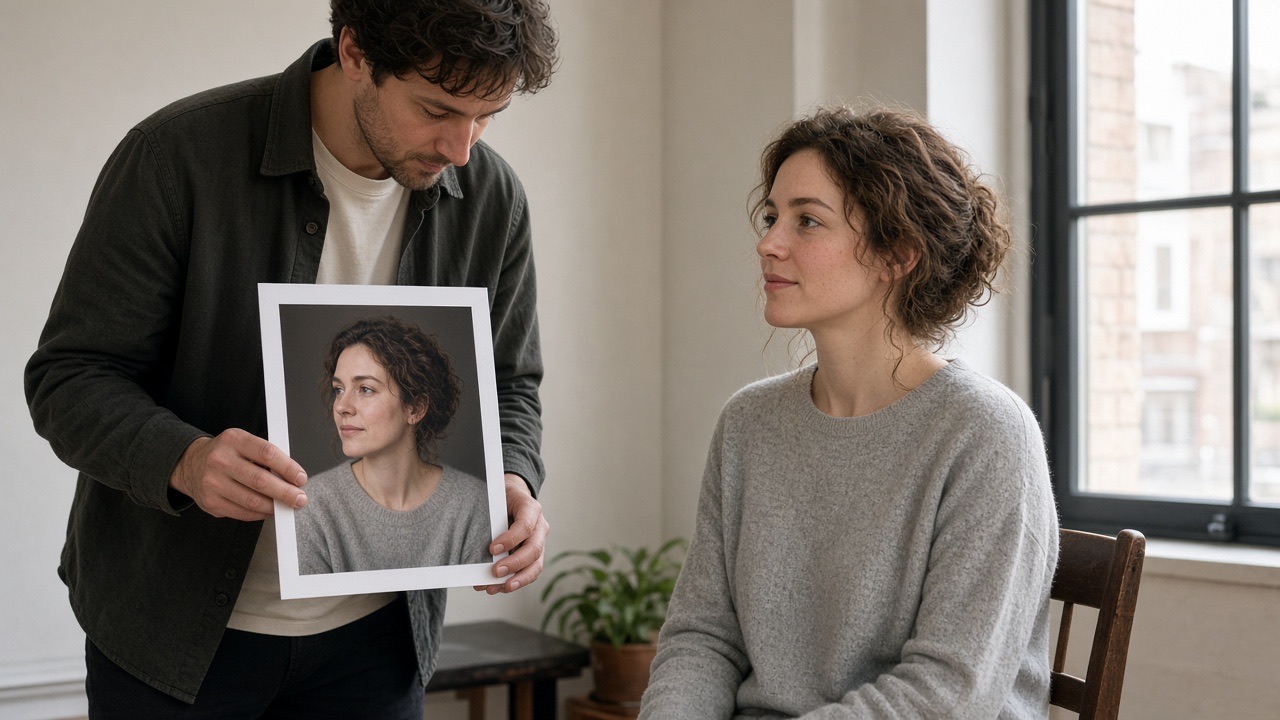
Photographer comparing a printed portrait with the sitter

GPT Image 2.5

Reference edits, type-led stills, and an optional transparent background.

Unbranded notebook and pencil on a pale oak desk

GPT Image 2

Prompt stills and reference edits, with up to 16 source files.

Explore more AI tools

Draft a still, revise a source, or carry a frame into video.

Potter shaping a clay bowl on a wheel in daylight

Text to Image

Write the subject, light, and frame, then generate a still.

Unbranded shop interior with shelves being rearranged

Image to Image

Upload a source and describe the change that should stay limited.

Cyclist in a plain jacket riding through a sunlit puddle

Image to Video

Use an accepted still as the first frame, then describe the motion.

Frequently asked questions

What the model does, and what this page actually offers.

What is Nano Banana Pro?

An image generation and editing model. You give it text, and optionally images, and it returns a still. Typical work is a diagram, a poster with real wording, a scene built from several references, a lighting or camera change, or a 1K to 4K file.

What is Nano Banana Pro good at?

Stills where layout, type, or a source image has to stay under control: infographics, mockups, menus, localized packaging, and product or group scenes assembled from references. Nano Banana 2 is the page for frequent drafts and wider ratios.

Can Nano Banana Pro edit an existing image?

Yes. Switch this page to Image to Image, upload the source, and state the change plus what must remain. You can ask for a new background, light, focus, color, object, or line of text. This workspace takes up to eight JPEG, PNG, or WebP files.

Can Nano Banana Pro put readable text in an image?

Yes. Put the exact words in the prompt and say where they sit. It can also replace the language of text already in a source image. Check spelling, numbers, and line breaks at full size before you use the file.

How do I try Nano Banana Pro on this page?

The workspace at the top is the trial. Pick Text to Image or Image to Image, write the prompt, set ratio and 1K, 2K, or 4K, then sign in to generate. Credits apply. Treat the first still as a draft.

Which Nano Banana Pro modes does this page support?

Text to image and image to image. Controls are the prompt (up to 10,000 characters), up to eight references, aspect ratio including 21:9 and auto, resolution at 1K, 2K, or 4K, and PNG or JPG.

Use this model on Seedance

Keep the prompt, references, ratio, and resolution in the workspace on this page. Download the still you accept, or send that frame into image to video when the next step is motion.

Landscape print lying on a pale oak table in daylight