Seedance 2.5 Flash AI Video Generator

A 30-second story about delivering a letter in a seaside town, generated with Seedance 2.5 Flash.

What Is Seedance 2.5 Flash?

Seedance 2.5 Flash generates 4–30-second videos with sound at 480p or 720p. Start with text, a first frame, a pair of first and last frames, or multimodal references. Each request accepts up to 10 images, 5 videos and 5 audio clips. At the same resolution and length without a reference video, Flash costs about half as many credits as Seedance 2.5 on this site.

Generated with Seedance 2.5 Flash.

Turn a Prompt Into a Scene

Describe the subject, action and setting in a few words. This four-second example follows a paper boat drifting through a rain-soaked street at dusk. Choose a fixed length from 4 to 30 seconds or let Auto set it.

Generated with Seedance 2.5 Flash.

Camera Movement You Can Describe

Name the starting view and describe how the camera moves. In this example, the camera pulls back from the violinist's hands to reveal the performer and the wet street around him.

Generated with Seedance 2.5 Flash.

Connect Two Keyframes

Set the opening and closing images, then describe the movement or change between them. Here a lakeside cabin shifts from summer daylight to a snowy night. The two stills beside the clip show the source frames.
How to Use Seedance 2.5 Flash

Seedance 2.5 Flash is already selected in the generator above. Three steps take you from an idea to a saved clip.

  1. Choose an Input Mode

    Stay in text-to-video for a written scene, or switch to image-to-video to upload a first frame, a first and last frame, or reference images, videos and audio.

  2. Set Length, Ratio and Resolution

    Pick 480p for quick drafts or 720p for delivery, choose an aspect ratio, and set a duration from 4 to 30 seconds or choose Auto. The credit cost updates before you submit.

  3. Generate and Compare

    Preview the result, adjust one detail at a time, and download the version you keep. Every finished clip is saved in My Creations.

Seedance 2.5 Flash Capabilities

Flash keeps the main Seedance 2.5 workflows and trims output resolution and reference volume, which keeps the cost per clip down.

A greenhouse conversation with dialogue and ambient sound generated alongside the picture.Generated with Seedance 2.5 Flash.

Expressive Performances

Prompts can direct facial expression, gesture and timing, so a close-up can carry a full emotional change within one shot.

Synchronized Sound

Audio generation is on by default, producing ambience, effects and dialogue with the picture. Switch it off when you plan to score the clip yourself.

Multimodal References

Combine up to 10 images, 5 videos and 5 audio clips, then name them in the prompt as @image1, @video1 or @audio1 to assign each one a role.

Motion from Reference Video

A reference video can guide choreography, pacing or camera movement while your images define who appears on screen.

Seven Aspect Ratios

Generate in 16:9, 9:16, 1:1, 4:3, 3:4 or 21:9, or use adaptive to follow an uploaded frame. Vertical clips are ready for short-video platforms.

First and Last Frame Control

Upload a start frame, or a start and end frame, to fix the composition at both ends of the clip. Frame-guided clips use the adaptive ratio of your images.

Seedance 2.5 Flash vs. Seedance 2.5 vs. Seedance 2.5 Mini

CriterionSeedance 2.5 FlashSeedance 2.5Seedance 2.5 Mini
Resolution480p, 720p480p, 720p, 1080p480p to 1080p
Duration4–30 s or automatic4–30 s or automatic4–15 s
References per requestUp to 10 images, 5 videos, 5 audio clipsUp to 30 images, 10 videos, 10 audio clipsImages only
SoundGenerated; can be switched offGenerated; can be switched offAlways generated
8 s at 720p on this site40 credits81 credits10 credits
Best suited toFrequent iteration and social deliveryFinal 1080p delivery and large reference setsShort, low-cost drafts

Seedance 2.5 Flash: Strengths and Limits

Reasons to Choose It

  • About half the cost of Seedance 2.5: Test more prompt variants with the same balance before committing to a final version.
  • The full 30-second range: Flash keeps the longer clip length of the 2.5 generation.
  • All input modes in one model: Text, frames, and image, video and audio references are all available.

Limits to Consider Before Creating

  • No 1080p output: Use Seedance 2.5 when a project needs a higher delivery resolution.
  • Smaller reference sets: Large character or product libraries may need to be split across requests.
  • Auto is billed for 30 seconds: Shorter clips receive no refund for unused seconds. Choose a fixed duration if you know the length you need.

Explore more AI tools

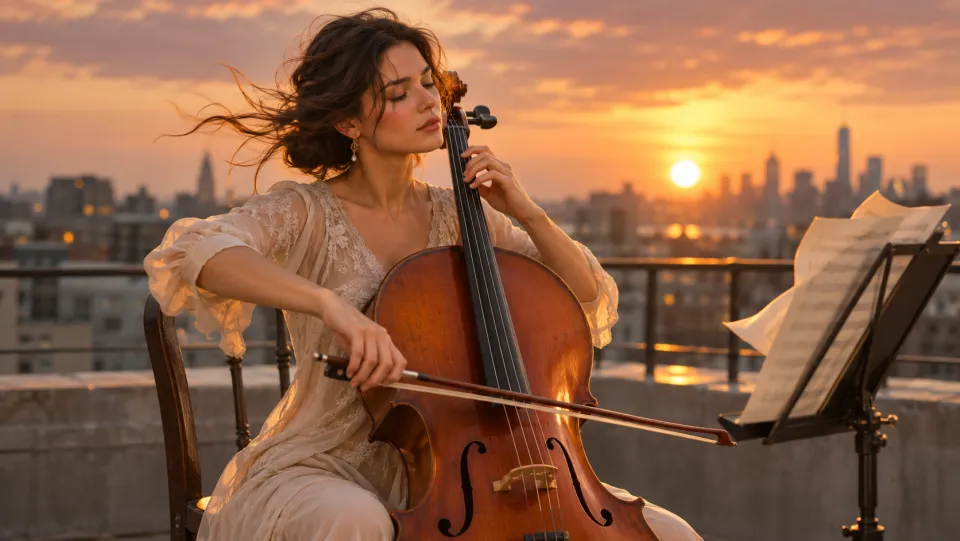
A cellist performing on a rooftop at golden hour
Video model

Seedance 2.5

Deliver final clips at up to 1080p with larger reference sets.

Explore
A paper hot-air balloon rising over a miniature village
Video model

Seedance 2.5 Mini

Sketch short video ideas from prompts and images at a low cost.

Explore
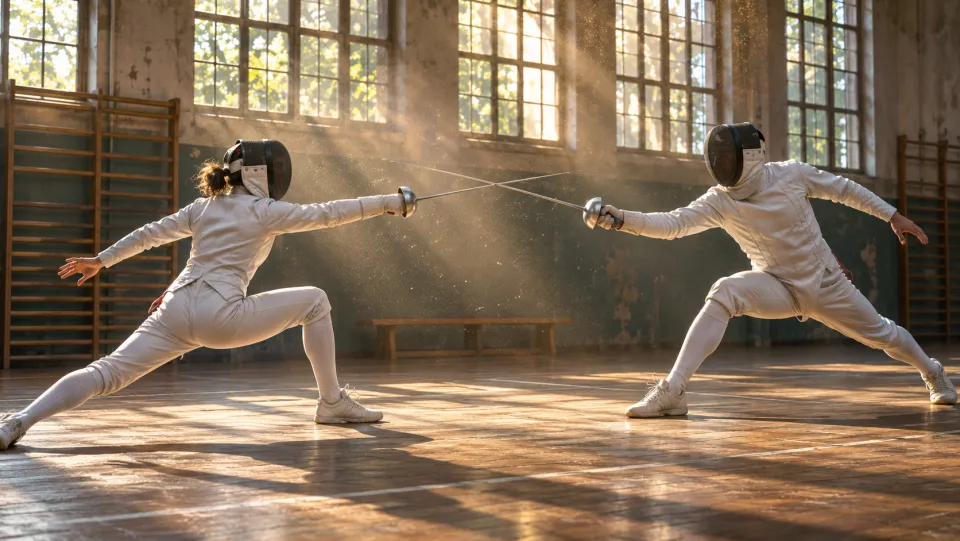
Two fencers lunging in a sunlit gymnasium
Video model

Seedance 2.0

Build connected shots from image, video and audio references.

Explore
A terracotta water bottle and lemons on sand-colored stone
Image tool

AI Image Generator

Create first frames and product images before animating them.

Explore

Frequently Asked Questions

Answers about Seedance 2.5 Flash inputs, output settings, credits and saved results.

Flash supports the same input modes and the same 4–30 second range, but it outputs only 480p or 720p and accepts fewer references per request: up to 10 images, 5 videos and 5 audio clips instead of 30, 10 and 10. On this site it costs about half the credits of Seedance 2.5 at the same resolution and length.

Choose 480p or 720p, and 16:9, 9:16, 1:1, 4:3, 3:4, 21:9 or adaptive. When you upload first or last frames, the clip uses the adaptive ratio of those images.

Choose any whole-second duration from 4 to 30 seconds, or choose Auto to let the model decide. Successful Auto generations are billed for 30 seconds of output, with no credit refund for unused seconds if the clip is shorter.

Without a reference video, a fixed 8-second clip costs 18 credits at 480p or 40 credits at 720p. Auto at 720p without a reference video costs 148 credits. With a reference video, billing adds its length to the billable output duration at a lower per-second rate. The generator shows the exact cost before you submit.

In image-to-video mode you can add up to 10 images, 5 videos and 5 audio clips. Each reference video or audio clip should be 2–30 seconds, with no more than 30 seconds in total per type. First and last frames cannot be combined with reference uploads in the same request.

Yes. Audio is generated with the video by default and can include ambience, effects and dialogue. Turn it off in the settings if you prefer a silent clip.

Flash requires a paid plan. New accounts can start with the free trial, which creates 4-second Seedance 2.5 Mini clips at 480p or 720p.

Every successful generation is stored in My Creations, where you can play it again or download it. If a generation fails, the credits are returned automatically.
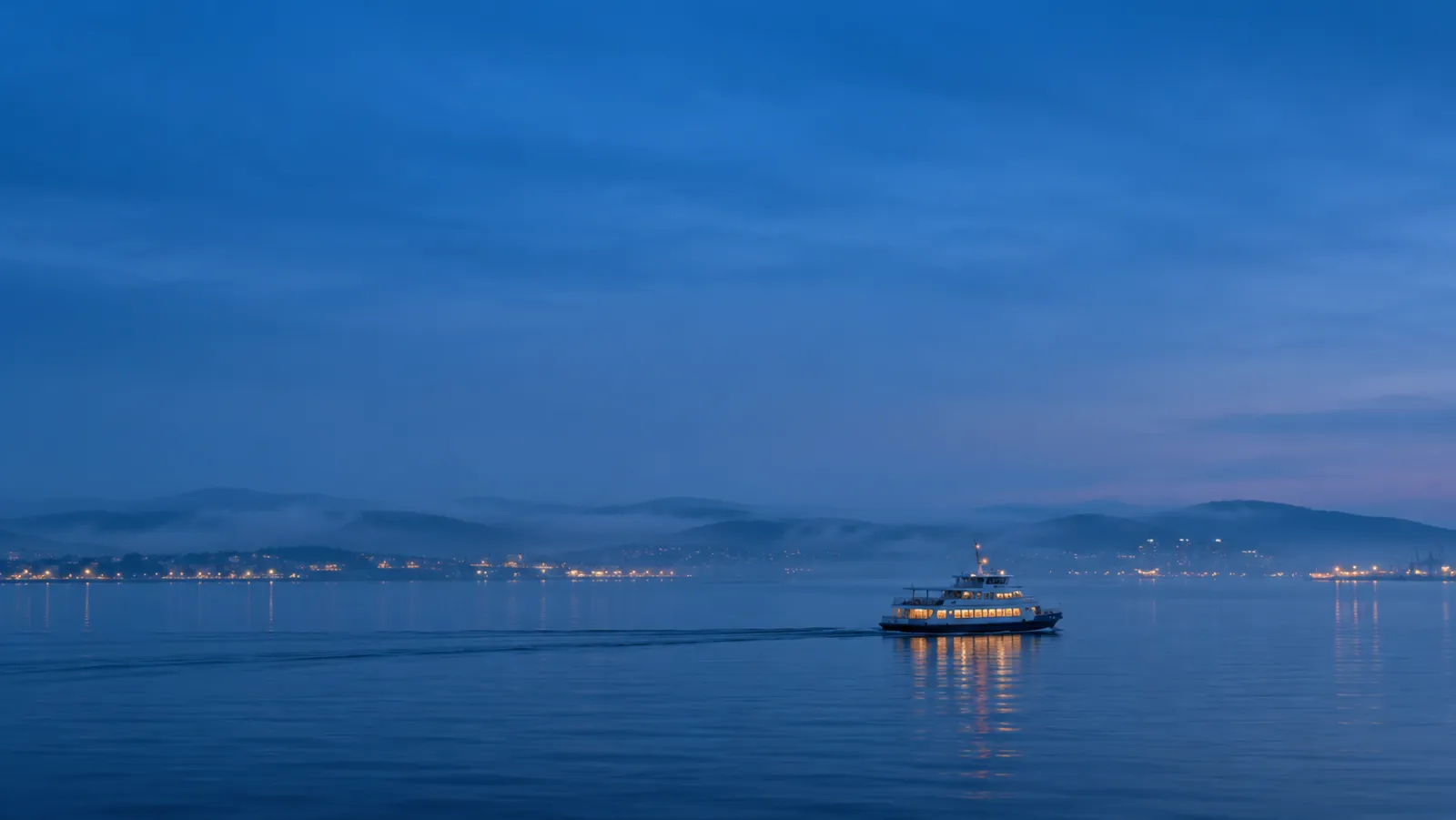
A small ferry crossing a calm harbor at blue hour

Start Iterating with Seedance 2.5 Flash

Seedance 2.5 Flash is already selected. Write a prompt or upload references, check the credit cost, and keep every result in My Creations.